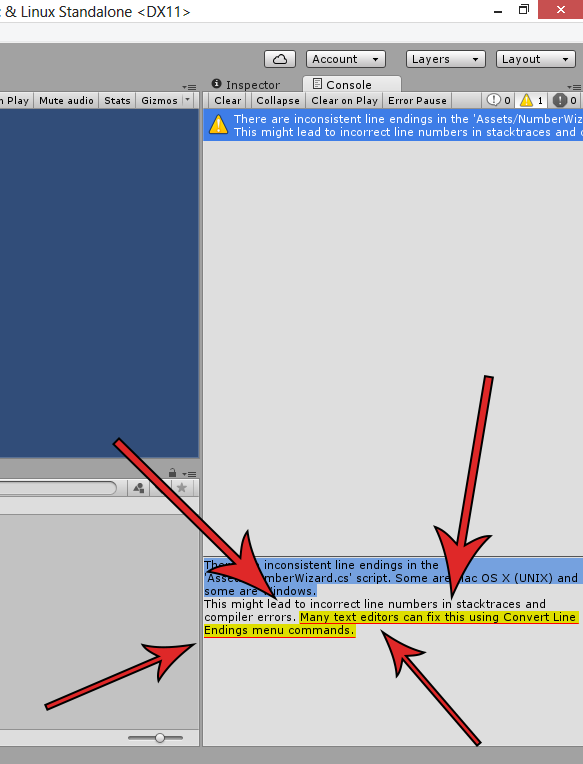
You’ll have to find a Linux equivalent, but as an example, you can open that referenced file in Notepad++ in Windows and use the Edit → EOL Conversions menu to change the end of line to be the right type. It’s just a warning so it’s not going to break anything but it is annoying. That file probably original has a /r/n line ending and just /r or /n line endings have been added, but it’s hard telling. The following image shows the conversion in notepad++