Ok, so I’m pretty new to Unity (2017.1.0f3) and its lighting system, but I’ve been through the documentation and a bunch of tutorials…still can’t figure out why I am getting this issue.
Basically, I must be doing something wrong with baking the lights, but can’t tell what’s causing this and how to fix it. Maybe someone out there can point me in the right direction?
When I play my scene before baking the lights, everything looks nice and the shadows work (like in the 3rd image). As soon as I hit Generate Lighting, I get this messed up result where it seems my meshes are cut up in pieces and each piece is lit up from a different angle?? (See picture 1+2).
I have 1 directional light in the scene and no other lightsources.


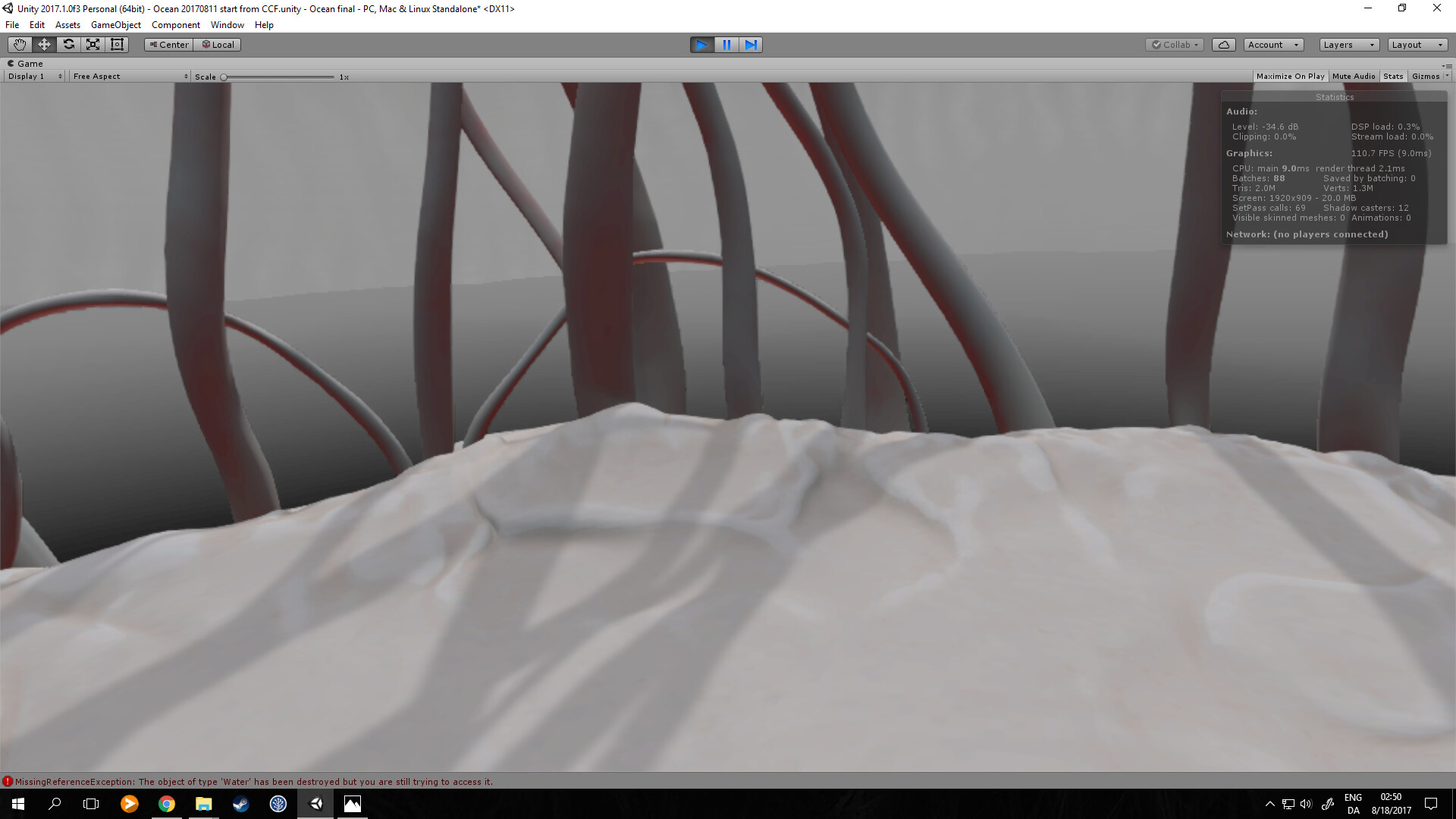
Why is this happening?