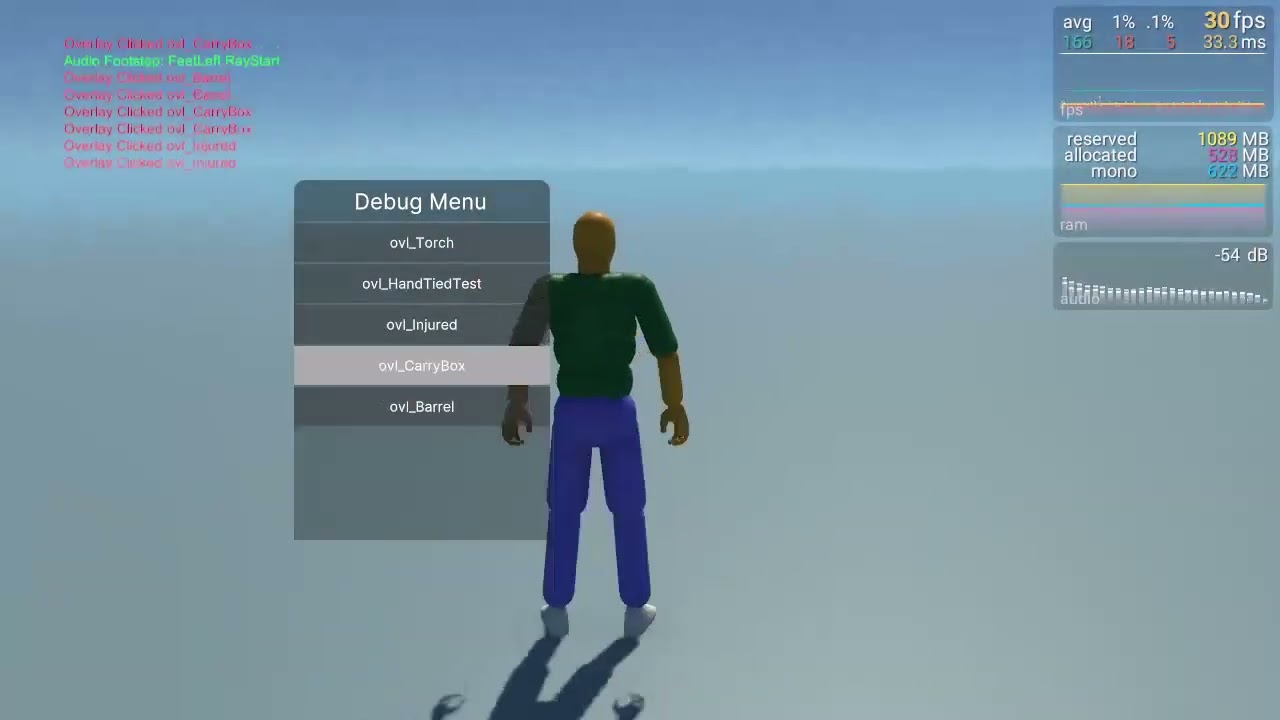
i created a system to play overlay animations, Those overlays have only one layer and I switch avatar masks at runtime depending on the overlay animation being played
video about the problem switching avatar mask parts using SetHumanoidBodyPartActive make the animation reset and jitter
Script to Replicate the behavior
[SerializeField] private AvatarMask OverrideLayerAvatarMask; // AvatarMask attached to the override layer
private bool isActive = true;
private void Update()
{
    OverrideLayerAvatarMask.SetHumanoidBodyPartActive(AvatarMaskBodyPart.Body, isActive);
    isActive = !isActive;
}
I tried to do this as well as a solution for idle vs. moving animations and I get the same bug. Frustrating. It appears we have to create multiple animation layers and duplicate the actions in a base layer and upper body layer.
I discovered a method to accomplish it. Here’s what I did: I saved the state of all the animator parameters, changed the mask, then rebind and restored the state. It works well, although I haven’t tested it yet in a multiplayer scenario.
I will check that out.
I also discovered a different way to do it that I like quite a bit. You can create a Sync layer, where on your mask layer (call it UpperBody layer) plays while moving, then create a new layer (FullBody layer). On FullBody layer, check the Sync box and assign it to the UpperBody layer. Then at runtime, you can adjust the layer weight depending on if you’re moving or not moving.
This accomplishes what I was after, and what’s great is by making something a Sync layer, it automatically duplicates all layer settings (animations, transitions, etc.) so you don’t have to populate them twice.