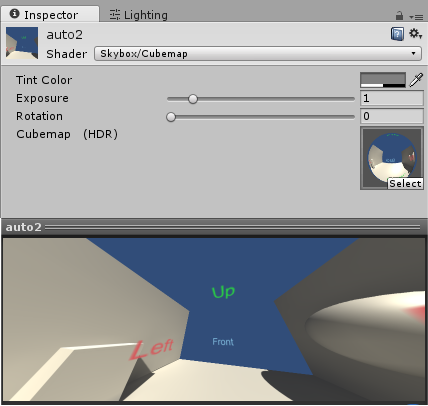
- I want to assign material to Sphere dynamically (via script). However this code does not work:
[MenuItem("My Scripts/Test")]
public static void MatTest()
{
    string path = AssetDatabase.GetAssetPath (Selection.activeObject);  // auto2 Skybox/Cubemap material selected
    Material mat = (Material)Resources.Load (path);
    GameObject go = GameObject.Find ("TestSphere");
    go.GetComponent<Renderer>().material = mat;
}
I am able to manually add this material to sphere however.
- I also tried to change following line:
Material mat=(Material)Resources.Load(path);
to:
Material mat=new Material(Shader.Find(“Skybox/Cubemap”));
mat=(Material)Resources.Load(path);
but it didn’t work either.
- Using sharedMaterial also does not work:
go.GetComponent().sharedMaterial=mat;