Hey,
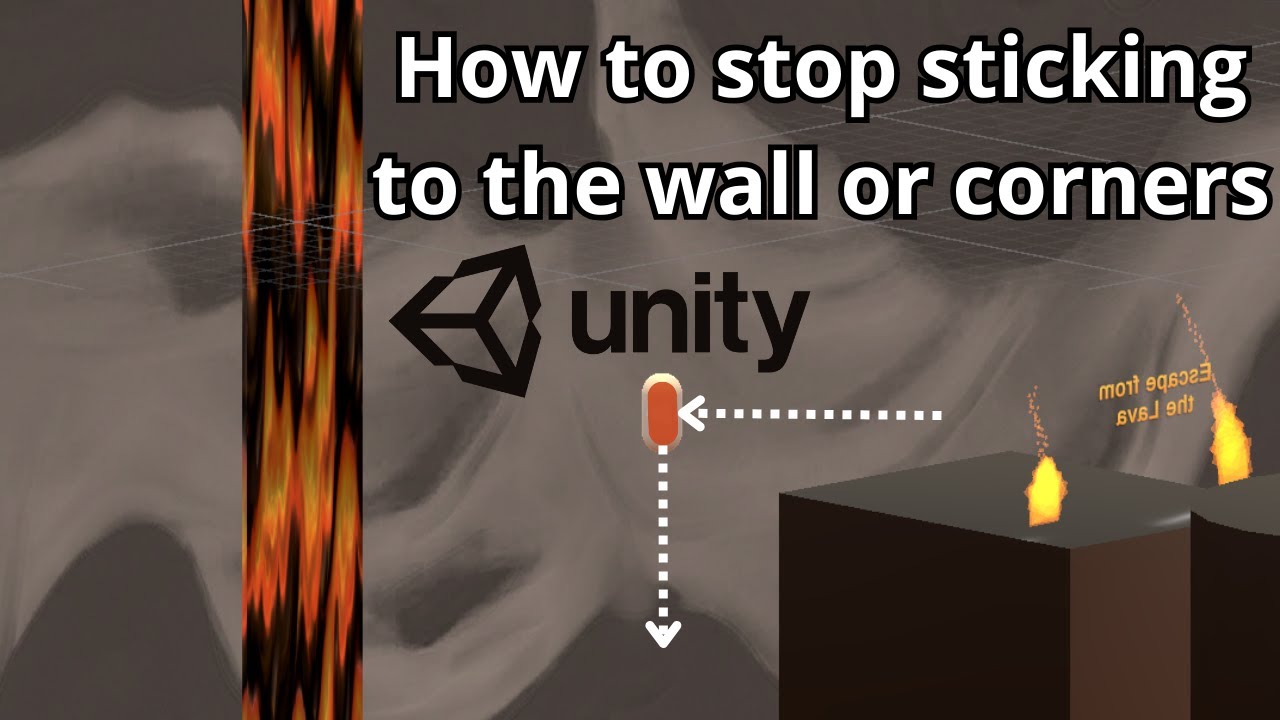
I have a weird issue where if I jump and hold the movement direction key of the direction I’m jumping in - the character just sticks to the wall. Only when I let go of the movement control, my character stops sticking to the wall. So is there a solution to this? From what I’ve read, I tried messing around with physical material - and had no luck. It was also suggested that i use Addforce, but the movement speed is too slow- so not desirable.
using System.Configuration;
using System.Runtime.InteropServices;
using UnityEngine;
using System.Collections;

public class TouchControlManagerWithJump : MonoBehaviour
{

    public GameObject leftController;
    public GameObject rightController;
    public GameObject jumpController;
    public GameObject playerFinder;


    // Use this for initialization
     void Start()
    {
        //We assign Left and Right GuiTextures to leftController and rightController
        leftController = GameObject.Find("Left");
        rightController = GameObject.Find("Right");
        jumpController = GameObject.Find("Jump");
    }

     void FixedUpdate()
    {
        //We assign our main player to playerFinder
        playerFinder = GameObject.Find("pig_test");


        //Here we create a variable that checks if the player is grounded
        var groundCollisionDet = playerFinder.GetComponent<PlayerGroundDetector>().playerIsGrounded;

        //Creating touch controls
        if (Input.touches.Length > 0)
        {
            for (int i = 0; i < Input.touchCount; i++)
            {
                //setting right touch movement
                var touch = Input.GetTouch(i);
                if (this.rightController.guiTexture.HitTest(Input.GetTouch(i).position))
                {
                    if (touch.phase != TouchPhase.Ended && touch.phase != TouchPhase.Canceled)
                    {
                        if (groundCollisionDet == true)
                        {
                            /*
                            old controls with acceleration
                            playerFinder.rigidbody.AddForce(Vector3.right*10, ForceMode.Acceleration);
                            playerFinder.rigidbody.velocity = Vector3.ClampMagnitude(playerFinder.rigidbody.velocity, 10f);
                            */

                            //Create a vector 3 and attach playerfinder's rigidbody.velocity to it. Giving it a value.
                            Vector3 playerRight = playerFinder.rigidbody.velocity;
                            playerRight.x = 3;

                            //Assigning playerRight to playerfinder
                            playerFinder.rigidbody.velocity = playerRight;

                            //Player faces the direction it's moving
                            playerFinder.rigidbody.rotation = Quaternion.LookRotation(Vector3.left);


                        }

                        else if (groundCollisionDet == false)
                        {
                            Vector3 playerRightAir = playerFinder.rigidbody.velocity;
                            playerRightAir.x = 3;
                            playerFinder.rigidbody.velocity = playerRightAir;


                            playerFinder.rigidbody.rotation = Quaternion.LookRotation(Vector3.left);
                            //playerFinder.rigidbody.AddForce(Vector3.right * 5, ForceMode.Acceleration);


                        }


                    }


                    else if (touch.phase == TouchPhase.Ended)
                    {
                        playerFinder.rigidbody.rotation = Quaternion.LookRotation(Vector3.forward);

                    }

                }

                else if (this.leftController.guiTexture.HitTest(Input.GetTouch(i).position))
                {
                    if (touch.phase != TouchPhase.Ended && touch.phase != TouchPhase.Canceled)
                    {

                        if (groundCollisionDet == true)
                        {
                            //We do the same here but this time we use '-3' so the player goes the opposite way
                            Vector3 playerLeft = playerFinder.rigidbody.velocity;
                            playerLeft.x = -3;
                            playerFinder.rigidbody.velocity = playerLeft;

                            playerFinder.rigidbody.rotation = Quaternion.LookRotation(Vector3.right);

                        }

                        else if (groundCollisionDet == false)
                        {
                            Vector3 playerLeftAir = playerFinder.rigidbody.velocity;
                            playerLeftAir.x = -3;
                            playerFinder.rigidbody.velocity = playerLeftAir;

                            //playerFinder.rigidbody.AddForce(Vector3.left*5, ForceMode.Acceleration);
                            playerFinder.rigidbody.rotation = Quaternion.LookRotation(Vector3.right);
                        }

                    }

                    else if (touch.phase == TouchPhase.Ended)
                    {

                        playerFinder.rigidbody.rotation = Quaternion.LookRotation(Vector3.forward);

                    }
                }


                else if (this.jumpController.guiTexture.HitTest(Input.GetTouch(i).position))
                {

                    if (touch.phase != TouchPhase.Ended && touch.phase != TouchPhase.Canceled)
                    {
                        if (groundCollisionDet == true)
                        {
                            Vector3 playerJump = playerFinder.rigidbody.velocity;
                            playerJump.y = 4;
                            playerFinder.rigidbody.velocity = playerJump;


                        }

                    }

                }


            }


        }


    }
}
So pretty much (in pseudocode) If (if raycastHittingwall && playerNotGrounded) { //disable this movement } So i would have two raycasts shooting out? One from back and the other from the front of the player?
– bruuDepends if your player 'rotates' by which I mean, if the player is always facing the way you want to move in you only need one ray that checks directly in front of him. If he's facing a wall close-up you disable the ability to move 'forward'. However if your player can walk both ways without facing any direction in particular, you should indeed raycast two seperate rays and disable that directions movement respectively.
– TurboHermitMy character does rotate, but it doesn't seem like the raycast rotates with the player.
– bruuThanks @Danzou, a simple solution to a simple problem I was having (in the Unity 2D Demo game no less). Beautiful.
– seansteezySame Problem! What did you do ?
– Sajalsh25