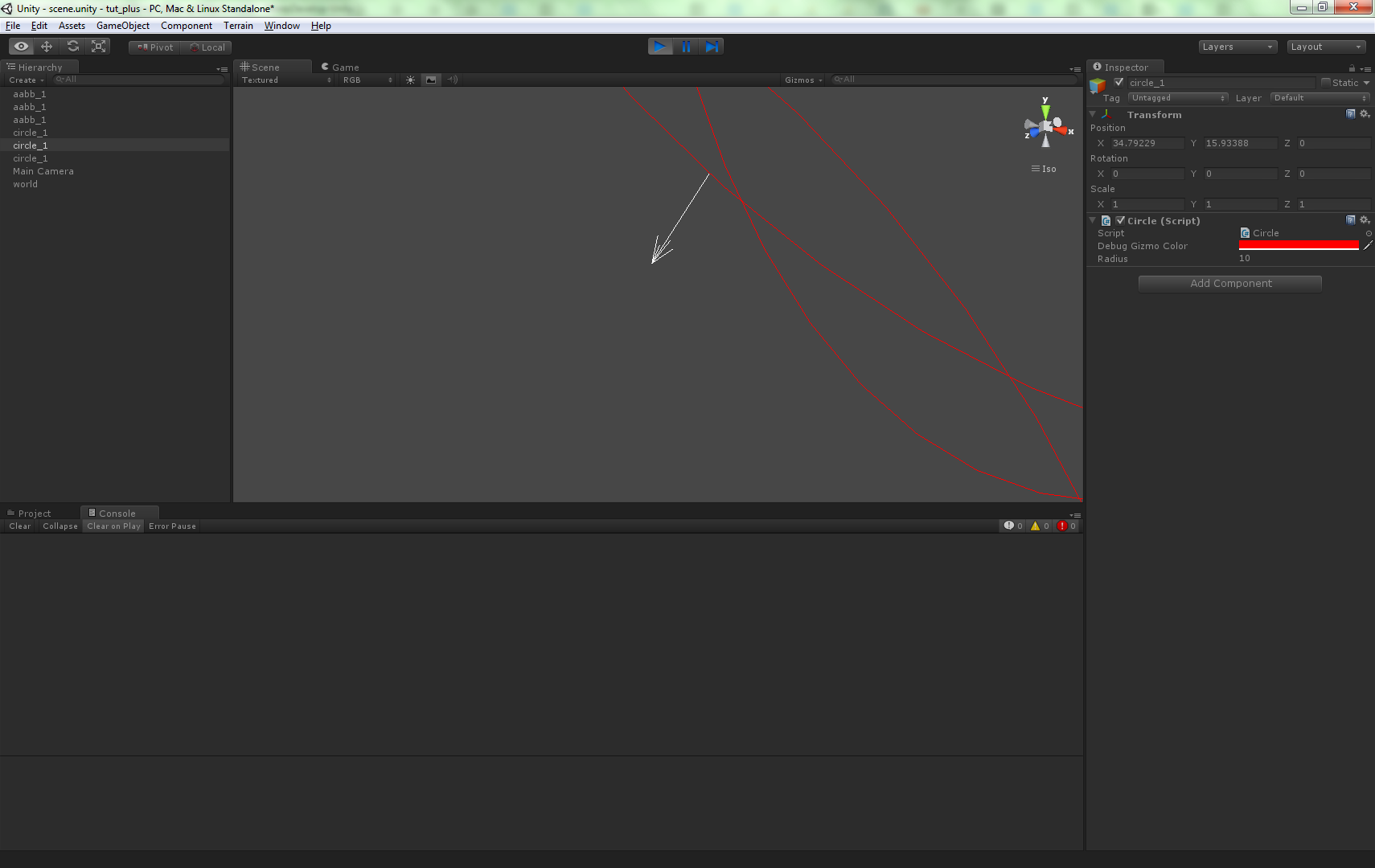
Did you ever wish there was a Debug.DrawArrow()? I did. Now I made one and I’d like to share it with you guys.
This is useful for showing debug of a direction.
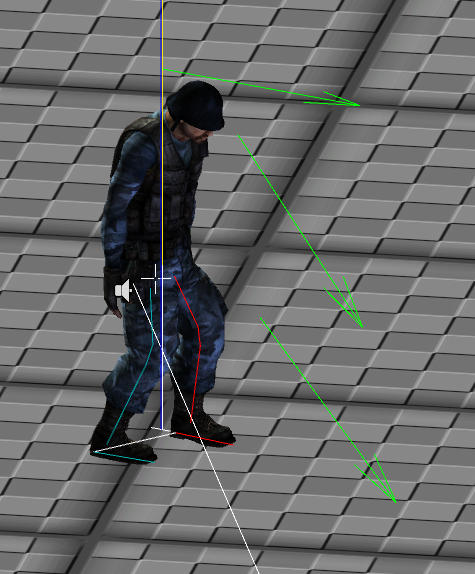
Visualizing head and camera rotation:
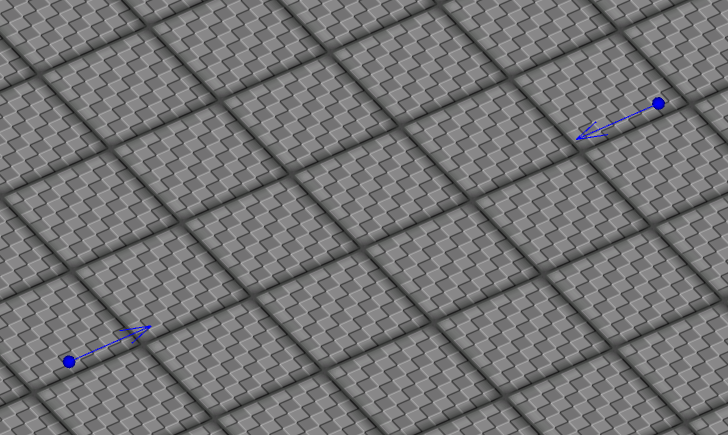
Visualizing spawn points:
using UnityEngine;
using System.Collections;

public static class DrawArrow
{
	public static void ForGizmo(Vector3 pos, Vector3 direction, float arrowHeadLength = 0.25f, float arrowHeadAngle = 20.0f)
	{
		Gizmos.DrawRay(pos, direction);

		Vector3 right = Quaternion.LookRotation(direction) * Quaternion.Euler(0,180+arrowHeadAngle,0) * new Vector3(0,0,1);
		Vector3 left = Quaternion.LookRotation(direction) * Quaternion.Euler(0,180-arrowHeadAngle,0) * new Vector3(0,0,1);
		Gizmos.DrawRay(pos + direction, right * arrowHeadLength);
		Gizmos.DrawRay(pos + direction, left * arrowHeadLength);
	}

	public static void ForGizmo(Vector3 pos, Vector3 direction, Color color, float arrowHeadLength = 0.25f, float arrowHeadAngle = 20.0f)
	{
		Gizmos.color = color;
		Gizmos.DrawRay(pos, direction);

		Vector3 right = Quaternion.LookRotation(direction) * Quaternion.Euler(0,180+arrowHeadAngle,0) * new Vector3(0,0,1);
		Vector3 left = Quaternion.LookRotation(direction) * Quaternion.Euler(0,180-arrowHeadAngle,0) * new Vector3(0,0,1);
		Gizmos.DrawRay(pos + direction, right * arrowHeadLength);
		Gizmos.DrawRay(pos + direction, left * arrowHeadLength);
	}

	public static void ForDebug(Vector3 pos, Vector3 direction, float arrowHeadLength = 0.25f, float arrowHeadAngle = 20.0f)
	{
		Debug.DrawRay(pos, direction);

		Vector3 right = Quaternion.LookRotation(direction) * Quaternion.Euler(0,180+arrowHeadAngle,0) * new Vector3(0,0,1);
		Vector3 left = Quaternion.LookRotation(direction) * Quaternion.Euler(0,180-arrowHeadAngle,0) * new Vector3(0,0,1);
		Debug.DrawRay(pos + direction, right * arrowHeadLength);
		Debug.DrawRay(pos + direction, left * arrowHeadLength);
	}
	public static void ForDebug(Vector3 pos, Vector3 direction, Color color, float arrowHeadLength = 0.25f, float arrowHeadAngle = 20.0f)
	{
		Debug.DrawRay(pos, direction, color);

		Vector3 right = Quaternion.LookRotation(direction) * Quaternion.Euler(0,180+arrowHeadAngle,0) * new Vector3(0,0,1);
		Vector3 left = Quaternion.LookRotation(direction) * Quaternion.Euler(0,180-arrowHeadAngle,0) * new Vector3(0,0,1);
		Debug.DrawRay(pos + direction, right * arrowHeadLength, color);
		Debug.DrawRay(pos + direction, left * arrowHeadLength, color);
	}
}
The code works very much like DrawRay(), at the very least, it requires a position and direction. To specify length, multiply a number to your direction vector.