I am a beginner in game designing. I am trying to import my Model with textures applied from 3ds max to Unity. However , if i import .max files directly , textures are missing and i have to export them using ‘render to texture’ and apply it.
Whereas if i use FBX with Embed Media Option selected, textures are imported along with the models.
I feel importing .max files directly is lot easier since i could edit those files in 3ds max and see the changes in unity instantly, whereas in FBX , i have to export each and every time i make very minor changes.
How do i ‘embed media’ in .max files just like in FBX format.
or Is there a similar option for doing it?
I know , behind the scenes, that when i import .max files, they are actually imported as .FBX in unity . So how do i embed media in .max files?
Please help me. Its annoying too much to export the models each and every time for making a minor change.
Are your textures inside the Unity project and are the texture paths through max directed to the ones inside Unity? Also are you using the standard material inside of Max?
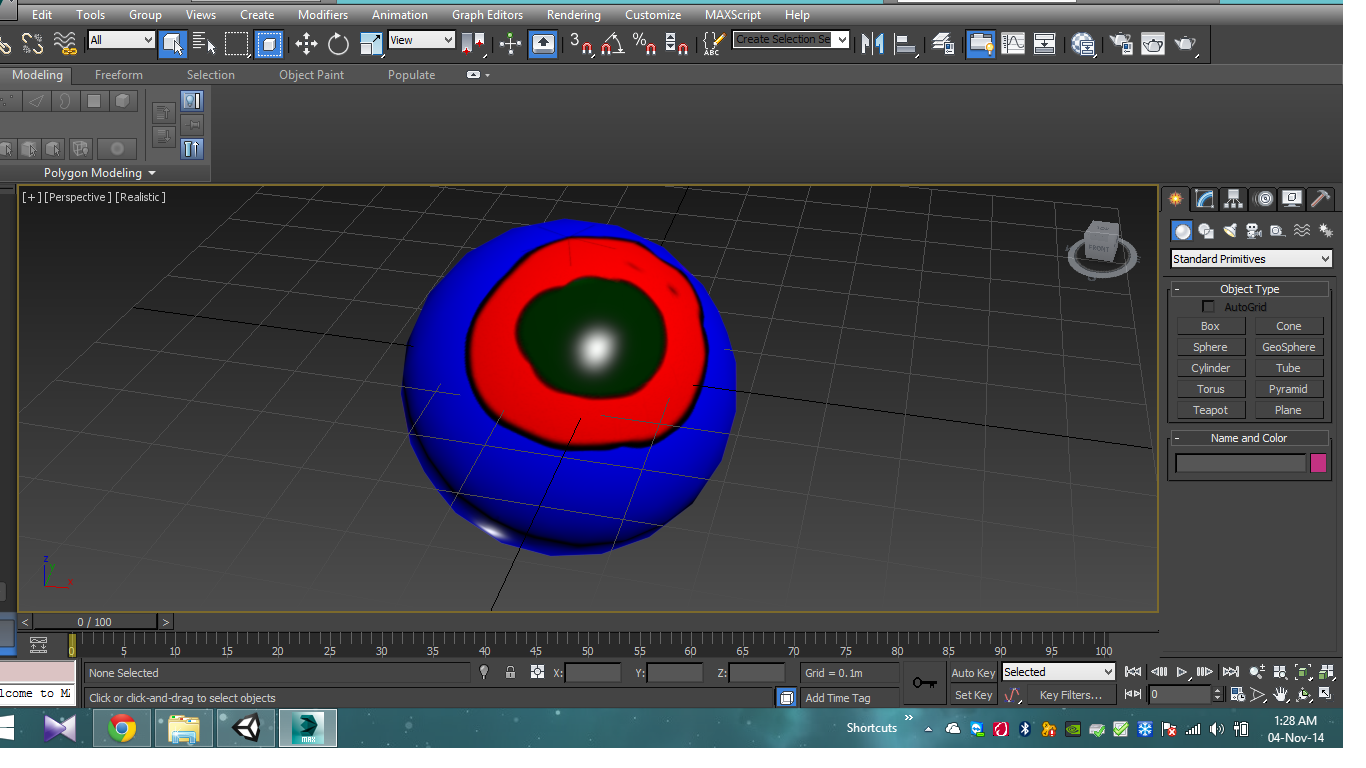
I painted the model (just a sphere) using viewport canvas of 3ds max and saved it. I got a single .max file. When i import it with unity, its creating a material folder with some default material. whereas in 3ds max, the textures are shown perfectly.
If the same sphere is exported with FBX, the texture i painted is shown perfectly. I have attached my max file also.
1834532–117642–box01.zip (26.3 KB)
The texture that should be saved out when you use the viewport canvas tool, is that inside the unity project folder? The textures you want Unity to read need to be inside Unity asset folder else it won’t be seen by Unity. The reason the fbx works is because the embed media feature of the fbx exporter creates a copy of your texture and saves it out for you to where you export your mesh.
Ohh… Please elaborate the method of importing using .Max files along with textures… How to save the texture created using viewport canvas? Please elaborate. I am a beginner.
If you are using the viewport canvas and not a external paint program, you should have been prompted with a create texture dialog before you began creating a texture. In the create texture dialog is where you would have set the size of the texture as well as where you wanted Max to save the texture to. If you don’t remember where you set it to save, open up the materials (M shortkey) and look for the path to where it is assigned under one of the channels like diffuse. Else re-save your texture by clicking the paintbrush in the viewport canvas. In the layers dialog pop up go the file and select save as psd or bitmap.
Once you know the location of your texture, drag and drop it into your Unity project. Then re-assign said texture from the unity project folder to your object in Max. Once your object’s material is reading the texture path from the unity project folder you should be able to load your maxfile into unity have the texture attached automatically.
I got it. Thank you. How about materials assigned via slate material editor. Should I place textures from render to texture method inside unity? Isn’t there any way to automate it? At least the automatically assigning naming as per unity convention? Like model name+texture name …
If you use render to texture make sure to set the output and material slot. Keep you materials as multi-subobject and standard materials. Naming them is something you probably would have to do manually unless you know maxscript and can automate the process.
To what extent 3ds Max is supported with unity??? Just the model, diffuse map , light map and animation ? It would be awesome if glass kind of mental ray things are supported.
Mental ray and Vray shaders are not supported by Unity. Mental ray and vray shaders are designed for production rendering and not for engines like Unity. You will need to design your own shaders or purchase some off of the asset store if you are trying to obtain a specific look that can not be obtained by using Unity’s default shaders.
3d engines like Max/Maya/blender are used to build, uv unwrap, and animate 3d assets in relation to engines like Unity. You can create the majority of your texture maps through max, but a lot of people on the forums here probably use a 3rd party software like photoshop/gimp/zbrush to create their maps. Particle effects will need to be built through Unity.