Okay, so I created a mini map using a seperate camera above the player that renders to a render texture. I play the game everything works as expected.
Then I enabled fog, and thats when the mini map didnt work anymore. The fog shows up on the second camera and I cannot figure out how to not have fog render in that camera.
I First added a script to my camera to turn off the fog render setting…
public class Camera_NoFog : MonoBehaviour
{
    private bool revertFogState = false;
    void OnPreRender()
    {
        revertFogState = RenderSettings.fog;
        RenderSettings.fog = false;
    }
    void OnPostRender()
    {
        RenderSettings.fog = true;
    }
but that did not solve the issue. I also have a sky camera in the scene for panning clouds and the script worked fine to not have the fog render on the clouds, but it did not work for the mini map camera. I am assuming that it perhaps has something to do with it rendering to a render texture but I am not sure.
I also tried different types of fog (Standard Fog, Global Fog component on the main camera, and also the post process bundle from the Unity Store). The Global Fog is completely broken on my machine…
I have searched the internet for this but have not found a solution that works.
Any ideas?
Here are some screenshots of my problem. First NO FOG…

WITH FOG
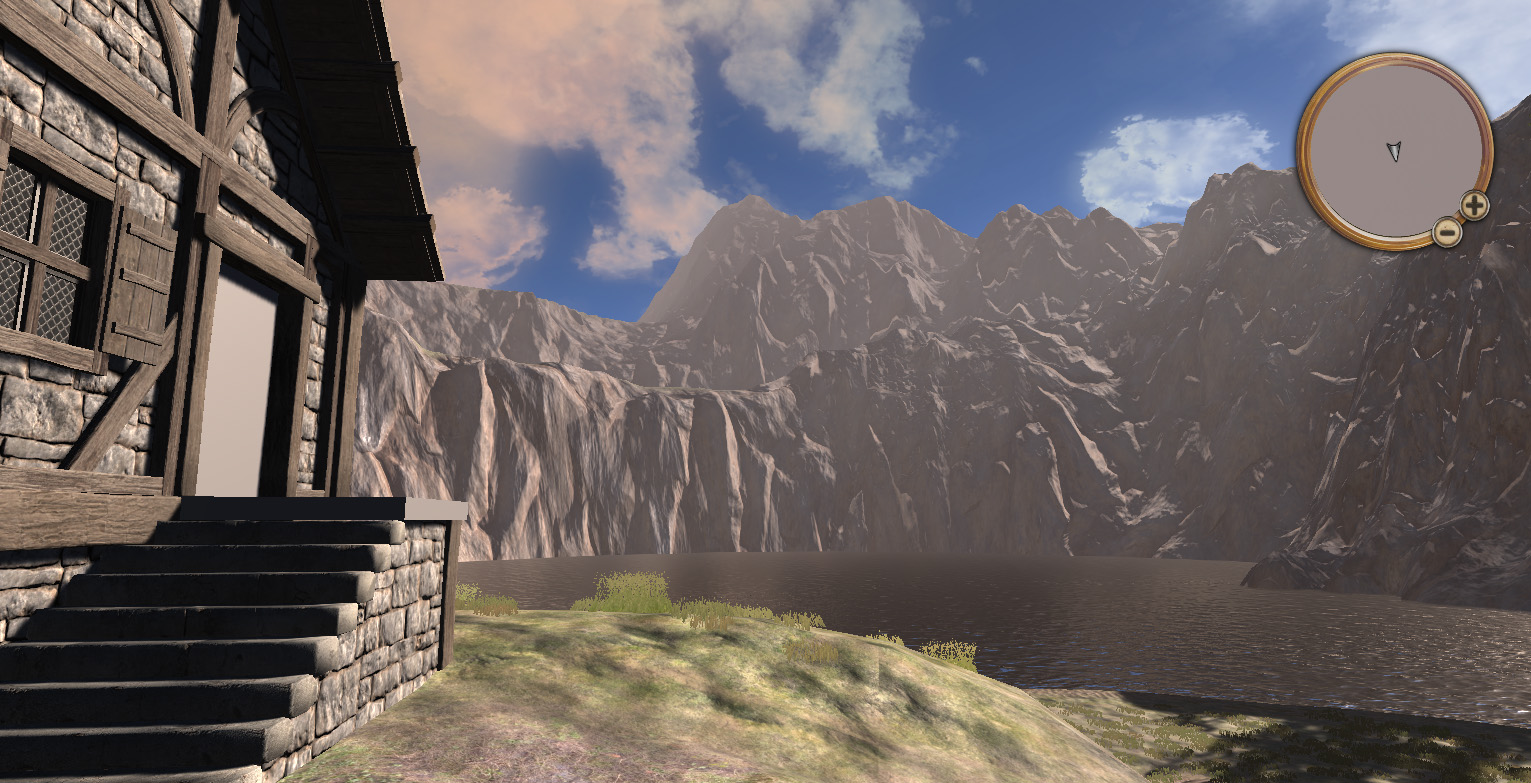
and the global height fog… Which didnt fix the minimap, but thought Id put the shot up anyway
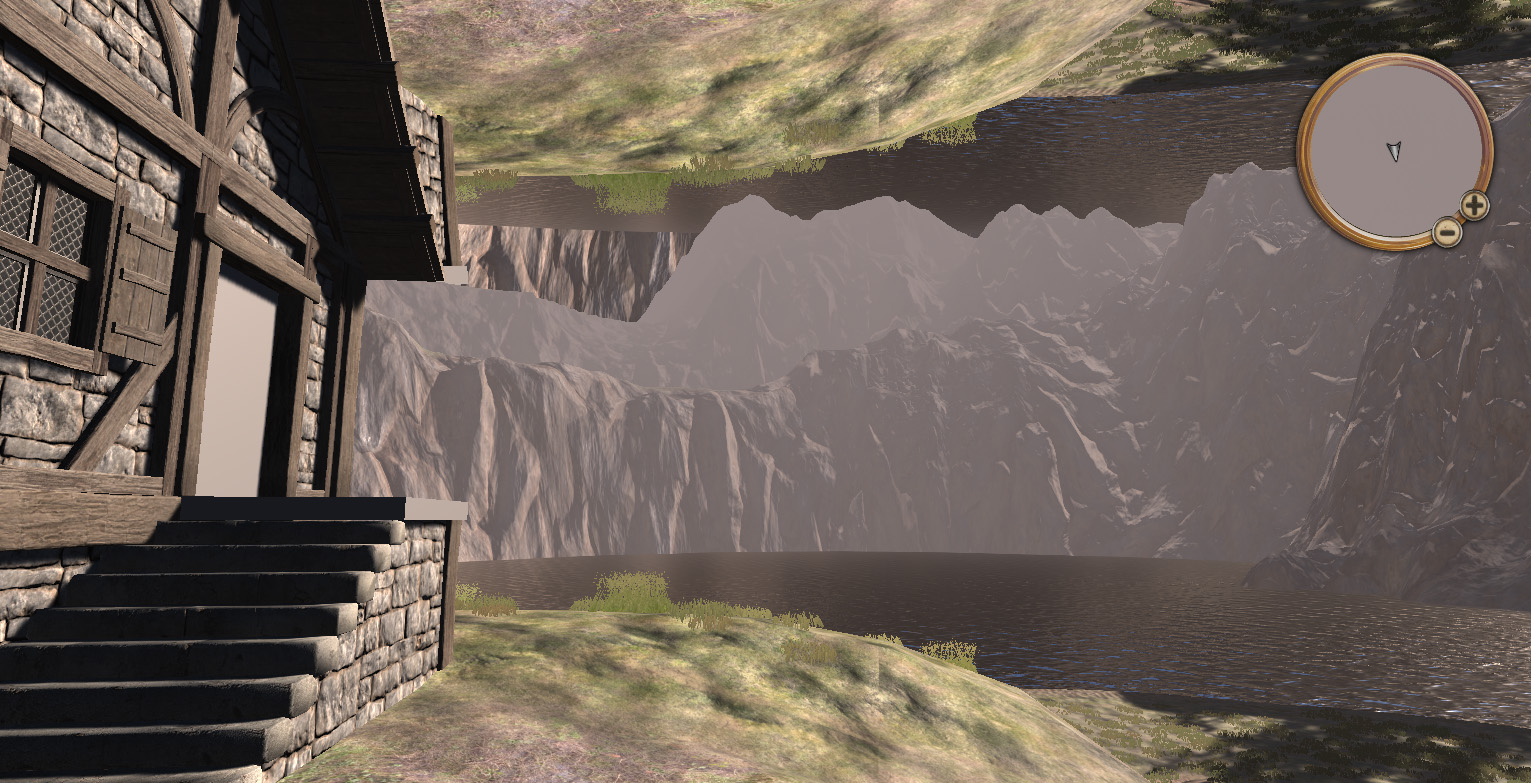
Thanks in advance,
Cade
