Hello everyone,
I’m new to Unity, but I’ve worked once before on it, and I spent a hell of time to change the rotation on a Robot’s axis (had to subtract the differences between old and new rotations).
Now I want to just retrieve the value I see on the editor, why do they make it so hard for us with Quaternions?
I want just to find a get() method to have this “z” rotation of my object.
I tried many solutions but with no avail! The closest I could get is this:
public GameObject robot;
public GameObject PP03_04;

void Start () {
        robot= GameObject.Find("robot");
        PP03_04 = GameObject.Find("PP03-04");
    }

void Update () {
dAxe3_t = ((double)(this.PP03_04.transform.rotation.eulerAngles.z))  ;
}
But, the value I get with this is different that the one I see on the editor.
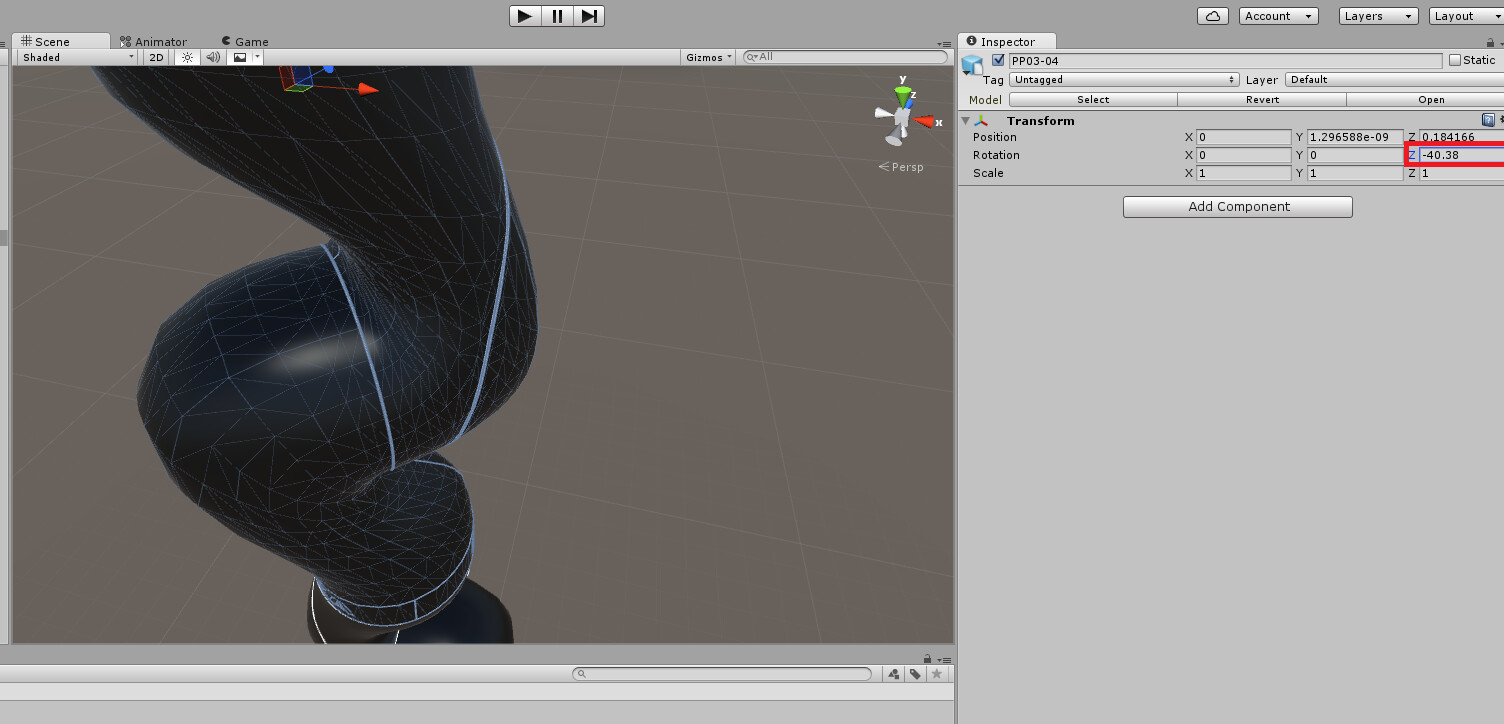
 I just had to change: