) for doing a Flappy Bird-game but I accidentally deleted it so I had to make it again. I’ve watched the tutorial over and over but can’t see what I’ve done differently. I’ve been going through the code the whole day but I just can’t get it!
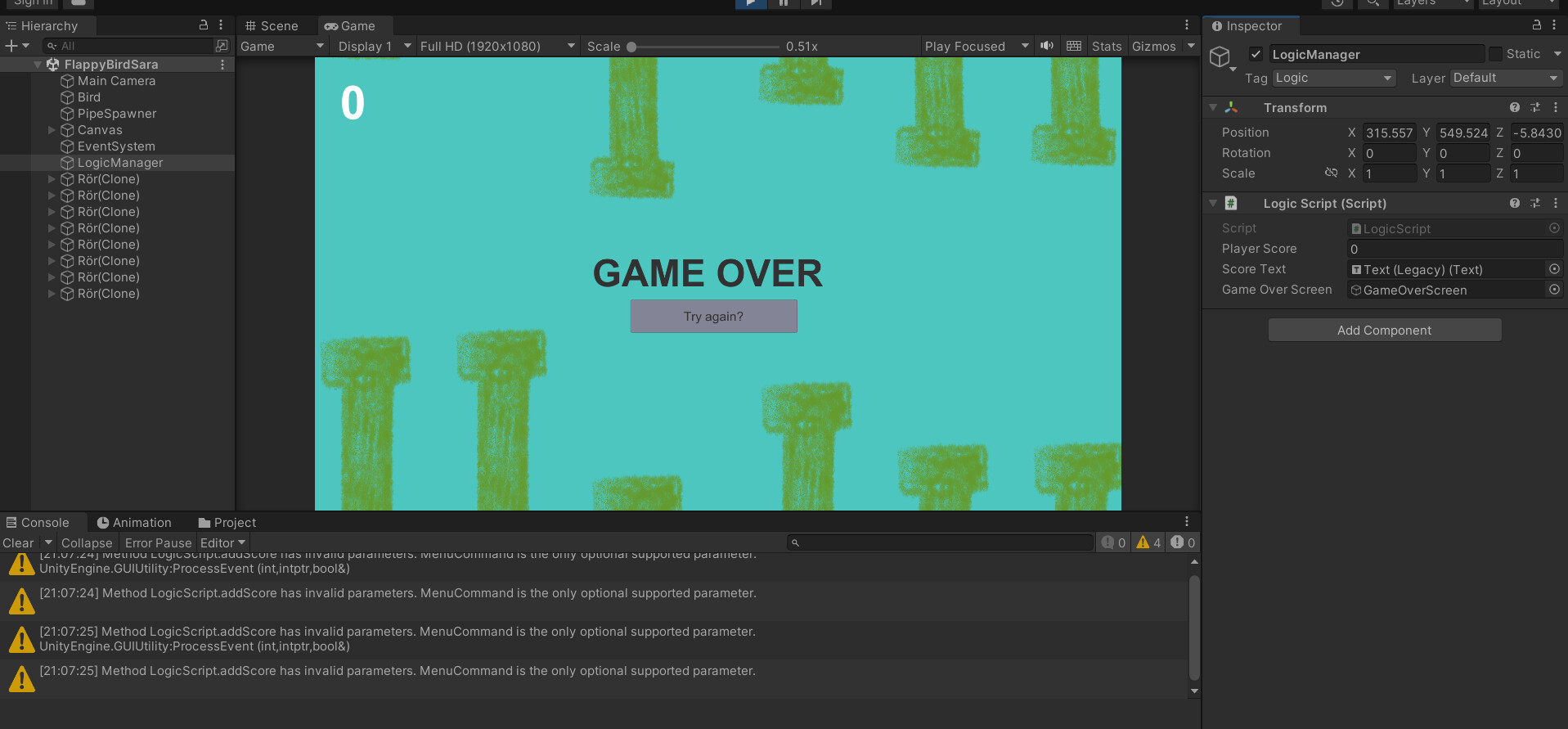
Last time I got the point system working just fine, but now I won’t get it to count up. I wan’t to display it in the context menu (as I did earlier) but it won’t show up and I get these errors (Method XX has invalid parameters. MenuCommand is the only optional supported parameter):
Well, the simple answer is the change he later does in the tutorial at 36:30 simply is not valid. A ContextMenu or MenuItem method can not have any arguments besides an optional MenuCommand argument. Your method now (after the addition of the int argument) requires the caller of that method to pass an integer value to the method. So it’s impossible for Unity and the context menu to call this method as there is no way to specify what argument should be passed to the method. So when you want to keep the int argument, you have to remove the context menu. If you want to have a context menu that adds 1 to the score, you have to create another method without any arguments and have it call your “addScore” method with the value of 1
[ContextMenu("Increase Score")]
public void AddOneToScore()
{
    addScore(1);
}
Haven’t I explained that? You can not have a menu item on a method that requires an argument. The menu item just adds a button / menuitem to the context menu of the inspector. All you can do is clicking on that button to call the method. However there’s no way to specify the argument. So you can only use this attribute on methods that have no arguments.
As you can see in my answer, I made a separate method (AddOneToScore()) to add 1 to score which calls the original method with a fix parameters of 1. Since you said you have the same problem, this should solve your problem. If you have a different problem, you shouldn’t have hijacked and necroposted on this thread.