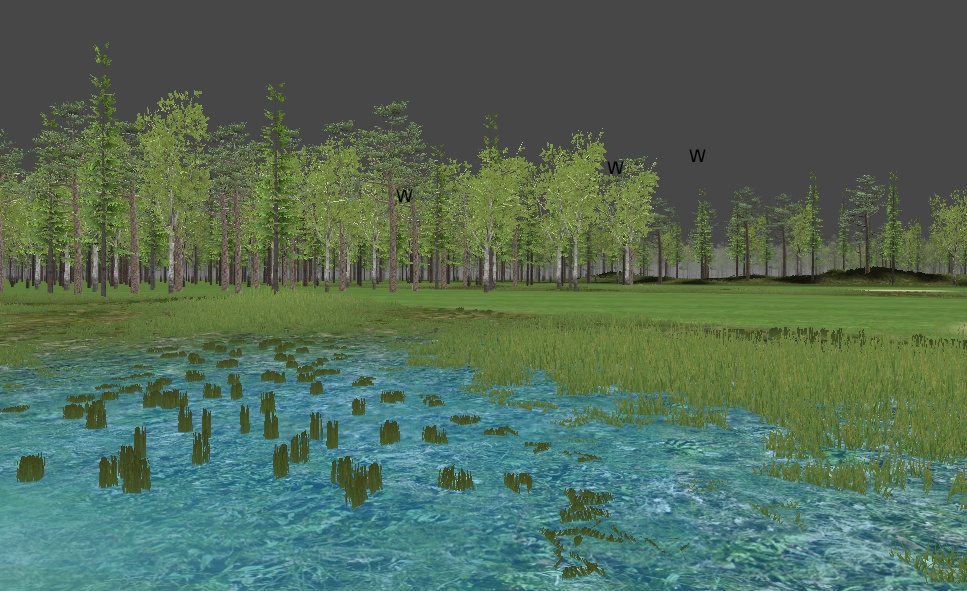
When I brush my terrain with some bushes and plants from the detail mesh, it looks good initially, but then when I look under the terrain, there are bushes flipped upside-down all along the bottom part of the terrain! How do I prevent this from happening?
same here, since i updated from 2.5 to 2.6.1, i can only draw the DetailMeshes in a strange pattern and if i change the size of the DetailMesh, a part of them goes upsidedown, and they dont stay at position but move with the wind. :shock:
Any news on this issue? I am having similar problems with Unity 3… (3.0.0f5) - I have created a terrain using mostly the assets in the Terrain Assets package on the site, and when I paint detail meshes, some of them are placed upside down (sticking out from the bottom of the terrain). None of the trees or grass textures are upside down that I can see.
Here are a couple of screenshots of rocks from top bottom.


 Could you submit a bug with your project?