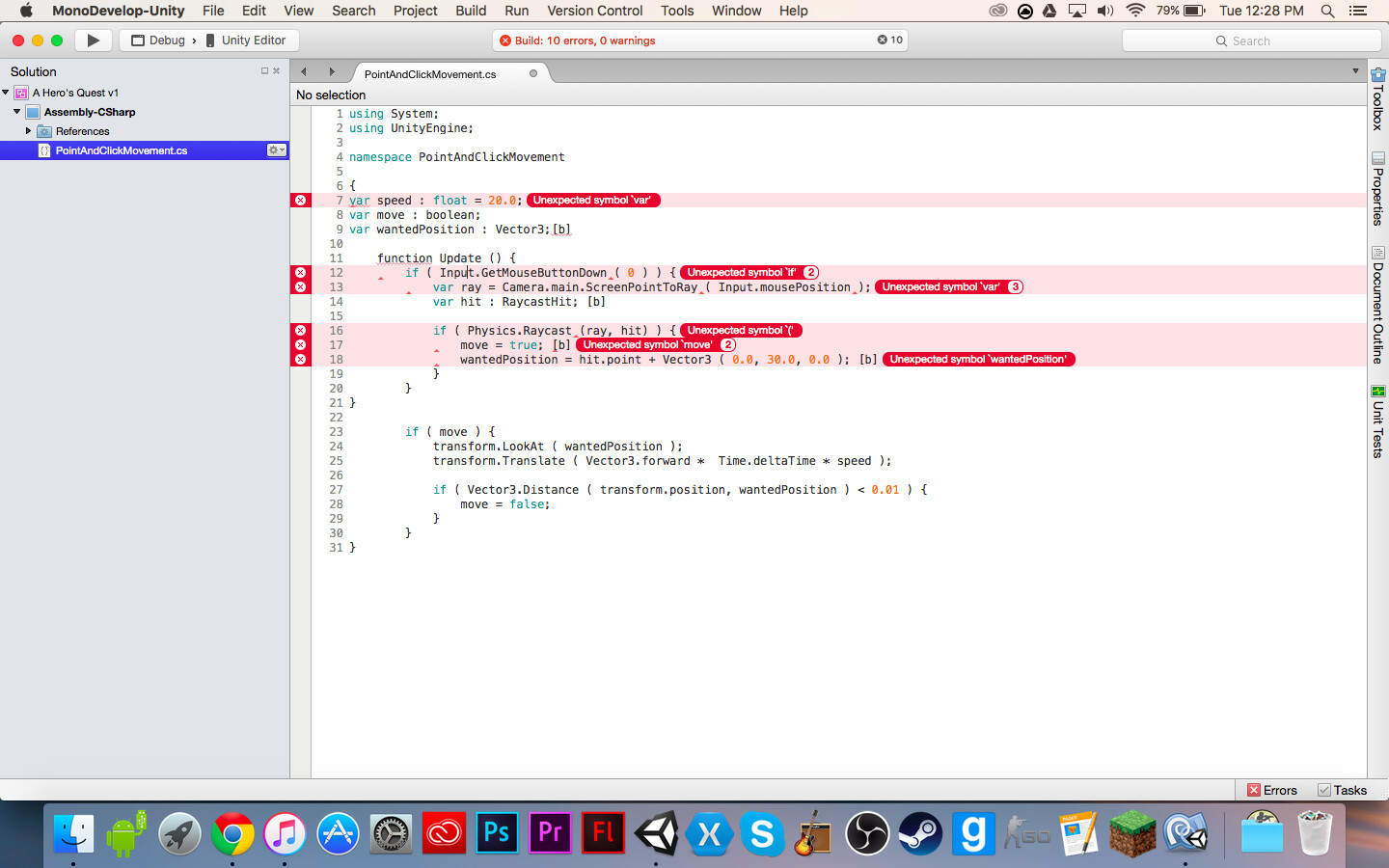
My problem is, that I want to move an object to a destination chosen with a left mouse click. I used the following script:
var speed = 20;
var hit : RaycastHit;
var move : boolean;


function Update () {

if (Input.GetMouseButtonDown (0))
{
var ray = Camera.main.ScreenPointToRay (Input.mousePosition);


	if (Physics.Raycast (ray, hit)) {
	var move = true;
	var wantedPosition= Vector3(hit.point.x, hit.point.y + 30, hit.point.z);
	}
}

   if(move){
	  transform.LookAt(wantedPosition);
      transform.Translate(Vector3.forward *  Time.deltaTime * speed);

   if(Vector3.Distance(transform.position, wantedPosition) < 0.01){
         move = false;
     }

   }

}
The objects only moves one unit when I click. I don’t understand this, it should be moving constantly, because the mouse click triggers the “move” boolean to be true, and there’s an if statement in the update function that should make the object move to its destination while the “move” boolean is true. Can anyone help me please, telling me why it doesn’t work, and how to fix this?
You’re setting the variable “wantedPosition” inside the “click” event. It will only live within that. So next update, there is no click and therefire there is no “wantedPosition” variable for the rest of the code to use.
So you’ll need to define “wantedPosition” outside of the Update function, allowing it to remain set for the rest of the Update function to continually reference.
That’s where it should be, but you’re defining wantedPosition and move twice. You only need to use "var " when you define the variable for the first time.
Try this
var speed : float = 20.0;
var move : boolean;
var wantedPosition : Vector3;[b]// Moved wantedPosition here so it's always accessible to the script.[/b]

function Update () {
	if ( Input.GetMouseButtonDown ( 0 ) ) {
		var ray = Camera.main.ScreenPointToRay ( Input.mousePosition );
		var hit : RaycastHit; [b]// Moved hit to here, as it's not required outside of this function.[/b]

		if ( Physics.Raycast (ray, hit) ) {
			move = true; [b]// Removed "var " from here as it's already defined.[/b]
			wantedPosition = hit.point + Vector3 ( 0.0, 30.0, 0.0 ); [b]// Removed "var " from here as it's already defined.[/b]
		}
	}

	if ( move ) {
		transform.LookAt ( wantedPosition );
		transform.Translate ( Vector3.forward *  Time.deltaTime * speed );

		if ( Vector3.Distance ( transform.position, wantedPosition ) < 0.01 ) {
			move = false;
		}
	}
}
Thanks, it works, but there’s one problem: when the object reaches the destination, it goes crazy, like if it was turning back and forth 180 degrees pretty fast. Why is that?
Probably because the 0.01 tolerance is so small that your object is overshooting the target point when it moves.
Try giving it a larger tolerance, but set it so that if it falls within that tolerance, explicitly set the object position to be the end position then stop moving.
i.e.
var speed : float = 20.0;
var move : boolean;
var wantedPosition : Vector3;

function Update () {
	if ( Input.GetMouseButtonDown ( 0 ) ) {
		var ray = Camera.main.ScreenPointToRay ( Input.mousePosition );
		var hit : RaycastHit;

		if ( Physics.Raycast (ray, hit) ) {
			move = true;
			wantedPosition = hit.point + Vector3 ( 0.0, 30.0, 0.0 );
		}
	}

	if ( move ) {
		if ( Vector3.Distance ( transform.position, wantedPosition ) < 0.1 ) { [b]// Give it a larger tolerance.[/b]
			transform.position = wantedPosition; [b]// Explicitly set the position to be the end goal.[/b]
			move = false;
		}
		else {
			transform.LookAt ( wantedPosition );
			transform.Translate ( Vector3.forward *  Time.deltaTime * speed );
		}
	}
}
When I did it the way you coded it in the previous post (checking first with the “If” statement if we are at the wantedPosition, then executing the “else” if we’re not, the object started to move without clicking any destination with the mouse. So I took what worked ( first move, then check with the if statement), and put in the “transform.position = wantedPosition” line in the right place, and now it works.
BUT
When it arrives to the destination, it rotates to a a random direction(at least random for me), and keeps looking at that direction. I want my object’s back to face the direction that his coming from. I tried it this way: