Hi guys,
I’m working on a transitions scenes for my app. My idea is to take a “photo” of my scene and then apply to it a shader to disappear the texture when the other scene is loaded.
So, I tested 3 ways to take the photo.
The first is the Application.CaptureScreenshot but is too slow for my requirements.
Then, I tested the ReadPixels function. But I noticed that the screenshot is brighter than the scene. So, I tested the third way, the Render Texture. But, also the render texture is brighter than the scene.
I need that the capture to be the same as what I see in the scene.
Is there an issue with that?
Thanks in advance!
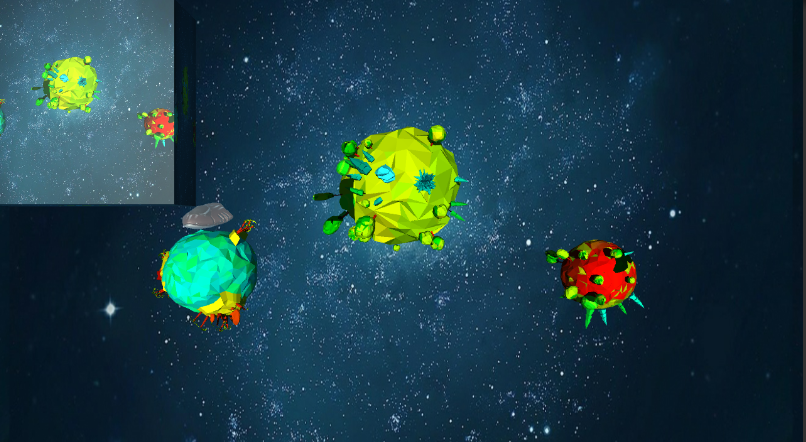
Here is an example a capture of the scene and the render texture
If the camera you’re using to create the RenderTexture has different settings than your main camera then the result could be different.
Thanks for your answer.
Sadly, I’m using the same values of the main camera.
Also with this code happened the same
screenshot = new Texture2D(Screen.width, Screen.height);
screenshot.ReadPixels(new Rect(0, 0, Screen.width, Screen.height), 0, 0);
screenshot.Apply();
Have you tried other Texture2D constructor parameters? TextureFormat.RGBA32 perhaps, setting linear to true, etc?
Hi, thanks for the answer. I think it is the light reflacting over the gameobject with the texture. But, I dont how to remove it. I’m using a shader to the transition and there is only textures parameters
i had the same issue, and after nearly two suffering hours, i found there is another Image above my RawImage …
what the hell???
so maybe you can check your UI and see is there anything ignored before