Hi!
I have a super annoying problem.
I’m working with a macbook 13’’ in OSX El capitan. My Unity version is 5.5.0f3 and my second monitor a LG with Full HD res.
I always use this second monitor as a non-mirrored extension of my macbook, that means I’ve two differents resolutions, the macbook runs at 1280x800 (max) and the LG monitor at 1920x1020 (max) connected with a VGA cable.
The problem happen when I launch the build, this can run only with the resolution of the macbook, doesn’t care if I’m in the second monitor or not, there isn’t an option to switch to full hd resolution, and the result of this is a full screen application running on my second screen which has an awful resolution 
I was searching the web for hours trying to find a solution, but I couldn’t find it.
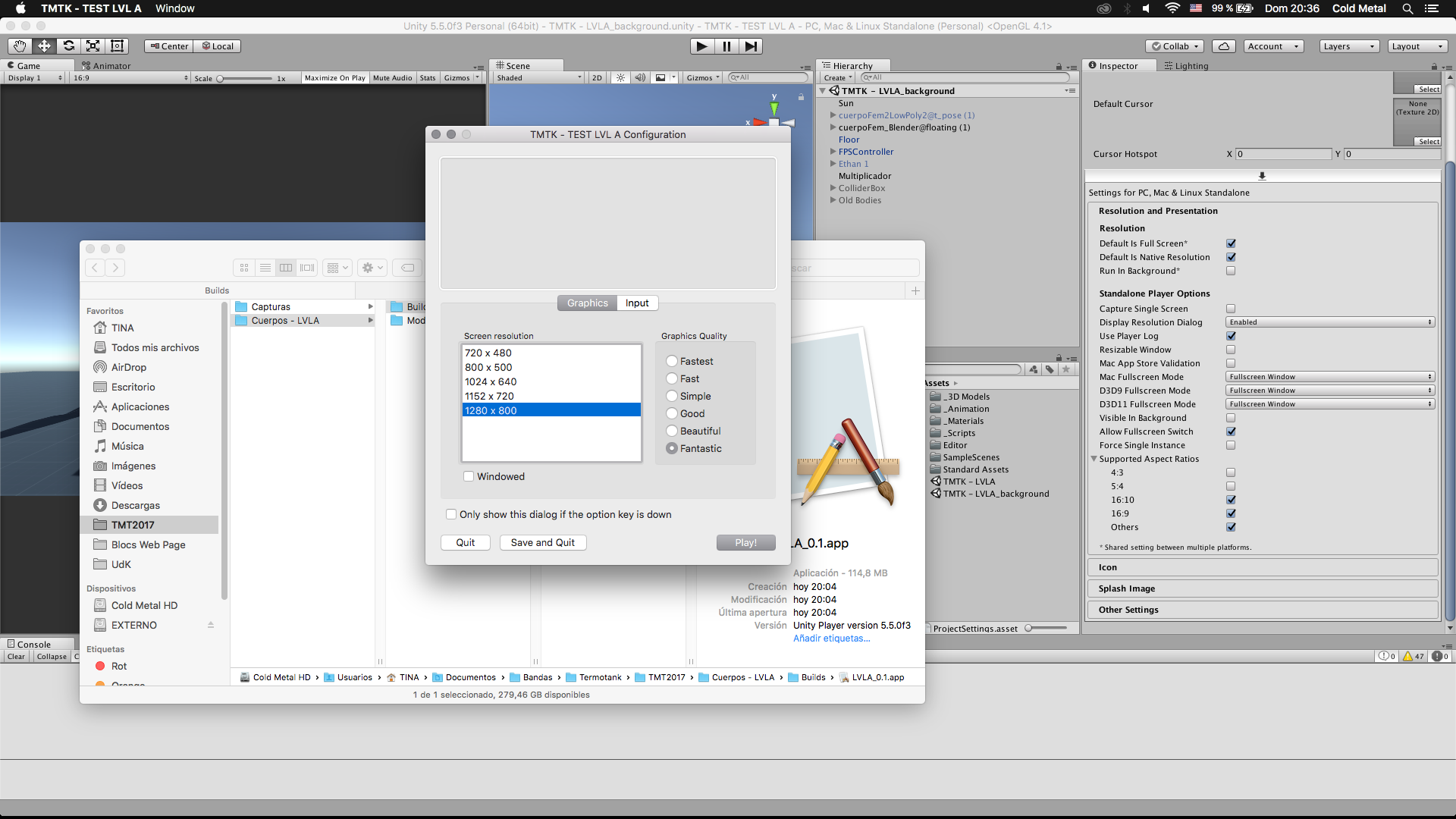
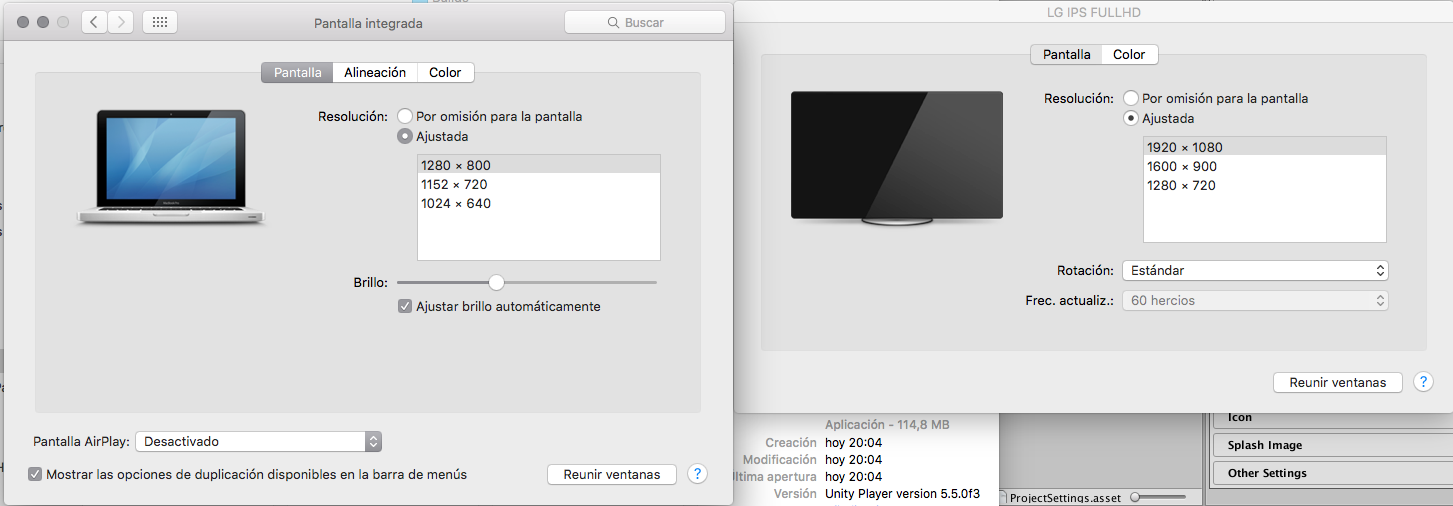
Any clue?