I’m using the Screen Space Outlines renderer feature in URP to create outlines around objects in my game. I just upgraded my project from 2021.3 where the outline renderer worked just fine. When I upgraded to 2022.3.16f I noticed that the outline works perfectly fine in the scene view but now in the game view even when the Outline Scale is set to 0.
Here is a screenshot of the screen space outline on an object, left is scene view right is game view:
Is this a bug or has the set up been changed in 2023.3? I want the effect seen in the scene view if possible.
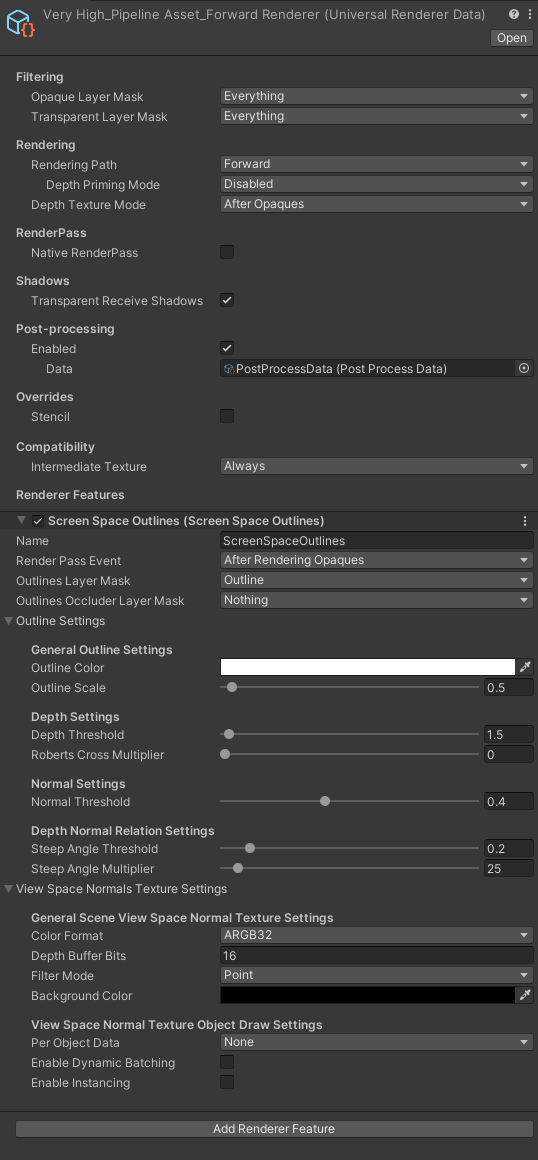
Forgot to attach a screenshot of the renderer and the renderer feature:
I just tested the effect from this github repo in the new URP Sample Terminal Scene with Unity 2022.3.16f1 (same as yours) and it works fine as expected here. Could you test it in an empty scene or in a fresh project?
I also tried to mimic the same settings as in your renderer:
Ah okay, this will be an interesting one to debug. Unfortunately I need to get it working in my current project so im going to have to figure out what else is affecting it. I turned off all post-processing but no luck. Any ideas of how I could go about debugging this in my current project?
Hey @KingpinKeys . Have you enabled “Depth Texture” in the URP Pipeline Asset?
You’re a saviour! I just swapped the Depth Texture Mode in the pipeline asset to Force Prepass and the outline is working as intended! Thank you!
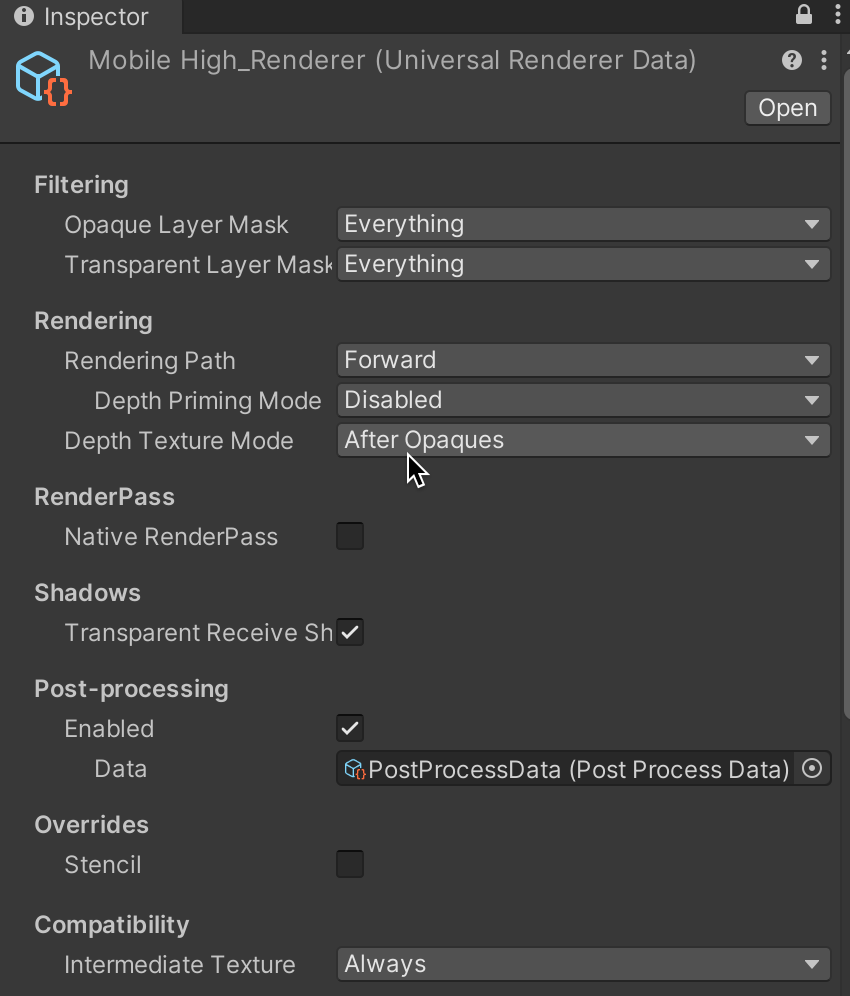
I wonder why it was looking like that, my depth texture mode was on After Opaques previously
I was actually referring to this setting on the Pipeline Asset, not the Renderer Data:
Forcing the prepass will change your rendering quite a bit so it might result in a performance improvement or regression depending on your scene content and target device (on mobile you usually want it disabled). The correct way to make sure depth is available for your outline pass is to enable that Depth Texture tick box in the pipeline asset and then set the Depth Texture Mode on the renderer depending on the performance you are seeing on the target device. Hope it makes sense