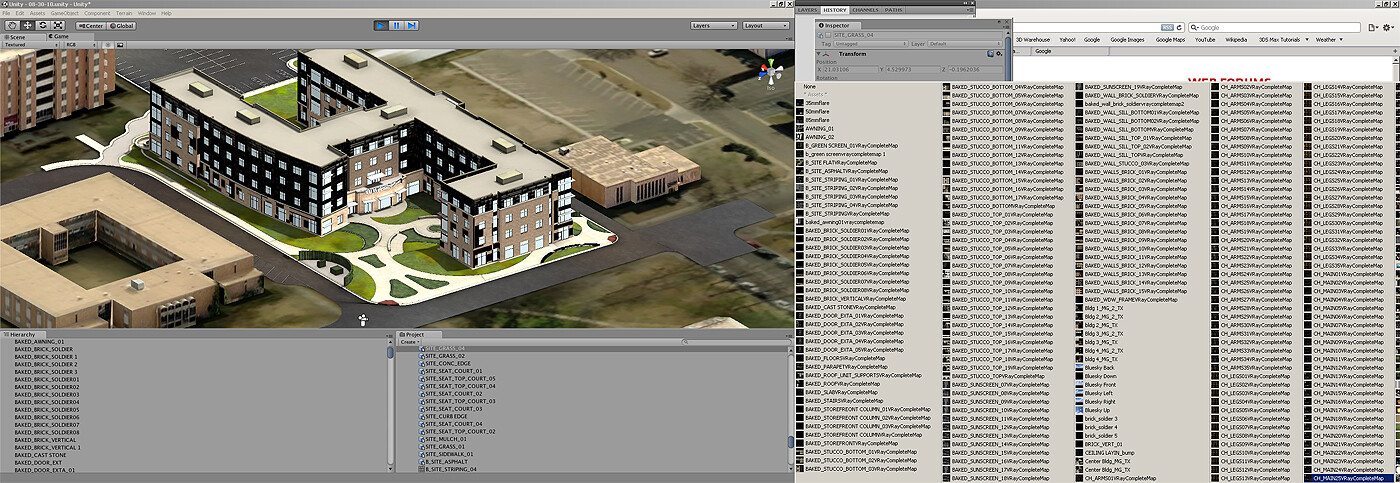
This may be a silly question, but I’m new to working in Unity.
When I’m in the 3D model and I want to modify certain objects in the scene. I can’t find a way to isolate and object if other objects are in the way.
Is there a way to turn on and off selected objects when you are in the scene editor?
Also, I have many textures that I have imported. When I try to select a texture to modify an object, the ENTIRE texture listing shows up in the Inspector and if it’s at the end of the list I can’t scroll through and find it. It’s like at a fixed size and I can’t get to the end of it.
Thanks,
Adam