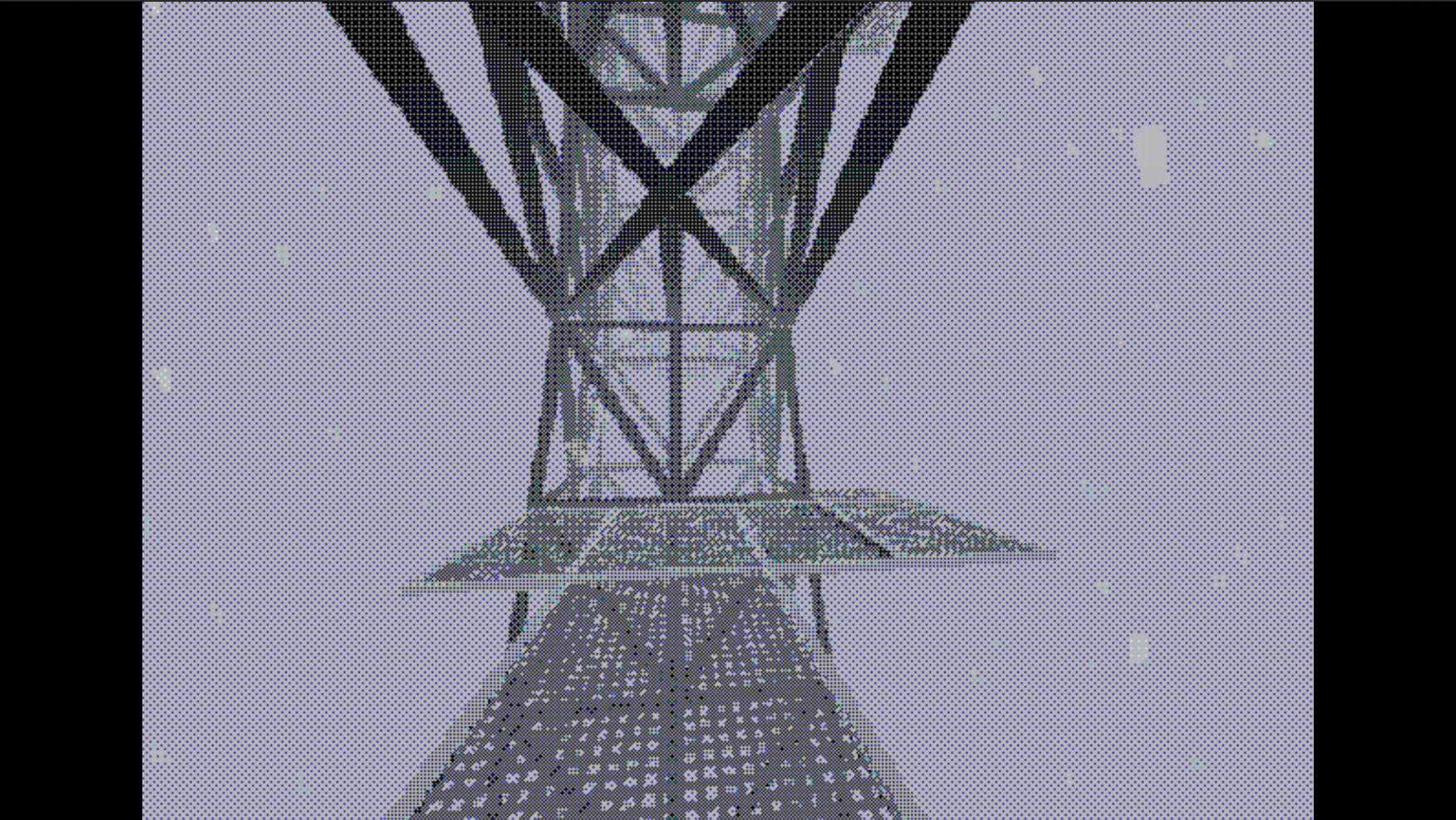
Hi! For aesthetic purposes, I’ve made my game’s camera render to a 640x480 rendertexture, and added a RawImage into the middle of the screen to show it, with black bars on the side. It has a Aspect Ratio Fitter, to shrink it to match the inside of the screen.
Look awesome, but my game also has point and click elements, and now that the camera is rendering to this rendertexture, the ScreenPointToRay calls don’t work. I imagine its something to do with the screen size, and where the visual for the screen is scaled and positioned, but how can I make this line up in a way that’ll work for people on different screen sizes?
Agreed. Though usually you’d use a “retro shader” which you’ll find plenty of, even for free. Just in case you haven’t considered that because it’ll both solve your issue and is likely to perform better than a RenderTexture + RawImage. It probably won’t matter for desktop though but other platforms are less forgiving.
I suppose it should continue to work if the image is centered and uses 1:1 scale. If it is centered and merely scaled up, perhaps you only need to apply that scale to the resulting point. Say the image is scaled by x=4 and y=3 and the screen cast happens to be in the top left corner of the original (unscaled) image, then the position would need to be scaled x=-2 and y=1.5 to correctly move it to the actual top left corner.
But I’m sure there’s better ways to get to that very effect while keeping coordinate conversion as is. For instance, rather than upscaling the image it should be possible (at least in my imagination) to simply set the viewport size to be 640x480 or simply 480 in height while width depends on the screen’s aspect ratio.
You can assume no screen is smaller than 4:3 although technically, yes we can rotate a 16:9 screen and make it 9:16 but that is rare for a gaming system.