Hello,
I made a C# script that generates mesh for an hexagon map.
For the water, I created a shader b following a tutorial.
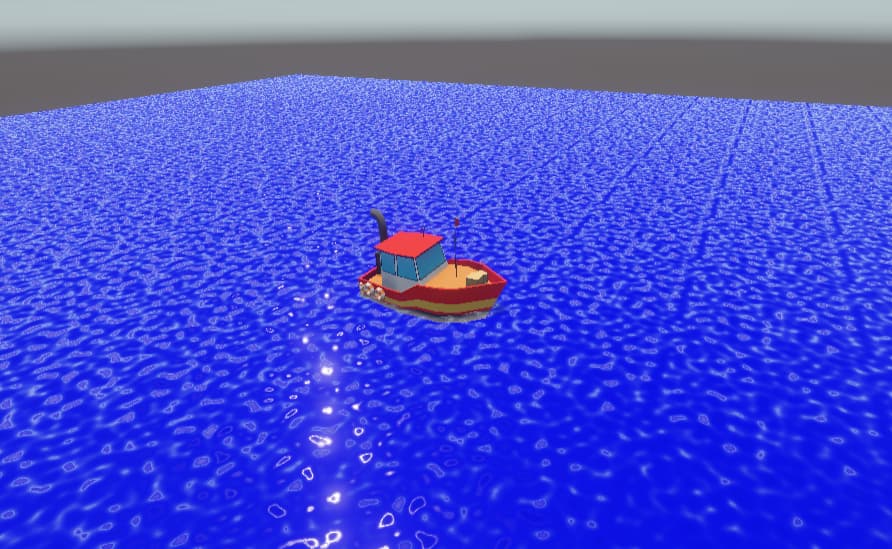
Here is what the shader looks like on a 3D plane:
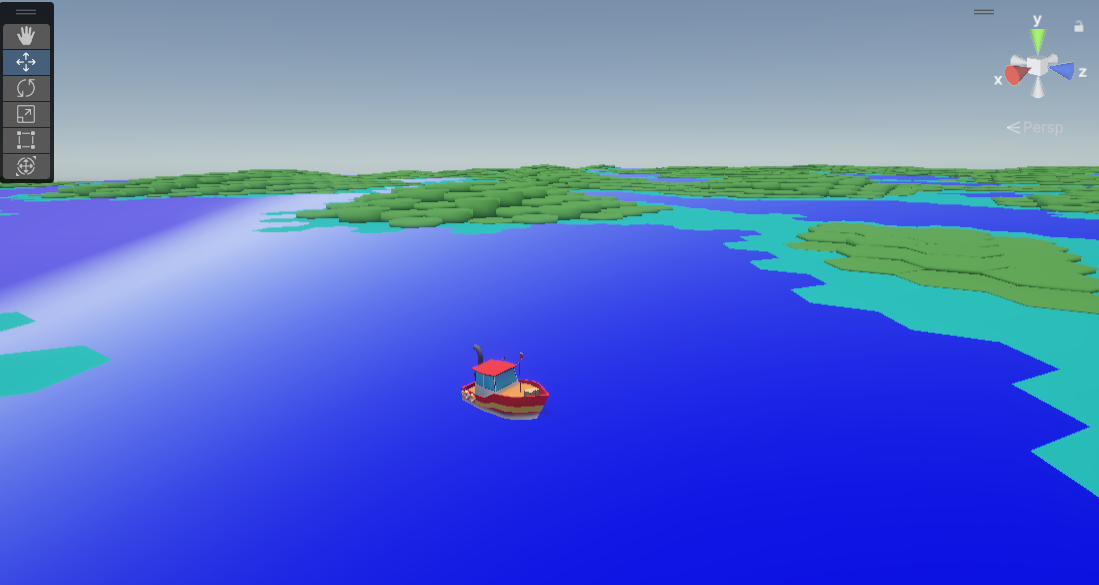
But when I assign the same material on the generated map, the result is completely different:
Here is the shader graph that controls the normal tangent:

No matter the tiling I use, I always get the same result when I apply the material to the generated mesh.