In our project, the phenomenon is described below:
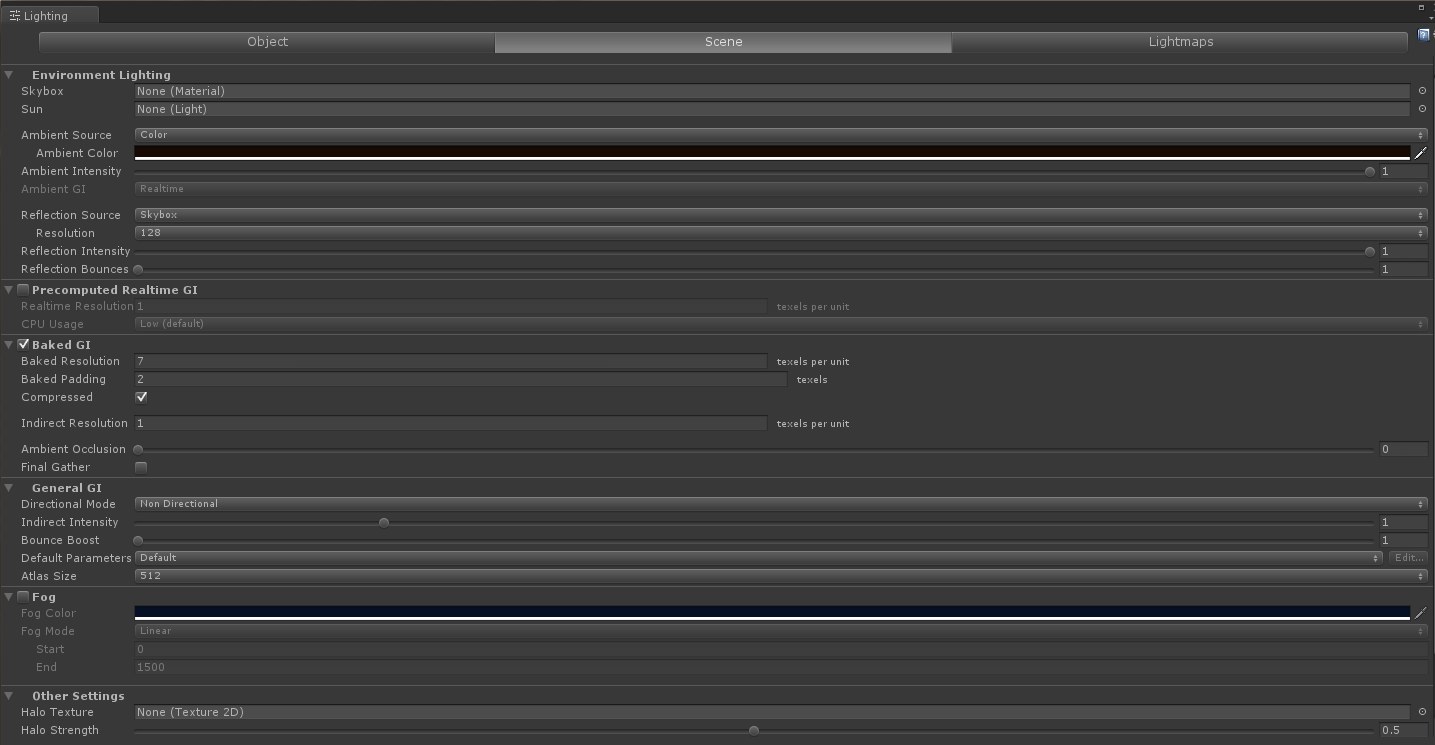
First, I bake a lightmap in IOS platform on a Mac machine, and everything looks ok. Then, I upload it to svn. If my colleague get it and his project platform is the same(IOS Mac machine), the baked lightmap looks ok. However, if my colleague’s project platform is another one(PC etc) on Win7 64bit system, then there will be black spots appear. The correct and wrong lightmapped scene snapshot is attached below. And My baking params are attached below.
Maybe the new GI system has not dealt with the platform or system compatibility problem or maybe I just forget some settings. Any suggestions? Please help me! My Unity version is 5.1.1f1.
Correct Lightmap in IOS Platform Mac Machine:
Wrong Lightmap in PC Platform Win7 64bit System:
My baking Pamras:
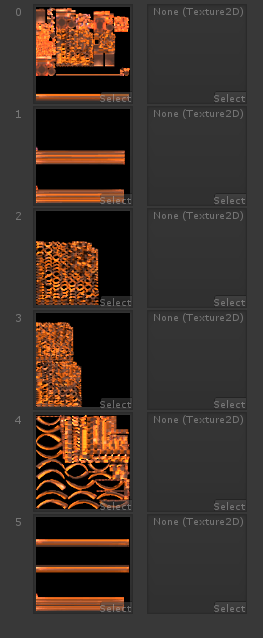
5 baked lightmap in PC platfrom:
Another phenomenon, I can preview the lightmap charting on IOS Platform Mac machine, but there is nothing shown when I select the same scene object after clicking Window-Lighting-Object on PC Platform Win7 64bit System.
Furthermore, if I select a scene object after clicking Window-Lighting-Object on PC Platform Win7 64bit System, there will be an error showing something like this Failed opening GI file: ‘7b/7bc5d27deaca9466a241f60122dd1e99.pps’. Any ideas?
Find the answer. The Unity version I use(5.1.1f1) does not deal with the lightmap compatibility between different platforms. For detail you can see this link.
Furthermore, this problem is fixed by unity in version 5.2.0p1.
!
(
http://forum.unity3d.com/file:///C:\Users\chentianxia\Documents\Tencent Files\515085386\Image\Group\985A${L{~T@PTJ{H59MKNRL.png)
!
(
http://forum.unity3d.com/file:///C:\Users\chentianxia\Documents\Tencent Files\515085386\Image\Group\985A${L{~T@PTJ{H59MKNRL.png)