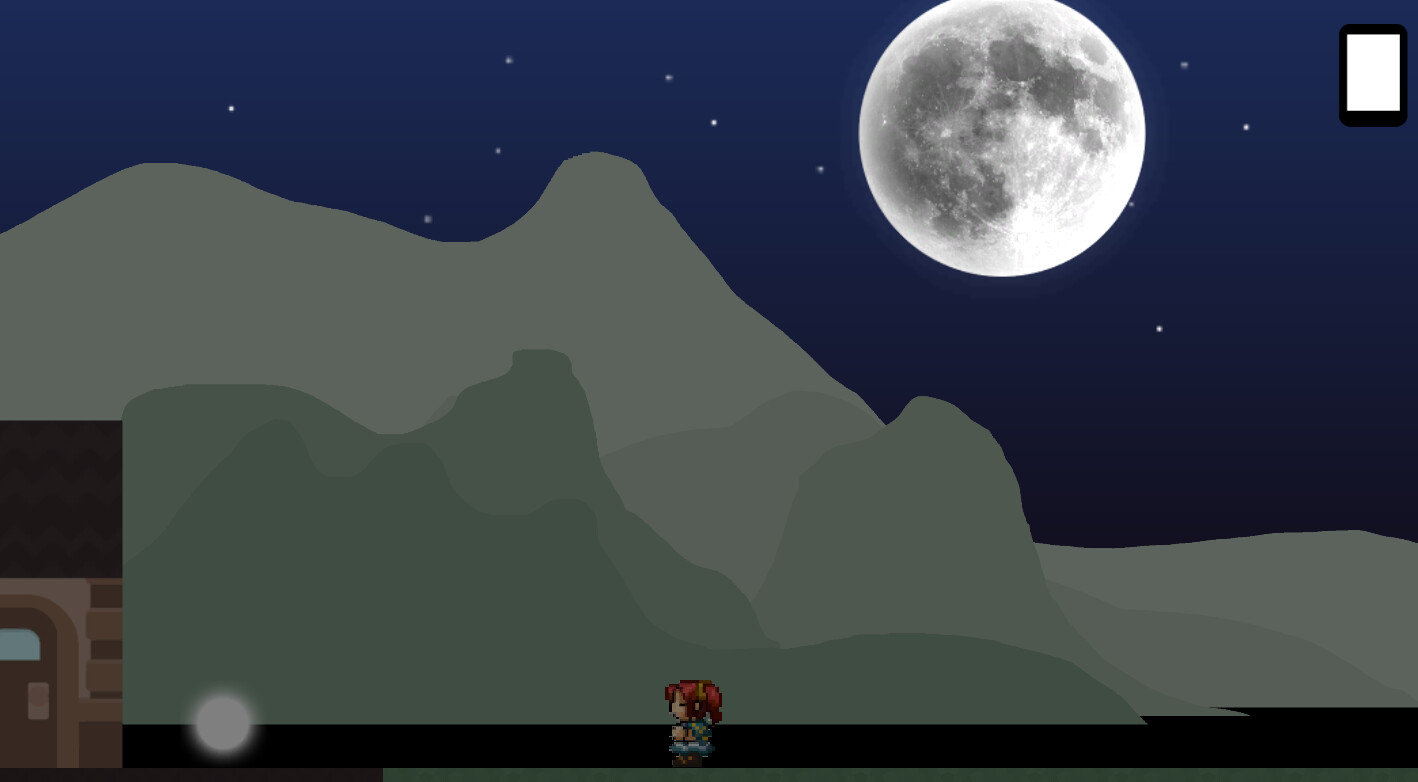
Those hills in the background are huge — the non-placeholder art will have more detail, so I didn’t want to upscale the backgrounds.
Each hill is currently 7680x2160 (!), but they’re being downscaled to half that with QualitySettings.masterTextureLimit as my resolution is set to 1080p. The sprites are supposed to be two full screens wide, so as to allow for parallax scrolling without any upscaling.
I’m trying to understand what, specifically, I can do to optimize these backgrounds. For instance, I tried changing the sprite compression quality in the texture inspector, but it didn’t make a difference. I also tried clipping out the white space around each sprite in the Sprite Editor, but it looks like that was unnecessary (Mesh Type was already set to Tight).
Even though all of the sprites are the same resolution, the biggest hill takes by far the longest to render. Is it normal for fullscreen sprites to draw this slowly? And does the original sprite size affect performance even when QualitySettings.masterTextureLimit is set to 1 or 2?
I have no idea what QualitySettings.masterTextureLimit does, and I only have experience in working with mobile devices, but I wouldn’t recommend using a texture bigger than 2048x2048 ever. What we’ve done in our games if we had bigger images than that is cut them up. You could even do that in Unity’s Sprite Editor.
Cut the picture up and give it a Packing Tag (and make sure Unity’s Sprite Packer is enabled) and it will batch together and only cost 1 draw call. The only problem is that you need more objects in the scene and to manually “build” the image up with the different parts.
Thanks. What would be the advantage of splitting a large texture into smaller pieces, assuming it’ll all be on screen anyway? I guess part of the big hill is offscreen, so I could optimize that — but the smaller ones are still taking almost 0.5ms to render, and they’re entirely on screen (ignoring the transparent space around them).
masterTextureLimit supposedly cuts texture size based on its setting (half, quarter, etc), but I only discovered it the other day and I have no idea if it’s working.
I’m not a true programmer, but from what I know the process of reading two 2048x2048 textures is faster than reading one 4096x4096 texture.
Like I said, I’ve only worked on mobile devices and I think at least Android can’t even read textures bigger than 2048x2048 (some older phones are even capped at 1024x1024).
Just to clarify: masterTextureLimit only affects mip mapped textures. If you set it to 1, the 0th level mip (full texture) is never uploaded to GPU, and so on.