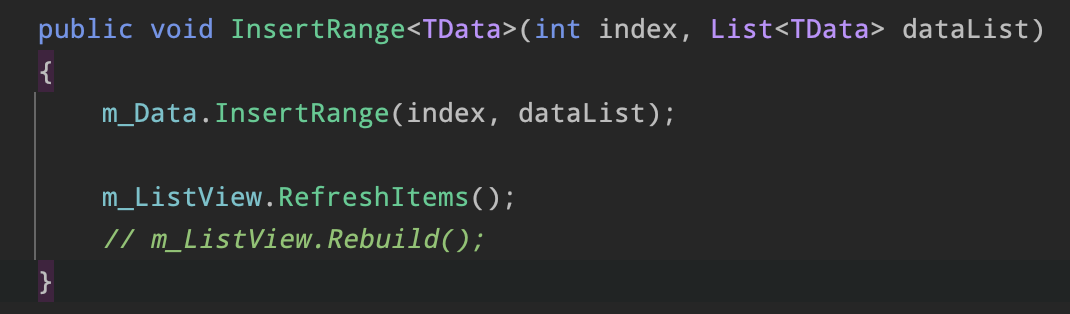
I need to set the virtualization method of the listview to DynamicHeight and dynamically add a new element list to the listview. If I add multiple elements to the listview again and then refresh it with RefreshItems, the order of the existing elements will be confused. When I use Everything returns to normal when Rebuilding. As we all know, Rebuild consumes more performance than RefreshItems.
Calling RefreshItems should re-bind all visible items, and shouldn’t behave differently between dynamic and fixed virtualization modes. It looks like a bug yes. Can you submit a small repro project through Help -> Report a bug... Thank you!
As a workaround, you might be able to force a refresh per item by using RefreshItem(int index). You’d probably have to got over the index inserted and all the following visible indices.