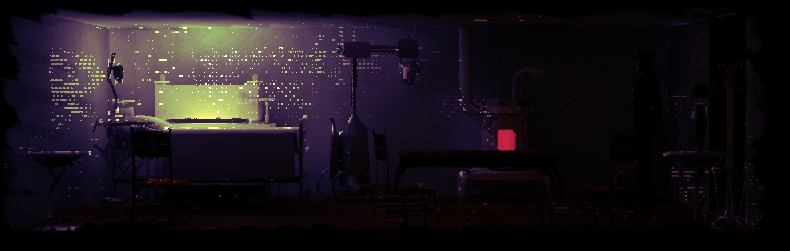
In deferred rendering, I occasionally get the errors shown in the attached image.
This doesn’t happen every time I play it, only some of the time - but when it does happen, it is a constant effect.
is this in the editor?
if so you should try maximise on display which usually gives priority to render.
also it may be advised to try it a few times in a build of the scene to see if this can be repeated there as editor bugs dont usually translate to build.
just like when something works in the editor (usually scripts) it sometimes gives zero functionality in the build.
i hope this check helps you find the source of your error if it doesn’t translate to the build then i wouldn’t worry.
though try your build on a few pc’s if you can as if it is an error that doesn’t translate to to build on your pc it may do on other hardware or configurations.
that was in the editor, but sometimes it transfers to the builds and sometimes it doesn’t. Even if I leave the scene completely unchanged, it will still do it part of the time and not do it other times.
It’s very odd.
Update: I noticed that If I turn graphics emulation on(any setting) and then off again, it goes away each time for at least one build/testplay. But it still eventually comes back.
I cant say i’ve ever had this problem but if it is a hardware/config issue with your machine.
That could be because i have enough graphical power to run crysis on on very high alongside 2 other 3d graphical programs so i’m lot likely to experience this.
do you have access to any other computers you could try it on.
You should still report this as a bug as unity shouldn’t give graphical distortion on any machine unless its GPU is truely ill or dramaticly outdated.
best of luck