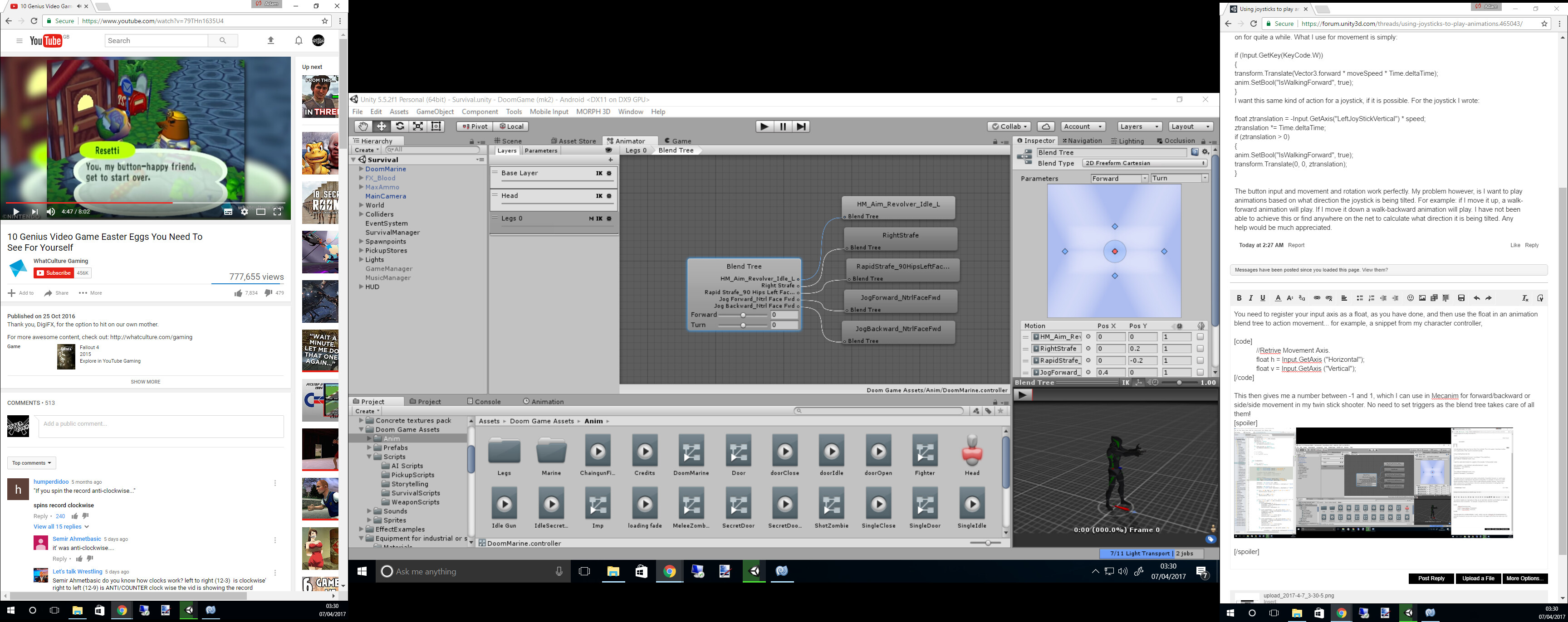
I am attempting to allow input from an Xbox One controller. This is for a game I have been working on for quite a while. What I use for movement is simply:
if (Input.GetKey(KeyCode.W))
{
transform.Translate(Vector3.forward * moveSpeed * Time.deltaTime);
anim.SetBool(“IsWalkingForward”, true);
}
I want this same kind of action for a joystick, if it is possible. For the joystick I wrote:
float ztranslation = -Input.GetAxis(“LeftJoyStickVertical”) * speed;
ztranslation *= Time.deltaTime;
if (ztranslation > 0)
{
anim.SetBool(“IsWalkingForward”, true);
transform.Translate(0, 0, ztranslation);
}
The button input and movement and rotation work perfectly. My problem however, is I want to play animations based on what direction the joystick is being tilted. For example: if I move it up, a walk-forward animation will play. If I move it down a walk-backward animation will play. I have not been able to achieve this or find anywhere on the net to calculate what direction it is being tilted. Any help would be much appreciated.