I’m using Unity 5.5.2 for this project, and I installed Visual Studio 2017 not long time ago, and I noticed that all meta files are included in the solution files. how to hide them?
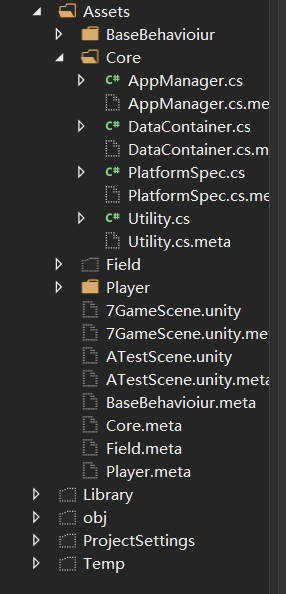
I’m not using VS 2017, but in other versions such as 2015 you can select a project, navigate (in the top menu bar) to Project → Show All Files and toggle that on/off.
3 Likes
Thanks, this solves it.