Hi there,
Using 2.9.7.
So, I have a virtual camera setup in my scene with Basic Multi Channel Perlin added.
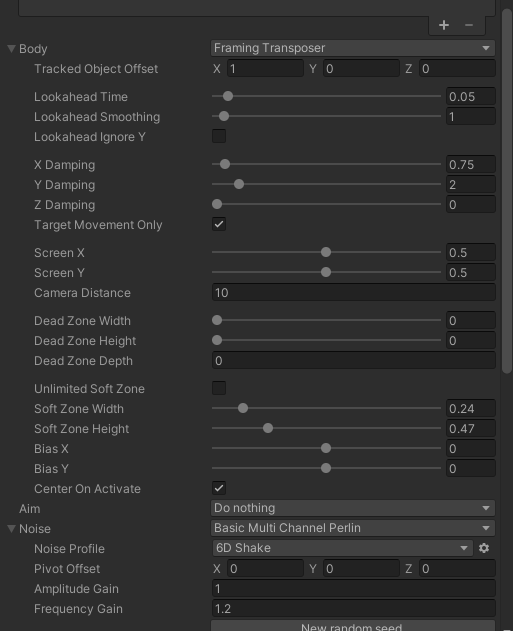
Using the settings below, nothing happens:
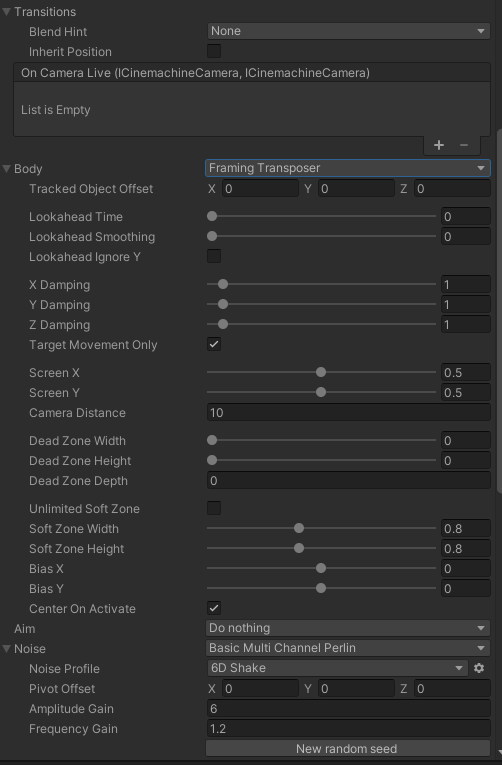
If I click on Body>FramingTransposer>Do nothing, the option remains as framing transposer but the shake begins to work, resetting the framing transposer settings to default:
Any ideas?
One thing I have noted - every now and then a gm child object appears on my deactivated cameras. Clicking it shows the perlin. Sometimes there are 2 framing transposer components. This disappears on activation so I cannot check a live camera.
EDIT: It appears that multiple framing transposers have been added to the vcam. This may have something to do with using prefabs.
Clicking Body>FramingTransposer>Do nothing removes one of them, and allows the perlin to work. As there is still a component, the option stays as FramingTransposer. Clicking it again removes the final framing transposer.
Thanks