I’m relatively new to Unity, and I’m left with doing this as my last step towards my task - importing my animated character to a game engine and program the movements.
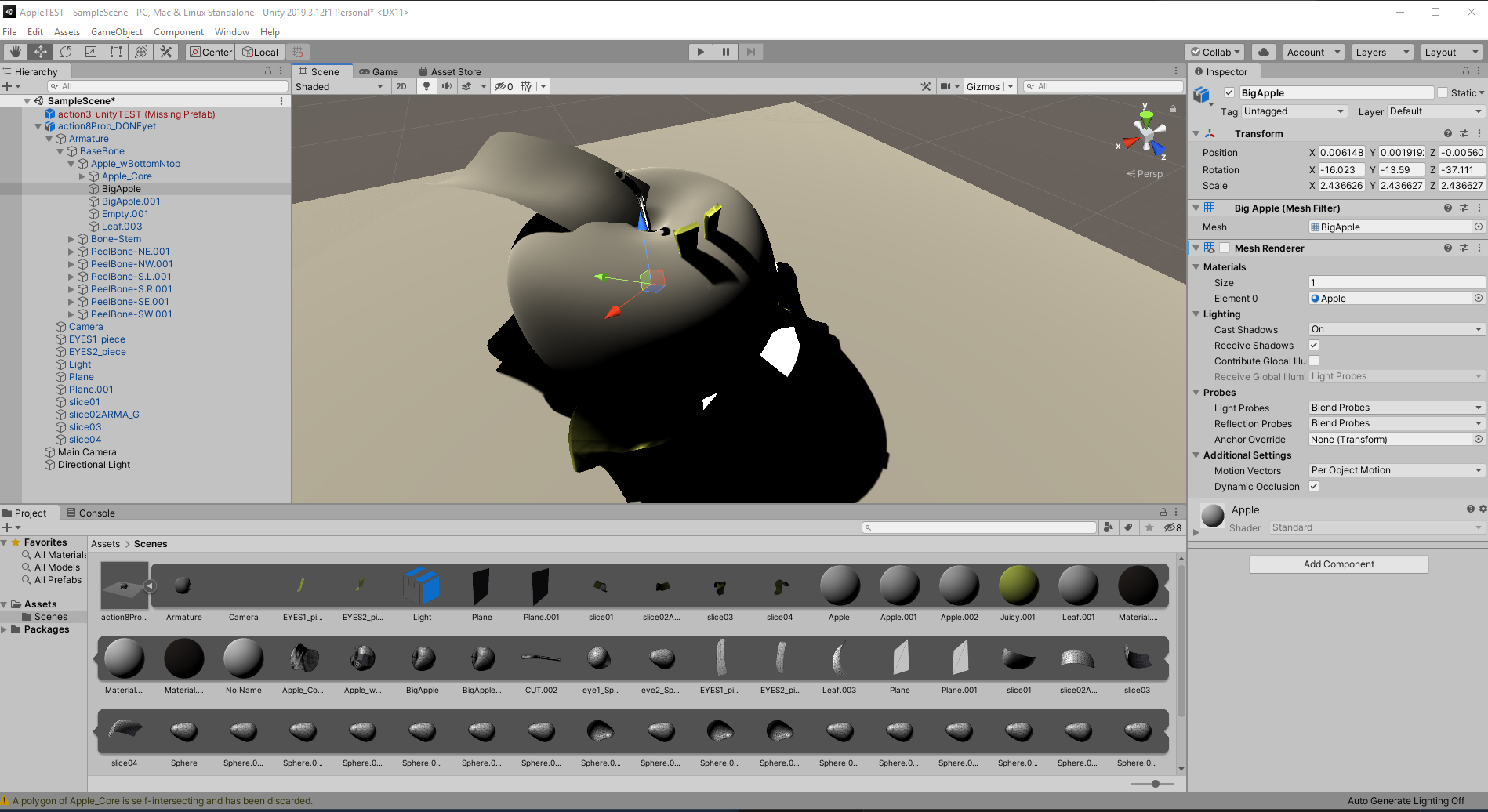
The problems that I have noticed are the missing textures and meshes, you can see in the first picture how it should look like in Blender, and what results I get in Unity:
The apple here doesn’t have any holes, I think only one material got imported, and it doesn’t look right. Textures are missing, the leaf near the stem is completely filled with gray texture. At least the animations work perfectly…
Hi, here’s a few pointers :
Textures are not exported automatically, you’ll need to copy them to your Unity project.
Procedural elements in the material graph are not exported ( ie : Noise Texture). Try using a texture instead.
The black leaves look like the normals of those faces are reversed, you can either edit them in Blender or have Unity calculate them on Import.
The apple core has reversed faces, try activating ‘back-face culling’ in Blender to see what it would look like in Unity.
The leaf has an opaque material in Unity, try changing the material Rendering Mode to ‘Cutout’.
The holes are not missing, there’s another apple mesh on top that’s hidden in Blender but shows up in Unity.
I hope this helps!
Hello, I fixed the normals, the materials seem to be in the right place now. The random apple that was hidden got removed too. No idea how to copy textures and apply to the object though…