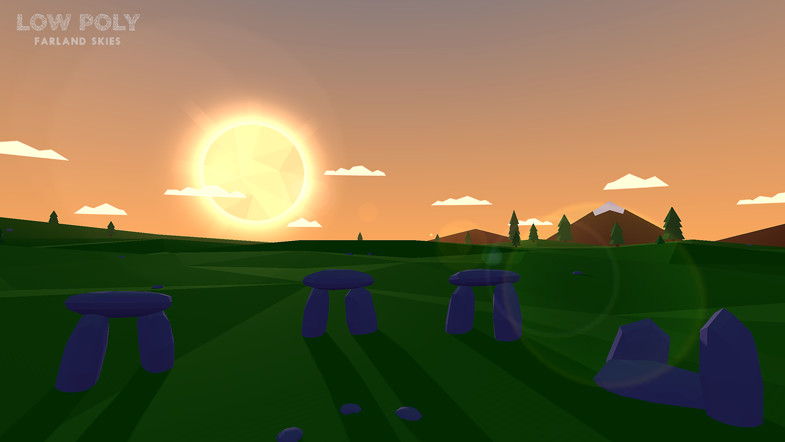
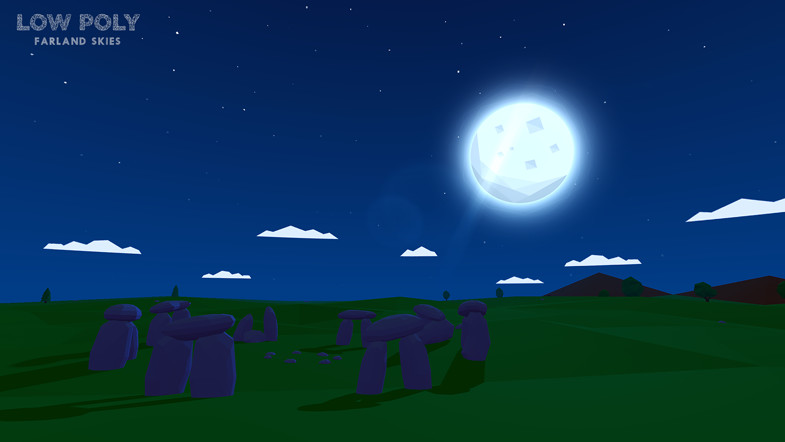
Farland Skies - Low Poly is minimalistic, low-poly style skybox with a custom single-pass shader that works as a regular skybox material, avoiding the use of any sphere or mesh.
Features:
Dynamic three-color gradient sky with adjustable exponents.
Three types of stars, with adjustable twinkling speed and horizon extinction.
Five types of sun and moon, with customizable size, tint, and position.
Three types of nifty low-poly clouds with dynamic height and tint.
Fully customizable day-night cycle.
Easy to control either from scripts or directly in the editor.
High Performance. Optimized for mobile devices and VR platforms.
With the asset is it possible to take the sun/moon/clouds out of the skybox and into the world as 3d objects? The asset is perfect for what I need otherwise.
@davidchaseling , there is a simple version of the skybox, without sun/moon, in the asset package. You can also disable clouds just by setting clouds texture to “none”. Regarding 3d objects, you will need to create your own ones I guess.
PhannGor,
I am really enjoying your skybox. I am using a linear rather than gamma colorspace though, and the highlights around the sun, and particularly the moon are not displaying the same, and there is a dark ring around the edge of the moon. What can I do to rectify this? Thanks in advance!
Hey, I figured it out. For those who follow: The textures must be imported using the advanced mode, with “Bypass sRGB Samp” checked, “Encode as RGBM” set to off, ( and don’t forget to set “Wrap Mode” to Clamp. )
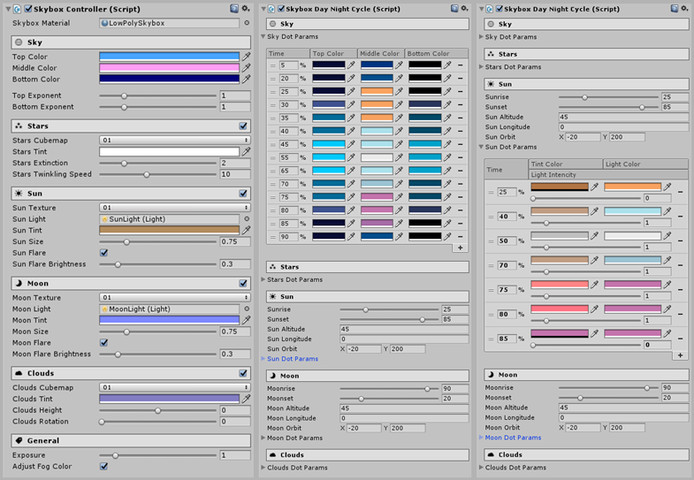
New version with custom editors for Skybox Controller and Skybox Day-Night Cycle has been submitted for review.
Now it should be far more convenient to adjust skybox parameters for your needs
thanks for the asset! Love the overall style. However, I encountered a problem with some other, third party shaders. If you are using shaders that rely on the intensity of a directional light in the scene, they will disappear during the day/night switch. (at least that’s the cause, I guess.)
Digging through your script, I figured out that at some point, moon and sun light intensity become zero. So I added a small fix, by making sure that at least one light’s intensity will never be zero - voilá, everything works so far. Just as a hint for other users.
Thanks for sharing! However, there is even simpler solution - just edit sun and moon DOT params in editor in a way their light intensity is overlapping, that’s it.
Great product, love the new configuration options for sun, moon, clouds. Is Unity 5.5 supported yet? Considering a migration soon. I did a quick test and saw some errors, don’t want to spam them here if the problems are known/being worked on.
Unity 5.5 is supported with the latest released version. Just double tested it now with 5.5.0f3 and all works fine for me. Feel free to describe your issue here or send an email to support@borodar.com.
ive never worked with red and blue cubemaps, and im trying to replace clouds with asteroids. I can do it, but i dont understand what the deal is with red and blue cube maps and how to use them. what is the term for this kind of cubemap and how does one work with them? Its like blue doesnt show but red does?