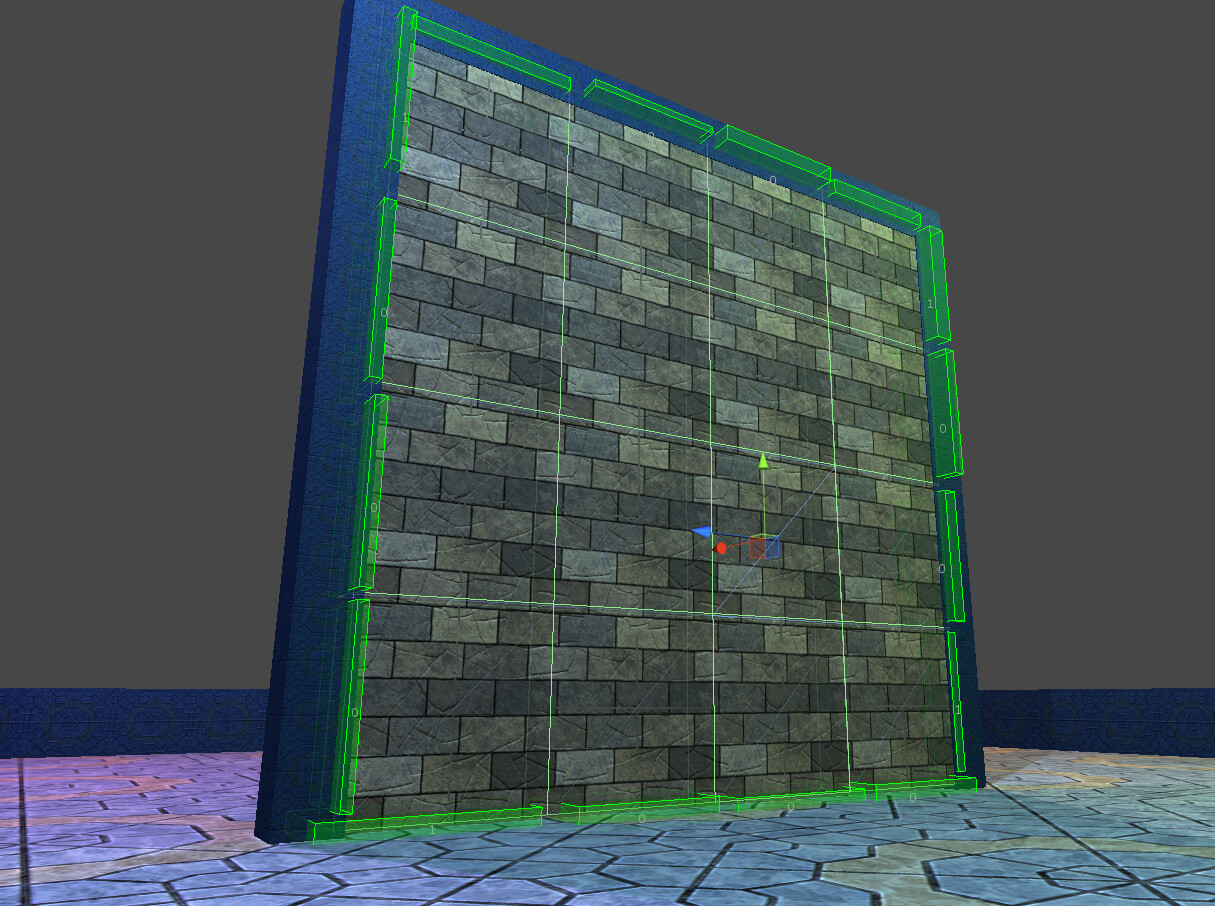
I have finally got around to releasing my dynamic destruction system on the asset store. This system is ready to be used in your existing projects, and, in it’s basic form, only requires you to drop a script on the objects you wish to destroy at run time, and your done.
Here are some webplayer demos showcasing the power of the tool.
Sticky Zones
Field of Cubes
Tower Stack
Big Cubes
A bit about the algorithm
A predetermined number of random points are generated around the impact point (which is the center of the fracture). The number of points used, ultimately determines the amount of shards generated by the algorithm. The algorithm is voronoi based, so all the shards created will be of convex shape, which is perfect for MeshColliders.
The computation can be performed immediately (see demos : ‘Sticky Zones’ or ‘Tower Stack’, or over X amount of frames (see demos : ‘Big Cubes’ or ‘Field of Cubes’).
What comes with the package
Firstly, you will get the above scenes and all the scripts necessary to start creating your own destructible environments, if that’s not enough, I’ve also some documentation to help you further.
Tools:
Triggers, these are used to trigger the destruction on a particular object. They customize how the object can be destroyed. Whether its from collision impact, bullet hit or explosion damage, Triggers can be tailored to your exact needs in order to help you create than environment that crumbles around you the way you want it to.
Sticky Zones, are used to hold broken fragments in place once an object has been destroyed (see : ‘Sticky Zones’). Imaging shattering a pane of glass in a window frame. Some of the glass might stay in the window frame, sticky zones help you achieve this effect fast!
Special Shaders. In order to keep the cost of the destruction computation to a minimum, I have created a set of custom shaders to be used with the destruction system. These shaders offload the work of UV-ing from the CPU to the GPU, helping parallelize the destruction and ultimately give you more of a performance boost.
Cleanup Tools. Having too many destructible actors flying about can be very costly for the CPU (I am working on a GRB implementation but more about that later  ), so I have included a set of tools to help customize how destructible objects are cleaned up. There are currently two cleanup methods : destroying shards based on a timer and destroying shards based on how long they have been off-screen. Both can be used in conjunction with each other if you wish.
All dynamic fragments are created from a pool, (it’s not nesecary to create this pool in the editor, but I’d recommend it!), which helps with the amount of objects instantiated at run time.
Any way, I hope you enjoy this tool, and if you have any questions please ask! 
Showcase
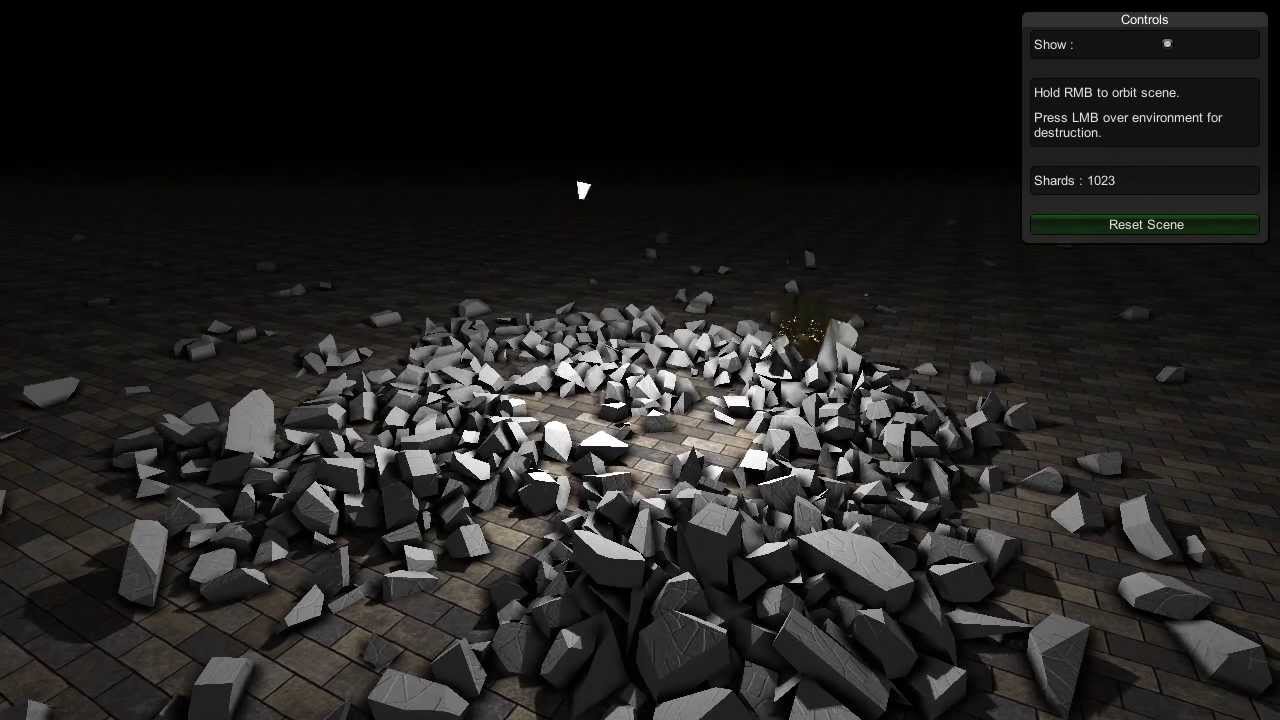
Want to see your demo here? PM me.
Tutorials
Beginner:
Getting Started:

Convex Fracture:

Intermediate:
Performance Tips:

Advanced:
Structural Simulation:

Asset Store
Fracture - Pro (faster algorithm, with source, and support)
Fracture - LITE (without source)