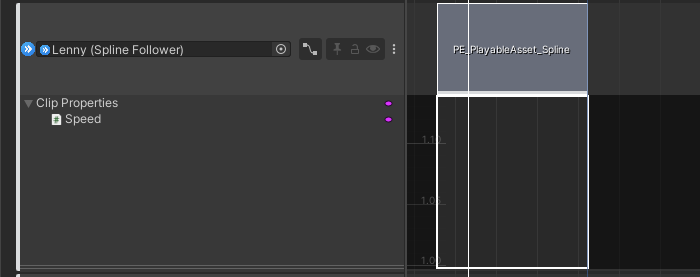
Hi,
the below picture should pretty much explain my situation, but is there any way to adjust the Y scale of my animation curve in the timeline window? I can adjust it in the animation window which can be separately opened, but coming back to the timeline window my “Speed” float range always stays at [1,1.1]. I can’t even see my curve for values outside of that range. Ideally I would like to simply clamp it to the range of the keyframes. Help?
Edit: gotta press “F”, found it…