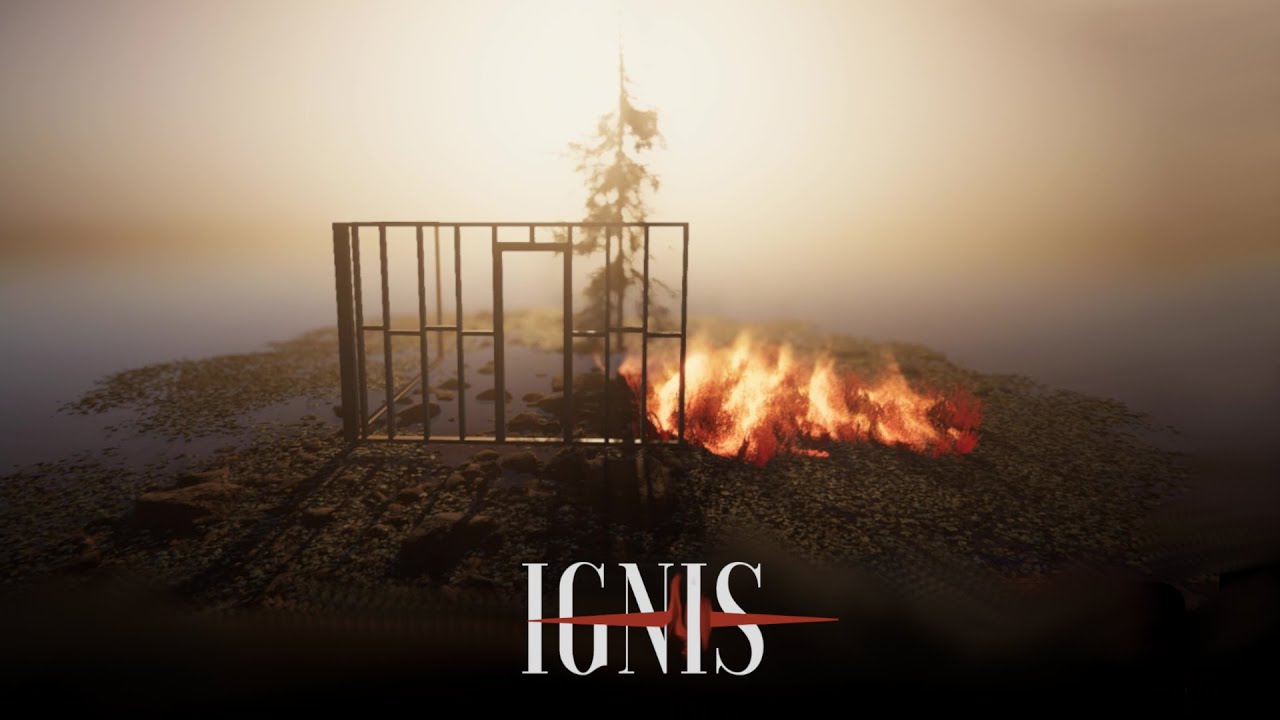
Hey everyone!
Ignis 2.0 is here with absolutely free DLC included! DLC includes 5 new Fire VFX styles to fit the flames perfectly in your game.
Unity is the ultimate game development platform. Use Unity to build high-quality 3D and 2D games, deploy them across mobile, desktop, VR/AR, consoles or the Web, and connect with loyal and enthusiastic players and customers.
New VFX Styles:
Wild - Improved default fire style.
Gentle - Perfect for calm setting of fire.
Simple - More traditional campfire looking variant.
Old School - Billboard flame for all you nostalgia lovers.
Only Smoke - Smoke that is coloured from it’s root. Use this for maximum performance solution for humongous fires seen from far away.
1 Like
Impressive, does it work on skinned mesh?
And is there billboard fire option instead?
Yes it works on skinned mesh, although it requires some manual work to tell the places where you want the fires on your mesh to be (You need to add triggers/colliders to the bones). But after that the shader works beatifully and the flames leave trails and move when your animation plays.
And there is no billboard option for the fire, but I will do optimization in the future for VFX graph. I suppose that billboards would not look too great with this system since it’s all about shapes of the objects. So I will probably create some LOD-style alternative slider when player is farther away.
koirat
October 21, 2020, 3:58pm
4
I see there are some semi transparent particle. What about sorting order. How it will work with other transparent object in scene ?
I don’t see a reason it would not work. Are you concerned about the flames popping in front or not showing due to the transparency? Just tested with transparent object and flames displayed correctly whether they were in the front or in the back of the transparent object.
Fsilva
October 21, 2020, 9:44pm
6
HI,
I would like to co-operate with you, I could use this on my project.
Great! I sent you a message.
Hello everyone,
I just updated my asset to version 1.1: Ignis - Interactive Fire - URP/HDRP | Particles/Effects | Unity Asset Store
Update includes:
The Vegetation Engine support
Partial Standard pipeline support
Optimization
1 Like
Hello everyone,
I planned the next update and version 1.2 will include:
Wind will affect the flame (TVE Motion and Unity Wind zone)
Particles can extinguish fire (So you can add your water/smoke/anything to put out fires)
Trigger events with delay from ignition (e.g. explode a barrel after it has burned for 5 seconds)
Ignition time (In real life usually it takes a while for some materials to catch fire, so user can customize this time)
The version 1.2 update will be released next week so stay tuned!
Stay safe and keep creating,
3 Likes
A small sneak peek of the version 1.2 update called Wind and Firefighting:
In the video you can see the fire extinguished by raycast, but it will be also possible to do this by using Unity Particles!
What do you think?
Updated to V 1.2 with new features!
Extinguish/Ignite fire with particles or raycast
Wind interaction
Trigger events from burning a certain amount of time e.g. explosion
More customization features! Flame liveliness and speed.
Ignition timer
Flame speed adjusted to more realistic
Let me know what you think!
Thanks mate! More updates to come
1 Like
Hello Everyone! I am happy to announce that Update 1.3 is now released!
New major features:
Custom shader support. Create support for almost any shader easily.
HQ FPS Animated Weapons support. (When the developer releases the next version, it will include support out-of-the-box)
Standard RP sample scene and shader support.
Brand new Ignis inspector UI with better edit-mode/runtime debugging and more customization options.
Built-in trigger for adding functions for touching the flame. e.g. Take damage.
Fixes/minor:
Fixed the repeating fire animation issue in VFX. More polished VFX.
Added flammable area gizmos.
Added option to disable SFX or use own SFX.
Added option to set object to fire at custom position.
Added option for sphere extinguish/ignite
Raycast Ignite/extinguish no longer goes through other objects
1 Like
Hello everyone!
I did a quick video overview of almost all features in Ignis. See it here:
2 Likes
Hello everyone!
Version 1.4 is now released!
Smoke Customization
Option for using global illuminating lights with flame system.
Out-of-the-box NatureManufacture Environment (e.g. forest) support.
More random flames.
Better mesh fire options.
SFX will now fade in.
Many minor bug fixes.
Updated sample scenes
2 Likes
Version 1.5 released!
Performance/VFX patch!
Remember to open and close all VFX in VFX/ folder to compile them to your pipeline if the VFX does not show up.
New:
Choose between 3 flame VFX: High quality (original VFX), Lightweight and lightweight textured.
New performance options to the FlameEngine object!
Optimization:
Physics updates are now 10-100 times faster than before.
High quality flame VFX is now 2-3 times faster than before.
Lightweight flame VFX is 5-6 times faster than the original.
Lightweight textured flame VFX is 4-5 times faster than the original.
System does no longer create trigger colliders so your collision physic performance is not affected by flames.
Optimized shader update in Flammable object, it is now about 2x faster.
You are now able to close Convert window.
2 Likes
Version 1.7 released!
Unity Terrain Support (Instances as Trees, See User Guide for more info)
Vegetation Studio compatibility with runtime prefab spawner (Requires a small effort, see user guide).
1 Like
Hi, I have a problem when putting out a fire with particles. I believed I followed the instructions accurately, and it basically does work, however, there appears some kind of flame halo around the burning object which expands further the smaller the flame itself becomes. You can see a screenshot here: https://ibb.co/zSxbPGY