Hello all,
I am havings hard time importing my own trees into unity. Im sure I doing something wrong here.
Are there poly requirements for this?
Also What may be a good poly count for trees?
I import into the right folder that it says however my tree does not appear.
any ideas?
Thanks always.
What 3d app are you using?
How many meshes does the tree have?
Are you assigning the proper shaders to the tree (Nature/Soft Occlusion…)?
I am using Maya,
8552 tri’s is on the tree ( prob to many )
and Im not sure you you mean by Soft/natural occlusion,
Thanks so much
Ok, a few things need to be done to make trees work.
The tree models have to reside in a folder named “Trees Ambient-Occlusion” and the materials should be set to the Nature Shaders:
http://unity3d.com/support/documentation/Manual/Terrains.html
The tree needs to be one mesh with either one or two materials.
Freeze the Transforms in Maya.
Delete the History in Maya.
This is coming up an awful lot so I should probably make a FAQ entry for terrain issues (or someone who officially works in the “support” department ;)).
Anyway, let me know if you make any progress.
Hello,
I tried the method you suggested however it still does not work do you think there could be any issues that I may be coming against within Maya?
The Model is:
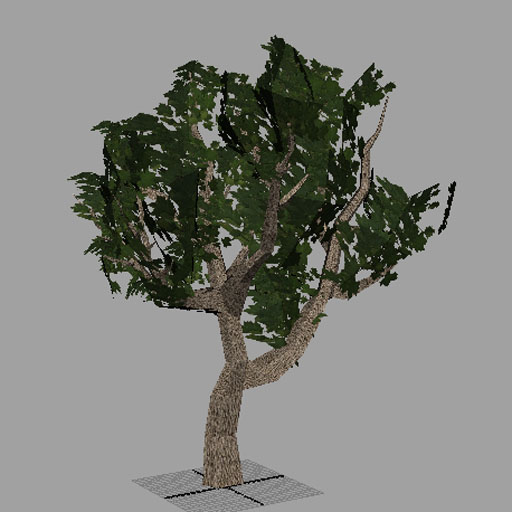
Two Textures, 1817 Tri’s, I created the tree using different parts, ( I created the tree trunk then made smaller versions of that part to make up the branches) The leaves are alpha maps then once I placed them all I Combinded them to have ONE MESH.
I hope this makes sense let me know if this is way off.
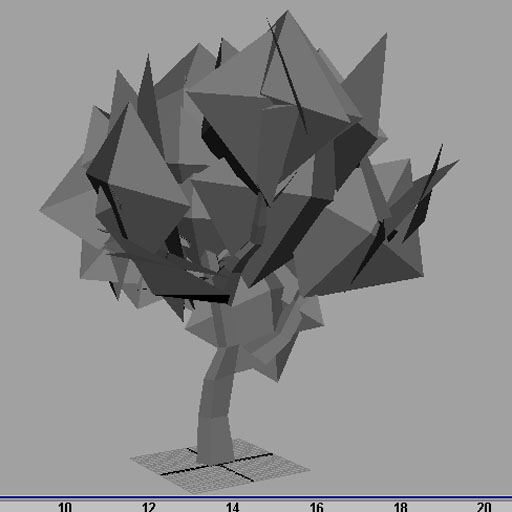
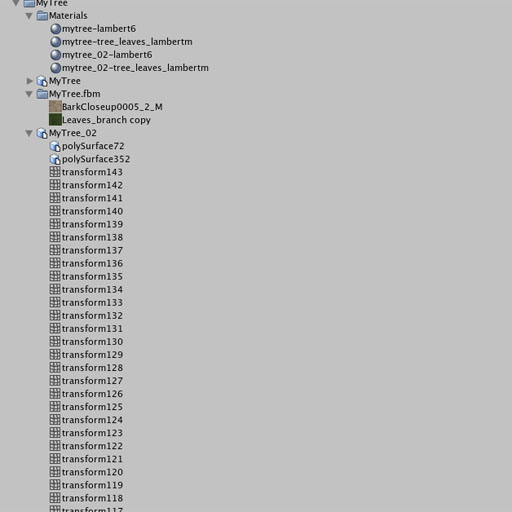
I do notice that when I import using FBX it import every single mesh. Is their a correct way to combine meshes?
the pic below is what imports when I use FBX.
not sure why however
thanks all
Well, Its working now but I had to change my import method.
At first I was simply import with Maya’s FBX exporter However it wasnt working it was importing many meshes (look at above images). But this time I decided to import with Maya’s a Native .Mb File.
While using the suggested practices.
Well I hope that helps out a few people.
Import tree with .mb ( im not saying import with fbx doesnt work but for me it didnt work.)
So:
-
Model Tree
-
Texture it
-
Combine meshes to One Mesh
-
Delete history { edit - Delete by type}
-
Freeze Transformations { Modify - Freeze
Transformations )
-
Export yourfilename.mb into the Tree Ambient Folder ( also created a file folder for the item )
-
import your textures
-
Set the shaders to Natual Soft/ ( one is for the bark and the other for the alpha leaves ) also (Use targa for a alpha map)
note: you could use Nvidia’s Photoshop plug-in for texture compression tools and such. dxt dds etc… but I dont if Unity uses them yet.
9.If you need to change the size of the Tree then change ( Meshes Scale Factor )
-
Select you terrain and see if everything works Place Tree Icon - edit trees select your tree item.
-
Paint!
I hope this helps.
Thanks all