MegaSplat - 256 textures in one splat map shader

Hi,
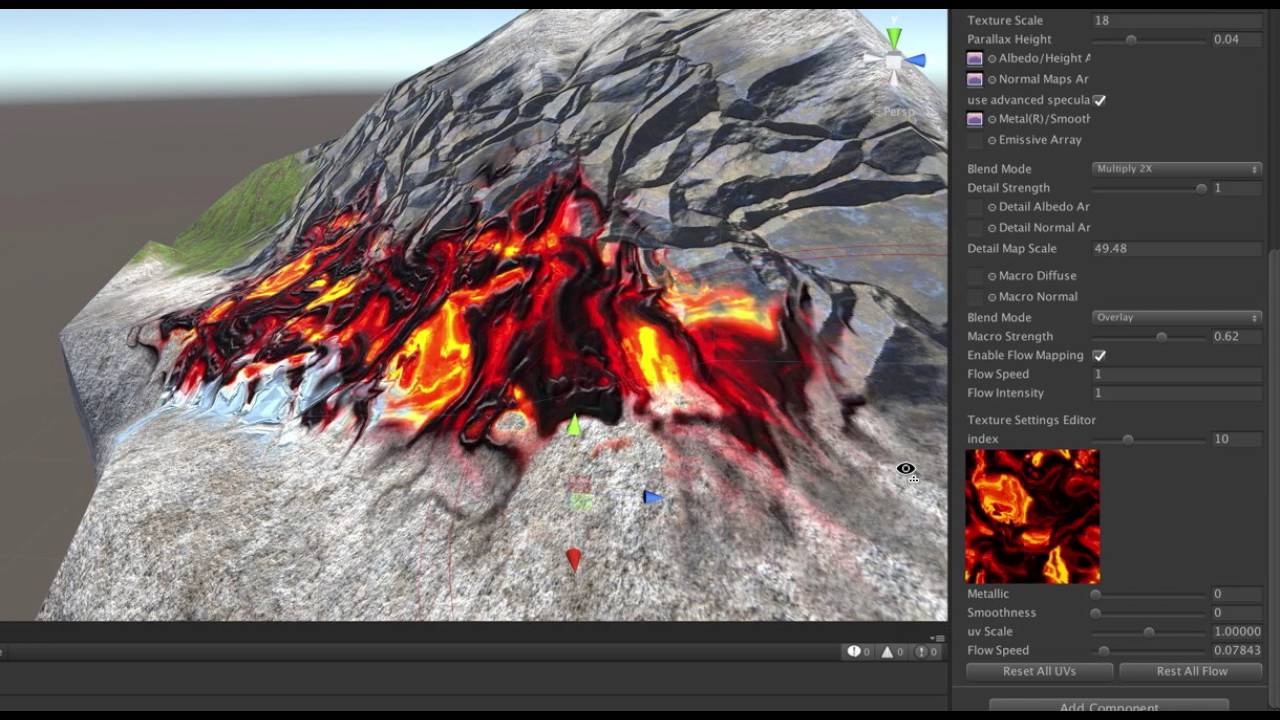
I’m working on a new shader which allows for hundreds of textures in one splat map shader while having a consistent performance cost regardless of how many layers you use on a surface. It also supports flow mapping any or all of those 256 textures, as well as macro texturing, detail texturing, etc. I hope to have it up in the Asset Store in the next few weeks. Check out an early preview here:
It uses my free vertex painting system, which is already available for free, and includes more traditional splat mapping shaders:

The new system should include:

  • A custom brush for painting in my vertex painting package, though you can paint the data in any package you prefer
  • Ability to have up to 256 unique textures per material
  • The cost of the shader is similar to a 3 layer splat map shader
  • Currently supports a metallic workflow with options for normal, emissive, metal/smoothness, ambient occlusion maps, detail textures, and macro textures
  • Ability to flow map and or all textures, and paint flow directions on the vertices
  • Per texture control over uv scale, metal/smoothness, and flow map speed
  • A copy of my vertex painter, which is always available free
  • A lot more…

Let me know what you think, what features you might like to see or variations of shaders would be useful for your project.

8 Likes

Sounds amazing. I love your other shaders. I am working on voxel octree planets and need this immediately!

First question is going to be, does it work on mobile… : )

@mgear
Usually I get “Is it optimized for mobile?” - which is a question that’s impossible to answer, since mobile can mean anything from super low end android to a last gen console, and the number of different GPU architectures is far wider than in PCs and consoles.

Anyway, for future reference, it requires shader model 3.5, which means opengles2.0 devices are out, but things on opengles 3.0 and metal will work fine. Performance depends entirely on how many features you turn on - it’s basically entirely texture sampling bound, as there’s not a ton of ALU involved.

1 Like

Is it possible to get this working as a tri-planar-type shader? I don’t want the top/bottom/sides concept of tri-planar – just the local texture scaling/sampling so I can avoid calculating UVs?

@jason-fisher
You have to sample the texture once for each projection regardless of if those are three different textures or the same textures used for each projection. So either way it’s 3x the cost.

A standard surface shader with diffuse/normal/specular terms is 3 texture samples.
A triplanar shader has to do a sample for each projection (3x), so using the above term it would be 9 samples.
A three layer splat map shader (or this one with 256 textures) requires 3 samples for the blending of layers, so if you do triplanar plus 3-layer splat mapping it’s 27 texture samples per pixel.

This grows even higher if you add other features, such as detail texturing, macro texturing, etc.

For instance, if you were to do macro texturing (diffuse/normal/spec), parallax mapping, per texture parameters, splats with diffuse/normal/spec, and detail diffuse/normal, that would be 18 samples per pixel, or 56 texture samples per pixel with triplanar texturing. That’s brutally expensive, especially since the cache-coherency of those samples is likely to be low (ie: they’ll be in different positions in the textures, etc).

So yeah, it can be done, but if it’s going to be too expensive for anyone to effectively use it it’s likely not worth the effort.

Once I’m done with the main shader, I’ll do some performance tests and see how crazy it is on a modern PC and consider it’s usefulness.

Appreciate the detailed response. My current TODO: approach is to generate UVs that map isosurface-generated faces to a cubical sphere where the normal of the tri aligns with the normal of that chunk vs the center of the planetoid and use a curve correction as it deviates into overhangs and caves like you might use for a bezier curve tool. Triplanar is very expensive.

@jason-fisher
I added a triplanar option for kicks. You lose macro texturing and flow mapping in this mode, since you don’t have UVs and both of those require uvs to make sense. But if you go reasonable on the other features, it might be affordable depending on your platforms…

That’s great. I think there will be quite a few people that use voxel engines that are trying to implement a triplanar atlas of sorts and this is probably their best option?

Since you were able to get triplanar in … someone’s next question will be: Were you able to add the triplanar projection in local vs world space? i.e. if you rotate or move the textured object, the texturing follows the transform correctly?

There really are a lot of appealing aspects to this new shader for the planet/voxel/simulation crowd. The flowmapping and streaming combined is very novel for dynamic weather systems and erosion. I am also now thinking of the streaming’s application to GPU-generated isosurface meshes–streaming density data updates and either rendering MC directly from the GPU or returning mesh data to stream back. (maybe you can then just re-march the density update area on a modification vs the entire chunk)

I think streaming stepped flowmap updates that also animate the vertices could produce interesting dirt/sand-piling effects – basically triggering GPU-driven animations of tweens toward a target determined on the CPU.

Great work again :slight_smile:

development log #2 is up:

Playing with a technique that allows partial blends between textures like a traditional splat map shader, as well as some new approaches to ‘smart brushes’ for the system.

4 Likes

Very nice… for terrain texturing one nice idea would be to combine this with multicolored splatmaps so instead of 4 channels RGBA, associate one of your new “materials” to a specific color on a splat.
This worflow would work really well with worldmachine or photoshop splatting…

and if you need a betatester for this, I am doing a lot of terrain work these days…

thanks!
Fred

That might be useful for starting out- basically, map the four textures they choose to four “texture clusters” and populate the map. You’d still want to paint more textures down by hand, otherwise you’re not getting the advantage of having so many textures available.

yes, I understand, what I meant is actually colormapping, not really related to your shader, but similar to the brand new GeNa asset store tool does…
instead of having just four textures on a splat you define a relation between a color on the map and a “texture cluster” in Unity Editor. This would make it really easy to create very varied terrains with very little effort…

  1. define the texture clusters
  2. paint the colormap
  3. set the relations between the colors and the clusters

This looks outstanding. I’ll be keeping my eye on this one.

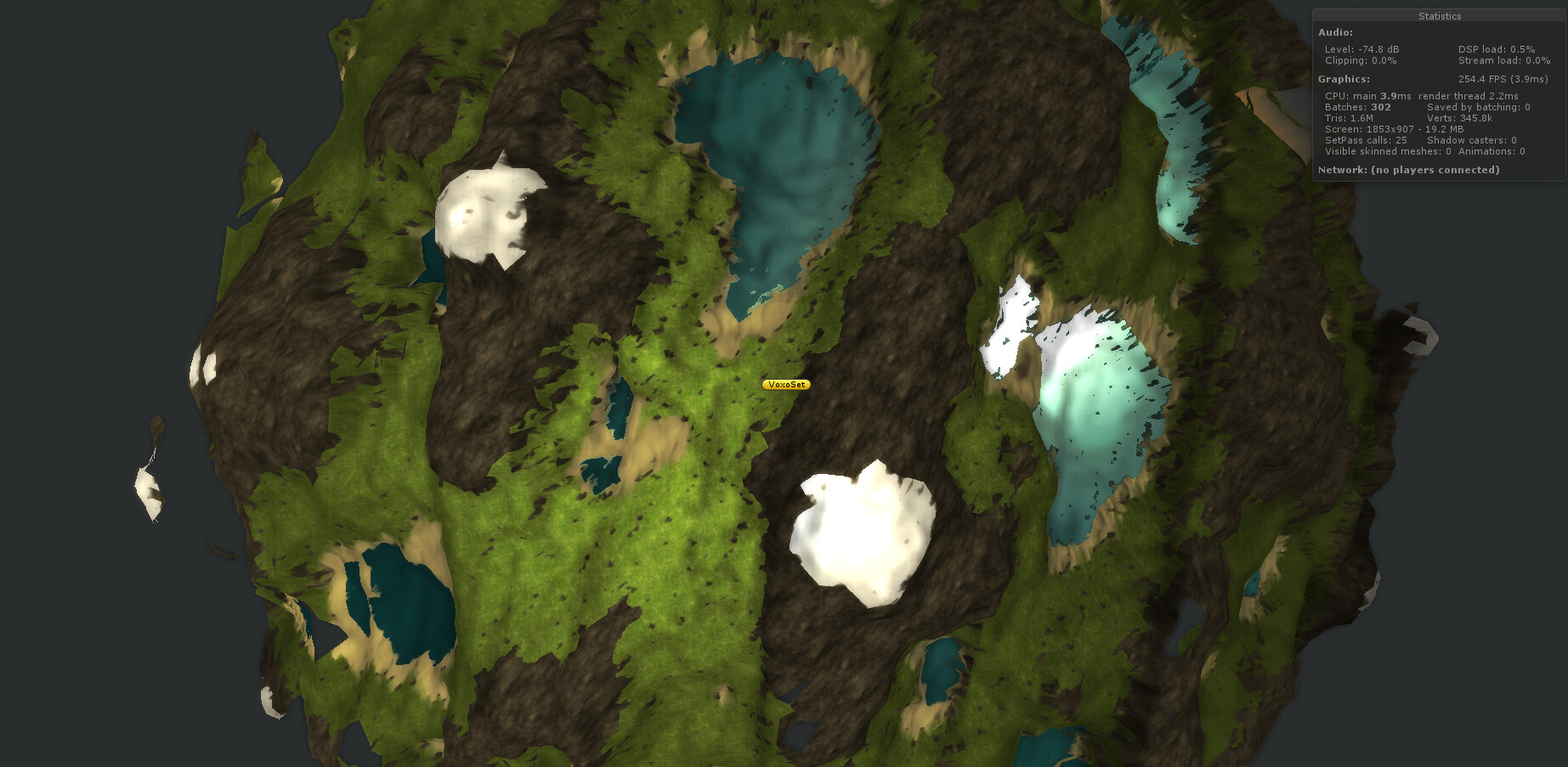
Bumping this with a quick procedural voxel planet test using your other shader with 5 layers — GitHub - slipster216/VertexPaint: Unity 5.3 Vertex Painter

Can’t wait to test the new one.

Does this shader perform well enough for a mid- to large-scale terrain on PC? Or should this be reserved to “hero” objects that need some additional detail? I understand that it depends on what other functionality is used, but compared to e. g. RTP, what features would need to be dropped in exchange for this crazy amount of splat textures?

It’s actually quite performant depending on the feature spec, in many cases being much faster than the shaders Unity uses for terrains. Although the shader will not work with Unity terrains, using it as a comparison point is actually a good way to understand it’s cost. On most hardware, these types of shaders are going to be bottlenecked by texture sampling and memory bandwidth, so counting texture samples per pixel is a reasonable guesstimate of performance.

For instance, the standard Unity terrain shader with 4 splats uses 4 texture samples per pixel per texture type (so, if you are doing 4 splats with diffuse + normal, that’s 8 texture samples per pixel). If you go to 8 textures, then it draws the terrain twice, making diffuse + normal take 16 texture samples per pixel. If you add a specular component, that would be 24 samples per pixel for an 8 layer terrain with the mesh being drawn twice.

MegaSplat offers several packing modes for textures, allowing you to optimize the number of samples based on what you really need. For instance, one packing gives you per pixel albedo, normal, roughness, and either ambient occlusion or metal packed into just 2 textures.

Under this packing it takes just 12 texture samples per pixel, which is the same cost as Unity’s shader doing only 4 textures. Compared to Unity’s 8 texture mode, it’s half the number of samples, and your doing it all in one pass. It doesn’t matter if you have 1 textures or 250 painted onto the mesh, the number of samples is the same. The only real cost of painting extra textures is the bandwidth cost of accessing that much texture memory, and how much this hurts will be highly dependent on texture compression formats (DXT is either 8:1 or 6:1, while formats like PVR are 16:1 or 12:1, which is much smaller) and hardware bandwidth.

Now, if you turn on parallax mapping, triplanar or flow mapping, etc, things can start to add up quickly. At the bottom of the shader is a display which tells you how many texture samples you are performing per pixel, which should give you a pretty decent idea of cost.

I’m not familiar enough with RTP to use it as a performance comparison.

1 Like