PrimeTween · High-Performance Animations and Sequences

Download PrimeTween for free on the Asset Store.
Get PrimeTween PRO on the Asset Store.

PrimeTween is a high-performance, allocation-free animation library for Unity.

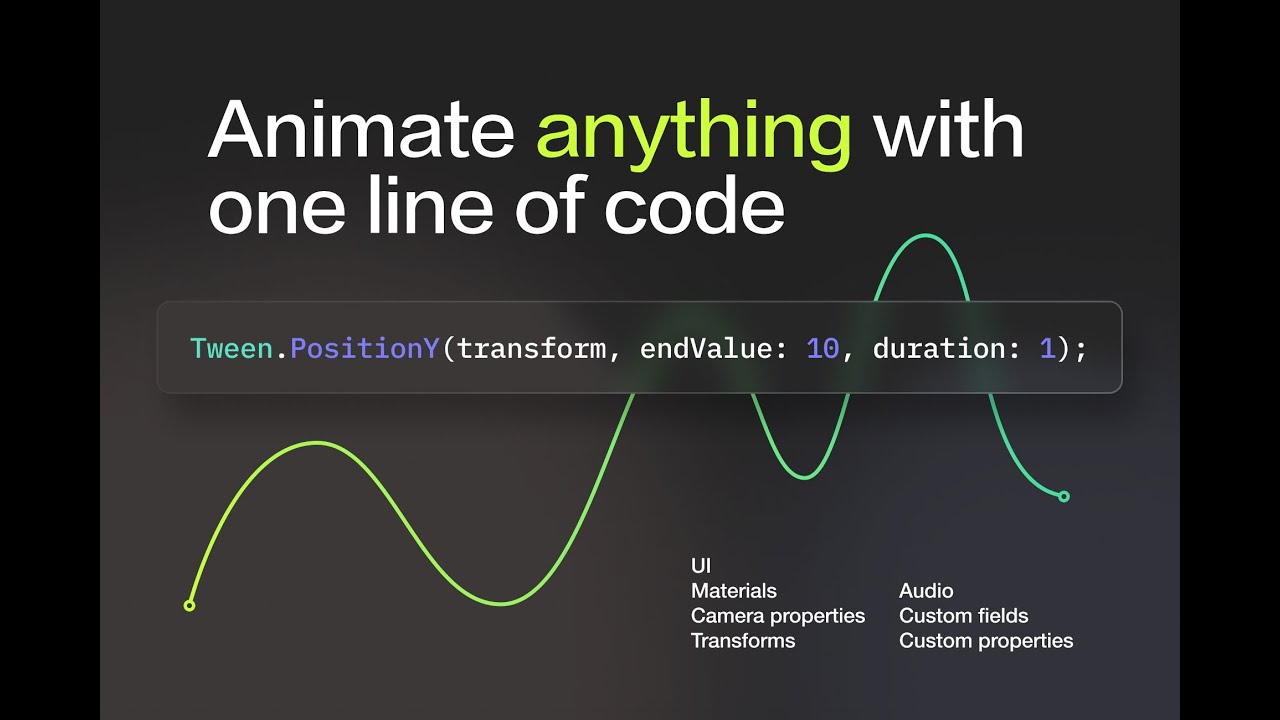
Animate anything with just one line of code, tweak all animation properties directly from the Inspector, and create complex animation sequences. No runtime memory allocations, ever.

Highlights

  • Zero-allocation animations, shakes, delays, and sequences.
  • Unity Package Manager (UPM) ready.
  • Simple and consistent API. Animate anything with one line of code.
  • Full source code is available.
  • Reliable, covered by tests, and ready for production.
Features

  • Easing functions: choose a standard easing function or provide a custom animation curve for animations.
  • Shakes: shake the camera, Transform, or any arbitrary property.
  • Callbacks: execute custom code when animations complete.
  • Sequences: combine animations, delays, and callbacks into complex sequences.
  • Inspector integration: all animation properties are tweakable from the Inspector. Tweak start and end values, duration, cycles, etc. Choose a standard easing function or provide a custom animation curve. All without re-compiling the code.
  • Coroutines: wait for animations and sequences in coroutines.
  • Async/await: await animations and sequences in async methods.
  • Cycles: repeat, play animations back and forth like a yoyo, or cycle them indefinitely.
  • Frame perfect: 1-second animation always takes 60 frames on 60 FPS.

Documentation | FAQ | Support

Download on Asset Store for FREE

19 Likes

Hey everyone!

Just like with the AR Foundation Remote plugin, I created PrimeTween because I had a personal need for such a tool. And I also saw some fun interesting technical problems I would like to solve.

Speaking with fellow devs, I realized that I’m not the only one who is seeking an alternative to DOTween. DOTween is cool and a de-facto industry standard, but the community needed a refreshment.

So I thought: if I’m making a brand new tween library, why not make it high-performance and allocation-free? Just because it’s fun to solve hard technical problems.

Eight months and hundreds of hours of work later I’m proud to announce PrimeTween! I spent so much time designing a simple and consistent API and I’m eager to hear the feedback.

PrimeTween blog posts:

Performance comparison with other tween libraries.
Why PrimeTween doesn’t use extension methods?
Is it safe to destroy an object with a running tween on it?

16 Likes

Hello, looks great! Thank you for asset, but I have 3 questions:

  1. What about DoJump?
  2. What about loops, loop types
  3. Do you have analogue of setUpdates(true)?
2 Likes

There is no built-in DOJump() equivalent in PrimeTween but it can be easily added with this Jump() method:

public static class PrimeTweenExtensions {
    public static Sequence Jump([NotNull] Transform target, Vector3 endValue, float duration, float height, int numJumps = 1) {
        Assert.IsTrue(height > 0f);
        Assert.IsTrue(numJumps >= 1, nameof(numJumps) + "should be >= 1.");
        var jumpsSequence = Sequence.Create();
        var iniPosY = target.position.y;
        var deltaJump = (endValue.y - iniPosY) / numJumps;
        var jumpDuration = duration / (numJumps * 2);
        for (int i = 0; i < numJumps; i++) {
            var from = iniPosY + i * deltaJump;
            var to = iniPosY + (i + 1) * deltaJump;
            jumpsSequence.Chain(Tween.PositionY(target, Mathf.Max(from, to) + height, jumpDuration, Ease.OutQuad))
                .Chain(Tween.PositionY(target, to, jumpDuration, Ease.InQuad));
        }
        var result = Sequence.Create()
            .Group(jumpsSequence);
        if (!Mathf.Approximately(target.position.x, endValue.x)) {
            result.Group(Tween.PositionX(target, endValue.x, duration, Ease.Linear));
        }
        if (!Mathf.Approximately(target.position.z, endValue.z)) {
            result.Group(Tween.PositionZ(target, endValue.z, duration, Ease.Linear));
        }
        return result;
    }
}

I should warn that the above code may not be suitable for every ‘jump’ use case. For example, the above example will work correctly only if the Jump() method is the only method that animates the object’s position. Any other animation (shake, for example) will conflict with the jump animation.

Also, one may want to modify the above code to change ease functions or to adapt it to non-vertical gravity. Because there is no one-size-fits-all solution, I decided not to include Jump() as a built-in method. The above Jump() example is simply a collection of tweens, and I believe it’s better for PrimeTween users to understand that by seeing the implementation and modifying it to their own needs.

PrimeTween supports loops and loop types. But I gave them a better naming in my opinion - I called them cycles and CycleMode. Because ‘loop’ is something that ‘loops’, i.e. finishes at the same place where it starts. But this is not always the case with animations.
Cycles documentation.

Here is the usage of cycles in PrimeTween:

// Animate position.y to 10 and back (like a yo-yo)
Tween.PositionY(transform, endValue: 10, duration: 1, Ease.OutQuad, cycles: 2, CycleMode.Yoyo);

Of course! In PrimeTween you simply pass the ‘useUnscaledTime’ parameter to ‘Tween.’ methods, like this:

Tween.PositionY(transform, endValue: 10, duration: 1, useUnscaledTime: true);

PrimeTween doesn’t use extension methods for a lot of reasons, but this deserves a separate blog post.

2 Likes

It’s free, but not open source - why? it’s so much easier to install and update packages from the package manager than from the Asset Store…

1 Like

The biggest reason for me was discoverability. Being popular on Asset Store is much more valuable than being popular on Git Hub. Asset Store is a one-stop shop for the majority of Unity developers, so being popular on Asset Store is key to product adoption.

Secondly, being open-source doesn’t automatically mean that users can install and update the package from the Package Manager. From my side, it requires setting up scoped registries, and they have some limitations . And from the user’s perspective, they will have to manually add the scoped registry to the Package Manager. While I see great value in this as a developer, I still believe that installing via Asset Store is much simpler and more accessible for an average user.

Thirdly, while PrimeTween is free right now, I would like to have the opportunity to become paid in the future. It doesn’t mean it will happen any time soon, but I would like to have such a choice available.

All the above reasons don’t mean PrimeTween is closed-source. After you download it on Asset Store, you have full source code with no nasty DLLs. And it also installs via Package Manager to keep users’ projects structured.

1 Like

You don’t need to do a scope registry, it’s possible to install the package directly from git (GitHub - Cysharp/UniTask: Provides an efficient allocation free async/await integration for Unity.). The package is installed as a local package anyway, so it’s easy to change the local archive to the git link. And you don’t have to remove it from the asset store.

Can’t argue against the third point. But you will also be able to remove it from the github later. It’s up to you :slight_smile:

1 Like

Yes, this is a very handy method of installation. But, unfortunately, it doesn’t support updates via Package Manager. To update such a package you have to re-download it somehow. One method I know is to go to the packages cache and delete the folder, which will trigger the re-download. But this method feels a bit hacky to me.

Once you have at least one fork, you can’t remove the project from Git Hub entirely. And even if you could do so, it would be very unethical toward all other contributors and other forks maintainers.

Edit: GitHub discussion thread on this topic: https://github.com/KyryloKuzyk/PrimeTween/discussions/9

Thank you for your answer, don’t forget DoLocalJump too please)
What if I want to make an item DoJump or DoMove but target object moving? In DoTween I usually make item child of target and then run DoLocaJump, but item rotates with target until the end of animation.

2 Likes
public static Sequence Jump(Transform target, Vector3 endValue, float jumpPower, int numJumps, float duration) {
    Assert.IsTrue(numJumps >= 1);
    var jumpsSequence = Sequence.Create();
    var iniPosY = target.position.y;
    var deltaJump = (endValue.y - iniPosY) / numJumps;
    var jumpDuration = duration / (numJumps * 2);
    for (int i = 0; i < numJumps; i++) {
        var from = iniPosY + i * deltaJump;
        var to = (i + 1) * deltaJump;
        jumpsSequence.Chain(Tween.PositionY(target, Mathf.Max(from, to) + jumpPower, jumpDuration, Ease.OutQuad))
            .Chain(Tween.PositionY(target, to, jumpDuration, Ease.InQuad));
    }
    return Tween.PositionX(target, endValue.x, duration, Ease.Linear)
        .Group(Tween.PositionZ(target, endValue.z, duration, Ease.Linear))
        .Group(jumpsSequence);
}

How I can add OnComplete callback here?

1 Like

Method Jump() returns a Sequence, so you can simply use the .ChainCallback(() => print("Done!")) method to chain any number of callbacks to the Sequence.

Sequences in PrimeTween don’t currently support OnComplete() to make the API simpler. But ChainCallback() works exactly the same as OnComplete() for sequences with one cycle. I’ll consider adding OnComplete() if there will be a demand for it.

Thank you very much, all works!

1 Like

I like the concept of this library very much. It’s very tidy.

I’ve been using unity-tween before. I think that has a slightly better (i.e. concise?) syntax thanks to its use of extension methods (some people like them, some hate them), but it’s nowhere as consistent, nor robust, as PrimeTween! I also normally dislike fluent syntax (only exception really is Tweens), so it’s nice to not have to bother with it anymore. :slight_smile: Of course use of Fluent Syntax for “Chain” is totally good and sensible.

Side note: I don’t think DOTween was ever a contender, I shipped a few games with it and frankly, DOTween is pretty bad.

Anyway - very cool job, Kyrylo! I’ll use your lib to test some new UI stuff I am prototyping. It might be one of the best I have ever had the pleasure using!

And already need to praise the excellent use of existing interfaces/superclasses, such as Graphic. I can Tween all my SVG Image stuff right out of the box!

Small tip - instead of making TweenAwaiter “obsolete” to “hide” it from IDE suggestions (spoiler: it wasn’t hidden, it was just at the bottom of the list ;)), you can use System.ComponentModel.EditorBrowsableAttribute, for example:
[EditorBrowsable(EditorBrowsableState.Never)]

1 Like

Question, I’ve been trying to replicate this (contrived) example from DOTween Documentation:

var mySequence = DOTween.Sequence();
mySequence
    .Append(transform.DOMoveX(45, 1))
    .Append(transform.DORotate(new Vector3(0,180,0), 1))
    .PrependInterval(1)
    .Insert(0, transform.DOScale(new Vector3(3,3,3), mySequence.Duration()));

I noticed that perhaps Sequence.Create could use another overload that takes a Sequence, but maybe you have a much cleaner way to do this self-referential grouping? This i is also not 100% equivalent, but I could start the 2nd sequence with the delay instead.

var mySequence = Tween.Delay(1)
    .Chain(Tween.PositionX(target: transform, endValue: 45, duration: 1))
    .Chain(Tween.Rotation(target: transform, endValue: Quaternion.Euler(x: 0, y: 0, z: 180), duration: 1));

mySequence = Sequence.Create()
   .Chain(mySequence)
   .Group(Tween.LocalScale(target: transform, endValue: Vector3.one * 3, duration: mySequence.durationTotal));

Overall, I noticed it’s more verbose (if more explicit) than libraries that rely on extension methods. I’m looking forward to that blog post. :sunglasses:

var mySequence = Tween.Delay(1)
    .Chain(transform.PositionX(endValue: 45, duration: 1))
    .Chain(transform.Rotation(endValue: Quaternion.Euler(x: 0, y: 0, z: 180), duration: 1));

Sequence.Create()
    .Chain(other: mySequence)
    .Group(transform.LocalScale(endValue: Vector3.one*3, duration: mySequence.durationTotal));

But there’s always static imports. (which I personally hate, however)

using static Tween; //at top of file
var seq = Delay(1)
    .Chain(PositionX(target: transform, endValue: 45, duration: 1))
    .Chain(Rotation(target: transform, endValue: Quaternion.Euler(x: 0, y: 0, z: 180), duration: 1));

Sequence.Create()
    .Chain(other: mySequence)
    .Group(LocalScale(target: transform, endValue: Vector3.one * 3, duration: seq.durationTotal));
1 Like

@[Thygrrr]( https://discussions.unity.com/t/926420 members/thygrrr.414333/) Huge thanks! Designing a simple and consistent API was one of my main priorities and I’m glad to hear that it pays off. I spent almost as much time designing and iterating on API as on actually writing the code :slight_smile:

I marked TweenAwaiter with an Obsolete attribute for the same reason - to make API’s surface smaller and decrease the complexity for users. Huge thanks for suggesting the EditorBrowsable attribute! Although it doesn’t work with my Rider IDE (maybe there is a setting I don’t know about), I’ll add this attribute for Visual Studio users.

var mySequence = DOTween.Sequence();
mySequence
    .Append(transform.DOMoveX(45, 1))
    .Append(transform.DORotate(new Vector3(0,180,0), 1))
    .PrependInterval(1)
    .Insert(0, transform.DOScale(new Vector3(3,3,3), mySequence.Duration()));

Yeah, this example is quite contrived, I agree :slight_smile:
I would rewrite it to something like this in PrimeTween. I grouped the ‘moveAndRotate’ to a scale tween, so they run in parallel to one another. And I used the ‘startDelay’ parameter instead of Tween.Delay:

var moveAndRotate = Tween.PositionX(transform, 45, 1, startDelay: 1)
    .Chain(Tween.Rotation(transform, Quaternion.Euler(x: 0, y: 0, z: 180), 1));
var sequence = Tween.LocalScale(transform, Vector3.one * 3, moveAndRotate.duration).Group(moveAndRotate);

Yes, in general, PrimeTween is more verbose. I believe that readability is more important than terseness. Although, there are cases where PrimeTween can be even shorter than using extension methods:

transform.DOMove(targetPos, duration).SetEase(Ease.InOutElastic).SetLoops(-1, LoopType.Yoyo);
Tween.Position(transform, targetPos, duration, Ease.InOutElastic, cycles, CycleMode.Yoyo);

But for those who can’t live without extension methods, PrimeTween can mimic DOTween’s API with the help of adapter. This way, users can continue using extension methods with all the performance and consistency benefits of PrimeTween.

The blog post about extension methods is finally ready!
Everyone is welcome to comment here or on Git Hub.

Why PrimeTween doesn’t use extension methods?

1 Like

Awesome, thanks for taking the time to explain!
(and I pretty much agree, despite my apparent preference)

Small bug report - this is more of a “Unity” problem, but certain domain reload scenarios cause tween singleton to fail. (in the latest 2022.3.7f1 LTS)

(it happens occasionally when I add a script, then hit F5 to recompile (I think CTRL-R is the default). I have Asset Refresh off. It’s difficult to reproduce. I’ll try to extract a more meaningful stack trace next if I get the chance, I was busy with another bug in that session.)

I would very much appreciate a full stack trace!
Can you please also check that you’re not calling PrimeTween’s API in these cases?

  • in Edit mode (when a scene is not playing)
  • MonoBehaviour’s constructor
  • class static constructor
  • field constructor
  • a method marked with RuntimeInitializeOnLoadMethod or InitializeOnLoadMethod attribute

Using PrimeTween in these cases is not valid because a lot of Unity APIs don’t work either here. Although I should log a friendly error instead of throwing a null-ref.

I checked, finally found it. It is my mistake, I had a (rarely executed) code path where a leftover Tween was started in a function that was called by an OnValidate method.

Maybe a warning in the getter for PrimeTweenManager.instance for !Application.isPlaying could be useful. (or the manager just refusing to exist/instantiate in edit mode, might be cleaner)

1 Like

@Thygrrr Thank you for confirming this! I’ll make sure to print a warning when PrimeTween is used in Edit mode.