Hello everyone, my name is Wilgner and today with great happiness I announce the Main Menu Kit 1.2 (MMK).
The Main Menu Kit(MMK) is a package that contains a complete menu for your game, is simple, flat and easy to customize to your taste, contains 4 ready menus, play, options, credits and exit. All working perfectly and with animations included, plus a dialog box, languages, transitions, animations that can be done easily with a few clicks. Functional options and is saved in json file.
Asset Store: Main Menu Kit | GUI Tools | Unity Asset Store
Youtube:
v1.2 - More Recent)

v1.1 - Introduction
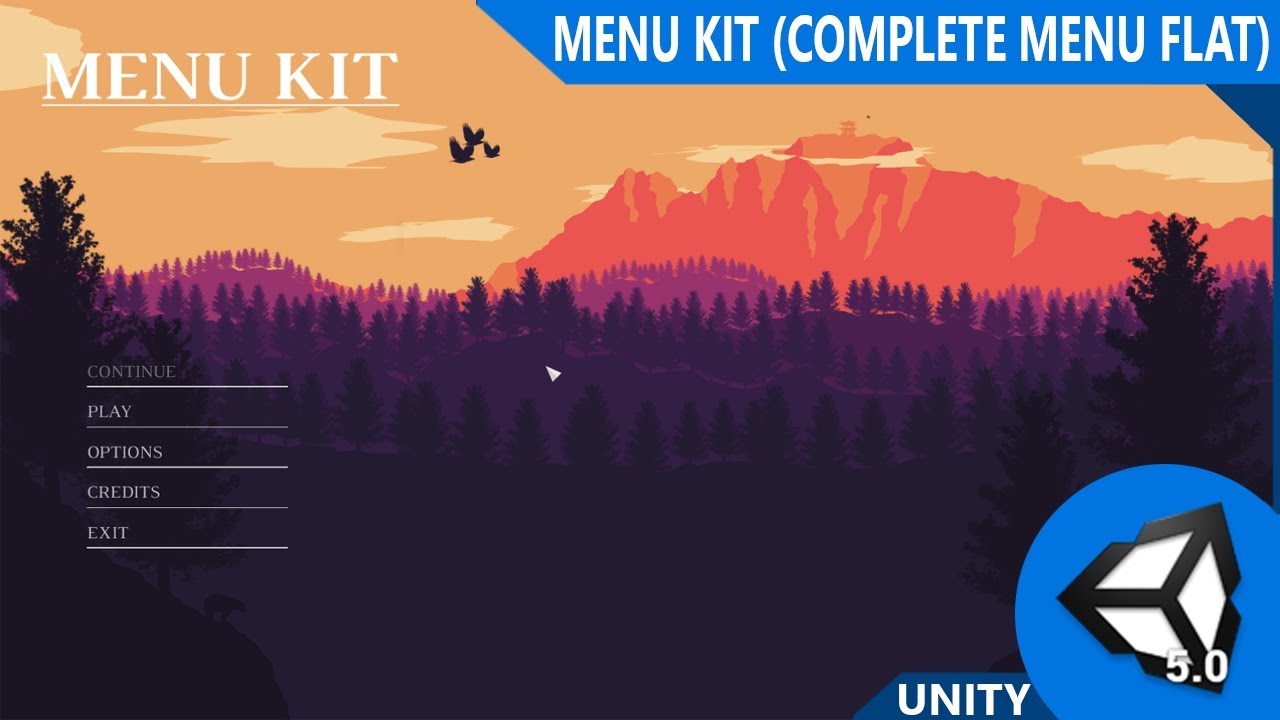
Screenshots:
More information and images in the Assets Store
Features:
• Demonstration scene
• Easy to use and customize
• Includes options settings (VIDEO, AUDIO and GAME)
• Language Control (EN, PT_BR)
• Audio System
• Custom Input (Suggestion sent in my Email)
• Pause Menu (RESUME, OPTIONS and EXIT) (Suggestion in the presentation video of the Main Menu Kit)
• Simple Player
• GUI flat and beautiful
• 2 Backgrounds
• Animation Transitions (Fade In, Fade Out, Swap In, Swap Out, Custom)
• Save settings to JSON file
• Custom Cursor
• 2 play type (Start direct play and game modes, level select under development)
• Animations in the Main Menu
• Scale animations, directions or both on the credits screen and in game modes
• Organized structure
• All C # code and commented in English (soon Brazilian Portuguese)
• Prefabs ready for use
• Custom Editor
• Organization of menus and modes according to position in the inspector
• Documentation in PDF
• Improvements in inspector and codes
• Work with Unity +2017
IN ONE SECOND(HOTKEYS):
Main Menu Complete - CTRL+SHIFT+M
Pause Menu - CTRL+SHIFT+P
Elements:
Credits Screen - CTRL+SHIFT+C
New Item Menu - CTRL+SHIFT+N
Dropdown Options - CTRL+SHIFT+D
Slider Options - CTRL+SHIFT+S
Toggle Options - CTRL+SHIFT+T
Custom Input Example - CTRL+SHIFT+I
Any questions please get in touch and any feedback is welcome.
My contacts:
Business: https://www.wilgnerstudio.com/contact/
Customer Support: https://www.wilgnerstudio.com/customersupport/
Thank you.
Link for Assets Store: Main Menu Kit | GUI Tools | Unity Asset Store
Just $14.99 USD

