[RELEASED] Physics Debug Extension

Physics Debug Extension

Website: RotaryHeart.com
Product Wiki: Online

Version 2.0.0
Available Now: Asset Store
Release Notes

Physics Debug Extension is a system that allows to preview any Physics cast, checks or overlaps. It can easily be used without much code modification.

A code that normally uses:

Physics.SphereCast(bottom, top, transform.forward, out hit, 10)

Will only need to be changed to

RotaryHeart.Lib.PhysicsExtension.Physics.SphereCast(bottom, top, transform.forward, out hit, 10, RotaryHeart.Lib.PhysicsExtension.Physics.PreviewCondition.Editor)

Note that the last parameter will indicate if the lines should be previewed at editor, game or not drawn at all.

It even have 2 extra parameters to change the hit and no hit color, which are optional. Here’s a quick preview of how it looks:

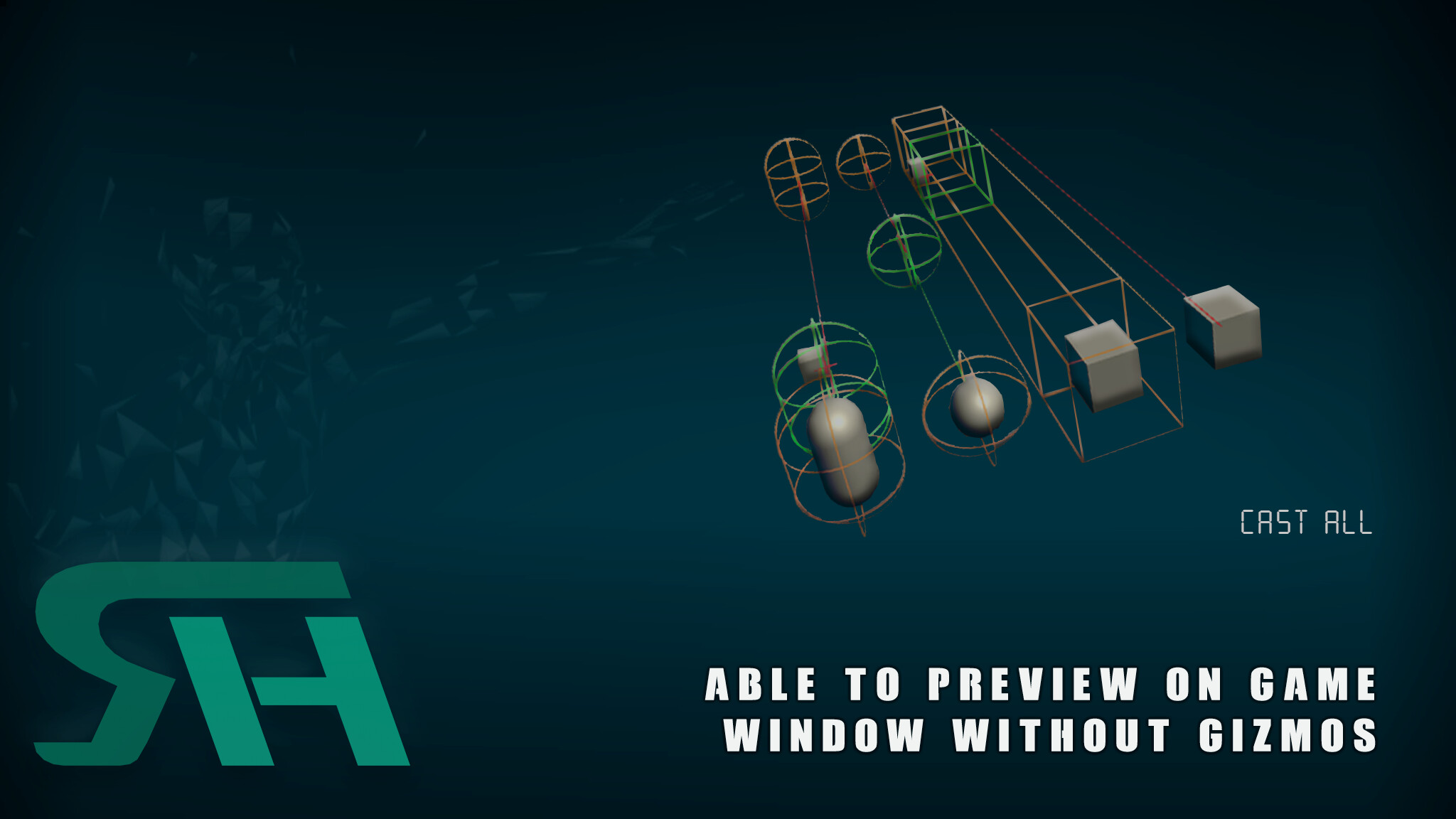
Here you can see a Sphere cast from the camera, a line cast from the character face and 3 box cast (object left, right, up direction)

It even shows the collision point like this:

After a couple of requests for in game preview I was able to implement it using Unity GL. So now you can see all the lines on a game too.

If none is passed as preview parameter then it will work the same way as the Unity physics cast since all the drawing is by passed. Currently all the Unity casts, checks and overlaps are implemented.

Currently tested systems:
Windows
Android
Mac
Linux
iOS


5 Likes

Version 1.0 has been submitted to the asset store for review. This is the first public released. Anyone that got the package from email should download this one.

I have no idea why the Asset Store has been taking so long to publish the asset, but if anyone is interested feel free to pm me and I will provide the package.

Good news, the asset is live now.

2 Likes

Version 1.2 has been submitted. This includes a couple of bug fixes:

  • Changed preview behavior for single casts (line, sphere, capsule, and box) so that it reflects exactly how the Physics check works.
  • Changed collision preview behavior for cast all (box, capsule) to draw the respective figure since it only worked correctly for forward direction.
  • Cleaned up the code a little

Product wiki page has been completed. It can be accessed on the Wiki section of our web page.

Version 1.2.1 been submitted to the asset store for review. This version includes:

  • New folder structure.
  • Updated documentation.

Version 1.2.1 is now live on the asset store!

Hey! The Gl Lines are drawn in the game view in Unity Editor, but does not work in Android Builds? Is this due to the shades being used?

Hello,

It seems like Unity is not including the shaders when the game is compiled. So go to Project Settings > Graphics and on the section that says “Always Include Shaders” include the shaders GLlineZOff and GLlineZOn

3703348--305749--upload_2018-9-21_3-3-30.png

Then try compiling again, if when compiling you get an error that those shaders are hidden. The error will start like this:

Open both shaders add an empty line at the end and save them. (This is the only way I have found to be able to not make them hidden by Unity) That will allow you to have it working for android, here’s a screenshot of the example scene working on Nox.

3703348--305746--upload_2018-9-21_3-3-12.png

1 Like

Version 1.3 been submitted to the asset store for review. This version includes:

  • New folder structure.
  • Updated documentation. (Explains how to resolve the issue above)
  • Modified GLDebug script to have shader fields that can be used to force Unity to include the shaders. This only works if the component is manually added to the camera.

@Rotary-Heart Thanks! I fixed it by putting the shaders in the Resources folder and loading them with Resources.load in the GlDebug File.

Version 1.3 is now live on the asset store!

@LemurusBalok Good to know that you were able to resolve it.

1 Like

Version 1.3.1 been submitted to the asset store for review. This version includes:

  • Fixed bug where lines for Sphere and Capsule casts where forced to be drawn on editor only.

Version 1.3.1 is now live on the asset store!

Version 1.4 has been submitted to the asset store for review. This version includes:

  • All 2D physics casts and checks

Version 1.4 is now live on the asset store!

Version 1.5 has been submitted to the asset store for review. This version includes:

  • Added option to see lines on both the game and editor window at the same time.
  • Multiple tweaks to the code for performance and small fixes.

Version 1.5 is now live on the asset store!

1 Like

The awesomeness of this tool is amazing!!!
Thank you for sharing it with the community.
It helped me debug sphere and specially capsule casts with such incredible ease… oh boiiiiiiiiiii!!!

Two minor things:

  • HDRP in-game gizmo rendering doesn’t work, but we don’t much need it anyway
  • We have to use PhysicsExtension check/cast methods only temporarily while we debug, since the internal evaluation boils down to ‘ray.direction.Normalize();’. This leads to performance degradation :frowning: We never call it with non-normalized direction anyway. And we don’t even use Ray ourselves, always call the ‘origin’, ‘direction’ overloads.