New in V10:
• Fog of War!
• Integration with Online Map Systems
• Hexagonal Grid with Path Finding
• Unity 2017 compatible
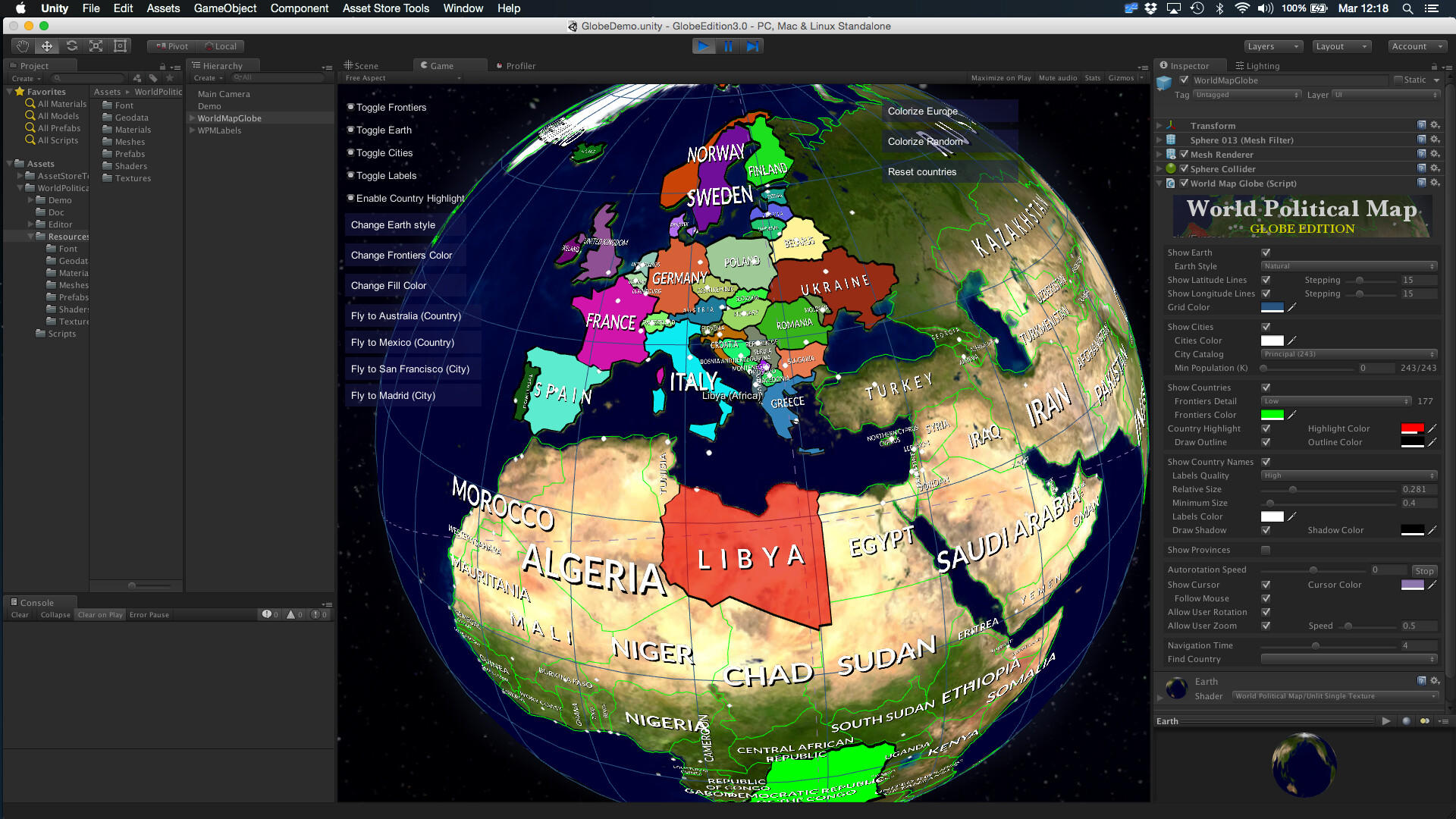
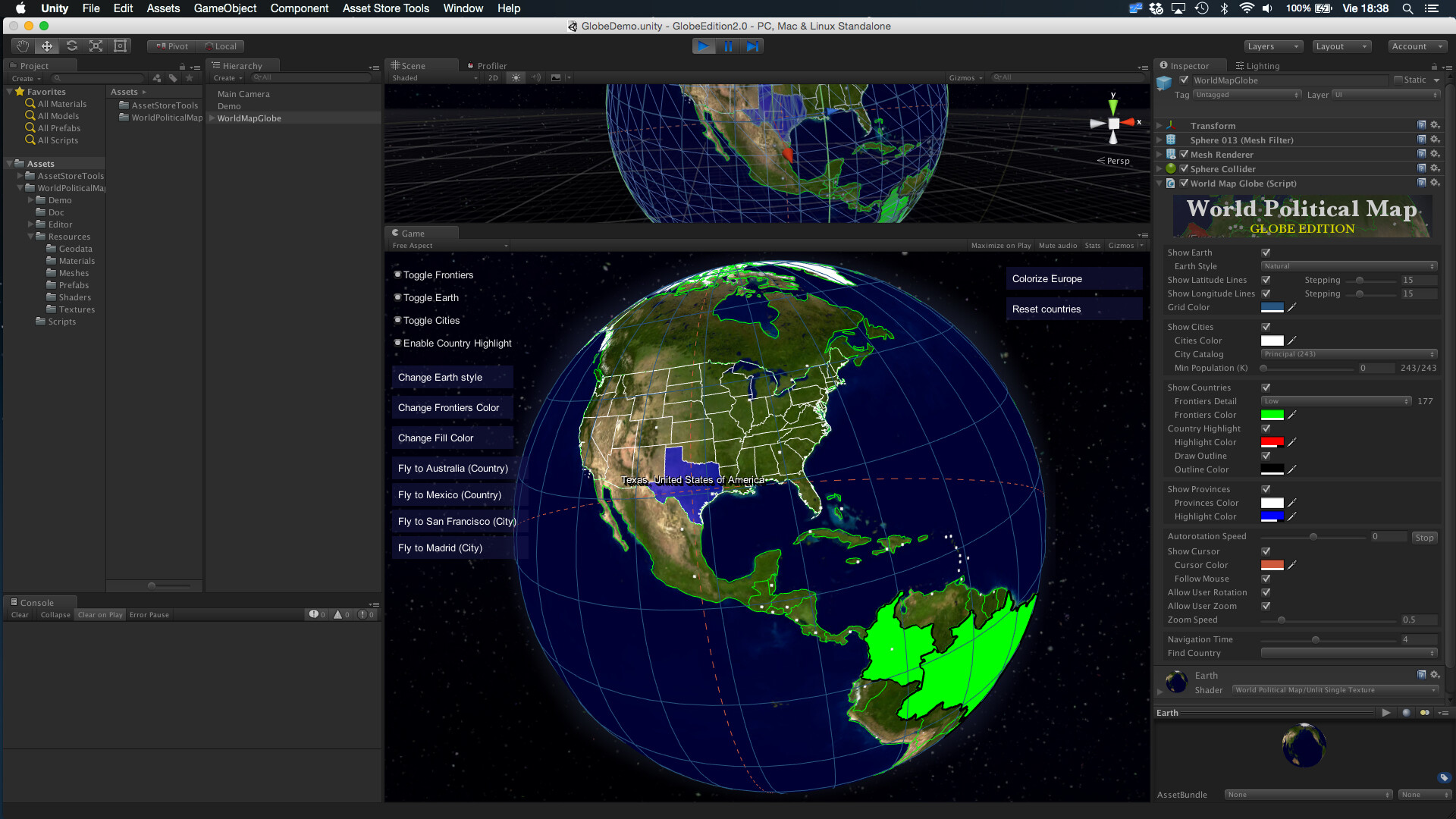
World Political Map - Globe Edition adds to your scene a beautiful, customizable and fully interactive 3D globe political map with selectable countries, states/provinces and many awesome features**.**
Great for games (mission briefings, showing and/or selecting destinations and locations, conquer/strategy games, Earth HUD locator,…), educational or statistical software, data-viz applications, …
Just drag the map prefab and customize the look & feel. Read after the screenshots for the full list of features.
Procedurally draws the frontiers of 240 countries, +4100 provinces and states and the location of the 7144 most important cities in the world!
Fully interactive map: regions of countries, provinces/states and cities highlight as you pass the mouse over them. The interactive functionality is provided as API and a demo scene is included showing how you can add mouse rotation, zooming with the wheel mouse, show tooltips, fly between countries or cities, etc.
NEW! - Three types of classified cities, including country and region capitals.
NEW! - Mount Points support: add your custom strategic locations from the Editor and find/navigate/position objects on them easily.
NEW! - Two Camera Modes available: either navigate between locations rotating the Earth (Camera is not moved) or make the camera rotate around the Earth.
Automatically draws country labels with placement options.
Colorize countries, provinces/states or entire continents! highlight any region of the world from code with just one call (example: ToggleCountrySurface(“Russia”, visible, Color.Red).
Per country texture support! Assign your own textures to any number of countries, with offset, scale and rotation options.
Can add Markers and Line drawing/animation to the globe map.
Bake Earth texture command! This new command allows you to render the colorized regions into the texture itself, boosting the performance when lots of countries are colorized.
Inverted view mode! Sit at the center of the Earth and get surrounded by the map, great for VR applications (watch one of the videos below for a demo).
Find and fly smoothly to any country, state, province or city by its name from current position: you can make the globe rotate smoothly from current position to any country or city just calling one method and provide the name of the destination. You can also set the movement speed or go instantly (set time to zero).
Two levels of details for frontiers at 110.00.000:1 and 30.000.000:1 scale.
Imaginary lines: draw latitude, longitude and cursor lines.
Lots of customization options: frontiers colors, highlight color, visibility of cities/frontiers/Earth, labels, … 7 Earth styles including one high-res (8K) and a custom planetary shader with relief and clouds effects + advanced glow compatible with mobile**.**
- New physically-based atmospheric scattering shader.
Additional high-res Earth textures available on our support forum (free).
Can be instantiated and controlled by code (API and documentation provided).
Custom editor inspector with 4 extra awesome components:
Calculator (converter between spherical and lat/lon),
Tickers (scrolling, blinking or fading texts over the map)
Decorator (customize countries with specific labels, colors and textures!)
Map Editor (yes, you can now create or modify the borders of the countries, provinces and change cities!). Watch videos below for a quick tour.
No internet access required. Geographic data included in the asset, which does not use Google Maps nor any other map provider. Make it very fast and works offline!
Mobile friendly: tested on Android and iOS.
Source code included (C#) and documented so you can adapt it to your project easily.
Well, it could be done, just replacing the geodata files included in World Political Map asset which contains the locations of the polygons for frontiers and cities in spherical coordinates, with your own files. The data is stored as packed strings with separators in ASCII readable format (to make it more portable and allow external editing). Example:
Note that our data files are curated, so the number of points is optimized for each detail level (WPM can handle two levels of detail for your geographic data - one for bird-eye view and other for zooming for instance - for this reason there’re two files with country frontiers data).
Regarding your data, are you talking about a fictional or real map? If your data is in lat/lon format, the asset contains the formulae to convert them to spherical coordinates so I think it could take you very little time to replace the data without touching any script.
You can reach us through our support forum (kronnect.com) and we can discuss your requirements over there if you wish (or by email : contact[at]kronnect.me).
New Inverted Mode view, allows you to sit at the center of the Earth.
Bake Earth texture command (available from gear’s icon in the inspector title bar)
Improvements
New buttons to straighten and tilt the Earth (also available in API)
New option to adjust the drag speed
New option to enable rotation using keyboard (WASD)
x2 speed increase of colorize/highlight system
Demo of inverted mode:
Concerning the Bake Earth texture command, it’s is available from the gear in the inspector title bar:
A sample texture generated by colorizing all countries with random colors is below:
This command is useful for cases where you want lots or all countries colorized. In this case, you can get a boost in performance avoiding adding the coloured surfaces onto the Earth rendering the colors directly on the texture.
Not with the Globe Edition… you can however modify the borders with the 2D Edition which includes the Map Editor component although it’s a different asset:
We are studying how to adapt the Map Editor component for the Globe but no dates yet.
Hi @gecko . Unfortunately you can’t do that because the format in which the geodata is stored in both assets is a little bit different for optimisation purposes so you can’t simply replace the data files of one asset with the others.
As commented above, we’ll try to adapt the Map Editor component for the Globe as well. We know lots of users want that so we want also, but we’re not comfortable making promises until we have at least an alpha version working.
Is it possible to mold the terrain using heightmap. Or can this be added in the future. The map looks great currently, but I want the mountains to truly be mountains when rotating the globe. :c)
Sign up at kronnect.com to access the latest beta releases. Currently V3.2 Beta4 includes lots of nice improvements, including performance, markers, lines and a new scenic style which uses a custom shader to add relief and clouds effects.
We’ll submit an update this week to the Asset Store.




 We’d love to add that too.