hi,
the tutorial uses AddForce instead AddTorque
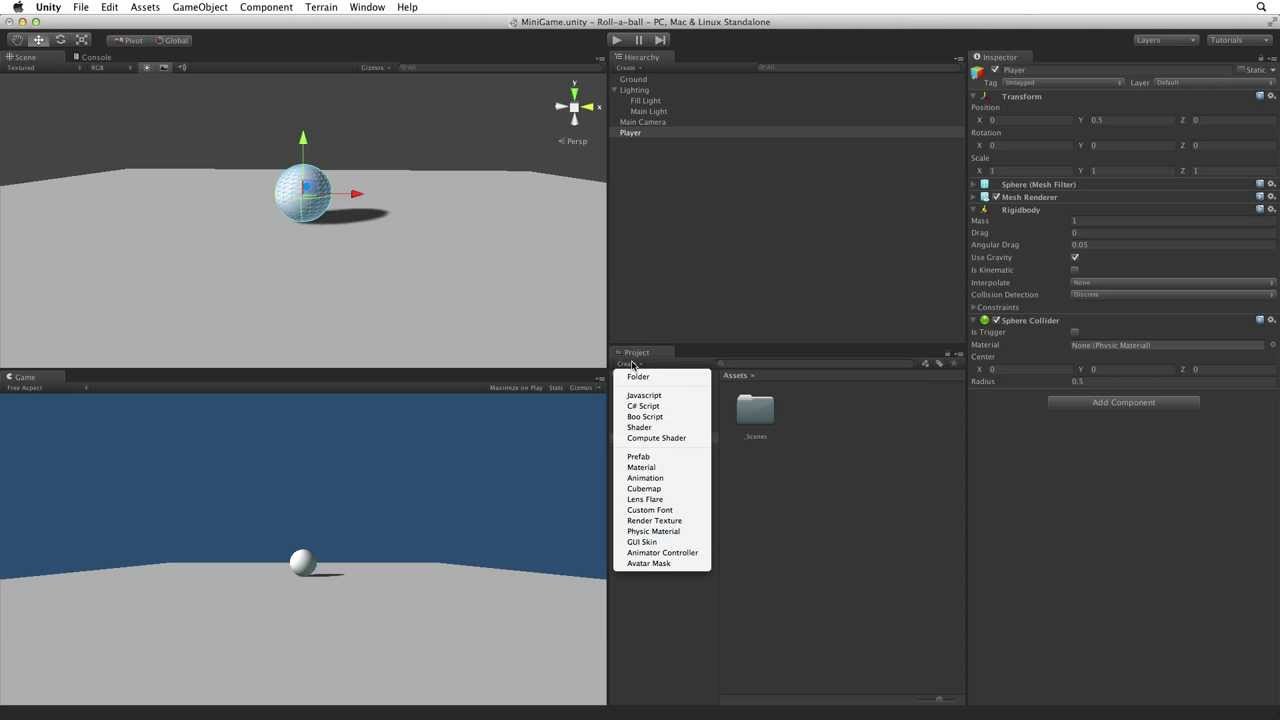
can someone explain me what is the difference between using force and torque to roll a ball?
hi,
the tutorial uses AddForce instead AddTorque
can someone explain me what is the difference between using force and torque to roll a ball?
AddForce “pushes” an object in the direction of the force.
AddTorque applies rotational forces to an object (the value is the axis in object space–so 0,10,0 will spin an object around its “up” Y axis).
The reason the tutorial is probably using AddForce over AddTorque is that spheres in physics engines are actually mathematically perfect–their contact point is basically a super tiny point. Spheres will slip a lot when they rotate against other objects.
If you were to make an actual marble-rolling type game, you’d probably want a mix of AddForce/AddTorque. PhysX simulation just wouldn’t work for rolling up a hill based exclusively on friction gripping the ground…
first of all just go with the bascis tutorial…
Not meant to be rude/disrespectful/adick, and your answer is great, however…
Real-time physics engines are far from perfect, and there’s no such a thing as a tiny point AFAIK. A point is a point. Period/full stop (for the British  ). Also, I don’t see why a sphere wouldn’t roll up a hill based solely on angular acceleration and friction.
I agree that adding both force and torque is a good option. That “locks” the response based on internal physics engine stepping though, in other words, the physics (fixed update) updates separately from frame rate, and input polling is done (properly) on a per frame basis, what is the proper way to do the thing because physics engines goes crazy otherwise, however, that adds some latency on responsivity (because some “updates” can go without a single “fixed update”) and also on perceived responsivity because the physics engine have to resolve the forces in order to make things happen, what takes some physics steps. At very least you want to fine tune the physics stepping rate, although using your own framerate-based solution for the sphere physics is a better option IMHO. It’s a little complicated at first, specially dealing with frictions, but you have much more power over the “behavior” of the sphere and also, you will be able to, for example, add a large number of physical stuff (crates anyone?) to the scenes without a big overhead because you can keep the fixed update rate to a minimum.
I wouldn’t recommend manipulating physics in Update instead of FixedUpdate. It’s not like you really can, anyway–forces applied outside of the physics loop won’t really be applied until the next physics tick. For a rolling marble type game you definitely want to apply continuous forces in FixedUpdate. Impulse forces could be applied for convenience in Update, continuously applying an acceleration force in Update isn’t a good idea at all.
You do need to handle input inside of Update, but there are a lot of libraries that make that easier. If you’re planning on using joysticks, or keyboards-as-joysticks, InControl is pretty great. Input latency won’t really an issue if you’re running your physics timestep faster than your game framerate. (I’d recommend 120HZ physics if you can get away with it, but obviously depends on your genre and target platforms).
Sure! Manipulating physics stuff in Update makes no sense whatsoever. I’m not talking about using the built-in physics for the marble… I’m talking about using something like spherecast (or even better, capsulecast) and doing the thing separately from the physics engine…
And yes, 120hz is okay even for fast-paced games. If I remember correctly, the default physics stepping is 50hz (optimal), if you’re applying velocities, then obviously the responsiveness is somewhat good, however, if you’re applying forces, specially only torques, you’re going to have a huge delay from the time you hit the key until the marble actually starts moving. Applying velocities directly is easy enough though because you basically just add to the current rigidbody velocity the velocity of the intended input. It’s not very easy to determine the reference frame though, but most likely it is a good mid-ground between the camera and the gravity vector (screen and horizon).
So, yes, if you don’t absolutely need the best responsiveness, then setting the physics to 120hz and applying velocities directly is the way to go, it’s not a one-fits-all though, because depending on the game it may not be suitable, let’s say the marble is stuck on a wall, if you apply velocity towards that wall, the thing can easily tunnel through it (ccd helps that), but in the best case, it will at least have some horrendous jittery movement, so, perhaps you will have to apply forces instead of velocities, then we’re back to the responsiveness problem (althoug @ 120hz it’s not as bas)… In both cases though, you’ll have to apply some torque to match the rotation in order for the thing to behave realistically, another nice trick is to just ‘lock’ the rotation of the physical sphere and update the rotation of the graphics based on the x and z positions. I think that’s how monkey ball do the thing. Last time i’ve played monkey ball on the gamecube though, I could notice a lack of responsiveness.