For the benefit of others, fuel usage for all thrusters should work in arcade or physics model modes.
1 Like
ANNOUNCEMENT
Sci-Fi Ship Controller 1.3.0 is DONE. Customers who want to get their hands on it before it gets into the asset store, can get it from the Beta Program (if you’re not a member, private msg me and I’ll let you know how to join).

SSC 1.3.0 includes Tech Demo 3, which is packed full of technical know-how in constructing a single-player interactive space sim scene.
There are many coding examples in Tech Demo 3 that help overcome particular challenges (all for you to examine, copy, modify, and prototype in your own game).
And, it’s better together with Sticky3D Controller (our purpose-built character controller for use with flying space craft - or any other 1st and 3rd person scenario for that matter - or even VR!). Its on sale for a short time if you want to snap up a copy.
1 Like
Mars Expansion Pack - Interactive Experience - Update 1
Now that Tech Demo 3 is done, we’ve started planning and work on Tech Demo 4. The focus will be landing and take-off from Mars for the player ship and AI ships. If you have our character controller (Sticky3D Controller), you’ll also be able to walk around on the planet surface, explore the terraformed Domes, and use the in-built jet pack feature.
For a more cinematic approach, we’ll be using the Physics Model settings rather than Arcade Model (which, if you aren’t aware, is still physics-based).
Each of our core products, Sci-Fi Ship Controller (SSC), Sticky3D Controller (S3D), and Landscape Builder (LB), we’ll be getting enhancements for this project.
We’ve already started on Martian surface mock-ups in LB (using real-world Martian terrain data), and planet approaches in SSC.
You will be able to approach the planet from space, then descend to the planet surface. The physical behaviour of the ship will adjust as you get closer to your landing zone. We will (probably) be using a cut scene to transition from space to the lower atmosphere.
If you know of any great planetary approach, re-entry, and landing cinematic sequences, we’d love to see them. Although we don’t have the budget to do the SFX, we’d at least like to create convincing game mechanics which you can use in your own space sims. With SSC we think this is doable.
1 Like
ANNOUNCEMENT
Sci-Fi Ship Controller version 1.3.0 has been released.
This is now available on the asset store and includes the following updates since 1.2.9:
[NEW] [TechDemo3]( [Released] Sci-Fi Ship Controller - A versatile physics-based controller with playable demos, AI... page-10#post-7715965)
[NEW] AI targeting accuracy
[NEW] Opening and closing events for SSCDoorAnimator
[NEW] Demo celestials component can add planets to the background of stars
[NEW] ShipDisplayModule - Targets debugging in editor at runtime
[NEW] Option for weapons to be used when ship movement is disabled
[FIXED] Docked ships can drift after being disabled and re-enabled via EnableShip APIs
[FIXED] Destruct Modules with a Despawn condition of Time do not despawn correctly when Pooled
[IMPROVED] Moving Platforms can smoothly stop and start
[IMPROVED] DestructibleObjectModule is out of Technical Preview
[IMPROVED] SSCStrobe light now works in HDRP
[IMPROVED] AI steering behaviours
2 Likes
Trying to run the tech demo 3 scene and i get errors about missing anim sets. Checked and noticed a tech demo controller item in the heirachy and decided to look for the anim sets. are they not included because i cant find them anywhere. i have boths ticky 3d controller and scifi ship controller installed.
There are setup instructions at the top of the TechDemo3.cs script - or you can download the pre-setup scene from the Beta Program. The package is called “SSC TechDemo3 With Sticky3D”.
I’ve added your question to the “Common Issues - Demo scenes” section in the manual so that others will also know how to resolve this.


SSC version 1.3.1 is now available from the Asset Store. It includes the following updates:
[NEW] ProjectileModule - Collision Layer Mask
[FIXED] IndexOutOfRangeException after deleting local damage regions
[IMPROVED] PlayerInputModule - add RemoveListeners() API
[IMPROVED] UnityXR camera follows both HMD position and rotation
Pausing and Unpausing your game
This question comes up a lot - “How do I pause my game with Sci-Fi Ship Controller?”
We’ve written about it before, but here is a quick refresher.
If just set Time.timeScale to 0, you see a number of issues including NaN errors on cameras, ships and other “weird” stuff might happen when you set timeScale back to 1.
We’ve written API methods to help you out and avoid these things.
Before setting timeScale to 0
shipCameraModule.MoveCamera();
shipCameraModule.DisableCamera();
shipControlModule.DisableShip(..) // for each ship
sscManager.PauseBeams()
sscManager.PauseDestructs()
sscManager.PauseProjectiles()
sscManager.PauseEffectsObjects()
After setting timeScale back to 1
sscManager.ResumeBeams()
sscManager.ResumeDestructs()
sscManager.ResumeProjectiles()
sscManager.ResumeEffectsObjects()
shipControlModule.EnableShip(..) // for each ship
shipCameraModule.EnableCamera();
See also PauseGame() and UnPauseGame() in TechDemo2.cs and TechDemo3.cs which also deals with HUD, sound, and music.
Mars Expansion Pack - Update 2

After approaching Mars from space, you’ll be flying down to the landing pad in your dropship (a mockup of the ship can be seen in the background).
This dropship will be using the Physics-Model flight mode rather than Arcade. This gives us a chance to further enhance some features in SSC and also introduce new flight assist capabilities.
Tech Demo 4 catch-up
2 Likes
after quick initial test, feedback on the example scenes:
All of them feel really hard to control…(compared to any flying/spaceship games, where you can usually fly with wasd+mouse, without even reading instructions)
Is there some specific settings that would make the flying easier for “noobs” and to have similar controls like in games?
(but no problems if that’s not the purpose of this plugin)
TechDemo2 and TechDemo3 use mouse and wsad. The other demos use wsad and arrow keys. Of course, in your games you can use almost any kind of input you like - include input from:
- “new” Unity Input System
- Legacy Input System
- Legacy keyboard and Mouse (the default in the demos)
- Rewired
- Unity XR (VR)
- Oculus API (VR)
- VIVE API (VR)
How the ships behaves, or responds to input is very configurable and has literally thousands of possible combinations.
Unity Version Upgrade Announcement
The next version of Sci-Fi Ship Controller (1.3.2) will require a minimum Unity version of 2019.4.32 LTS.
Why are we doing this?
Unity have dropped support for Collaborate and Plastic SCM requires a minimum version of 2019.4.32. With a distributed development team, we depend on collaboration to support our products.
What if I cannot upgrade my Unity version?
You can either stay on the last build of SSC that supports your Unity version, or get script-only updates of SSC and forego any changes to prefabs or newly added assets.
1 Like
Mars Expansion Pack - Update 3

This week we continue white-box (untextured) work on the Drop-ship to be used in this mission. We’ve started work on the interior fit-out, particularly rear seating and weapon cabinets.
We’ve been busy working on new features for our character controller (Sticky3D Controller) which will feature in this mission (for people that also own that asset). More on those features later.
Work is continuing on “Stability Flight Assist” for SSC.
Planning is under way for the hover-vehicle which will take you from the landing pad to the city.
Next week we’re planning to have retractable landing gear working for the Drop-ship.
Tech Demo 4 catch-up
1 Like
Games and Features
What style of game are you working on? We’d love to hear about your project.
What are your top features you’d like to see in SSC to help progress your game?
Add your comments here or drop us a note on our Discord channel (or in our ssc-feature-requests Discord channel)
Hi!
I’ve bought your asset and it’s working fine for me overall, but I have a problem with character standing inside a plane. I have a kinematic rigidbody character controller that I can’t switch to another at this point and want to keep it on the surface of the plane interior while it’s accelerating and moving. I’m using your vectra model that I edited so that my character is inside of it on the floor collider.
But when the plane accelerates, the character falls off. How to keep it 100% stable and moving with the plane?
I also still need to be able to jump and collide with other objects.
And a second question, is it possible to make your planes work as kinematic rigidbodies? When I enable kinematic at present, all movement stops.
Are you using Sticky3D Controller (S3D) with your plane as the character controller? (That’s what our other asset, S3D, is designed to do).
SSC is designed to work as a “regular” rigidbody as we need to apply correct physics forces to the space ship or craft.
S3D is a kinematic character controller (which works correctly inside regular rigidbody “ships” like you see in SSC).
No, I’m afraid I don’t have it as I have a very complex setup with 1st and 3rd person perspective, many weapons, full IK physics, gravity directions and other settings optimized for my kind of game, all done in that.controller.
But regarding your Sticky3D Controller - can it move on a surface of the plane interior while the plane accelerates and rotates, without slipping and falling off the ramp, or does it just stick in place, immovable, sitting in the cockpit?
I need my characters fully movable, even jumping on the floor. And to be able to detach only when manually leaving the interiors (or by making some other manual effect, like simulating force reactions on character). Also, I need the character to have gravity only inside of such plane, even as it violently rotates or flies upside down - I need it to still stick to the floor.
If it all could really work, I’d maybe consider. I also need to integrate some realistic animations, weapon systems and IK for at least the legs.
Oh, and on top of that I still need mirror networking -.-. I know, it’s a lot of things.
Hah, yes, you want it all - I understand.
So, yes, S3D is built for many of those scenarios as we couldn’t find a controller that was purpose-built for that. We know customers are building with Mirror, but we don’t offer out-of-the-box integration - you’d need to create your own components.
When a ship, say flies upside-down, the S3D character can walk around (and jump). And yes, it does first and third person (with many different options). Our Foot IK system with moving and rotating space craft is not perfect - its on our “to do” list to improve. Head IK works pretty well with moving space craft. Hand IK should be fine (we use Head IK and Hand IK in our SSC Tech Demo 3 scene - assuming you also own S3D).
We have a way of sending data directly from a S3D character to your animator controller (including conditional options). S3D doesn’t have a dedicated weapons system (unlike SSC which does). There are SO many different ways to implement weapons for humanoid characters… We also support VR so it gets complicated quickly.
Feel free to ask specific Sticky3D questions in our Unity Forum or our Discord channel.
Getting a character controller to work and behave correctly inside other rigidbodies requires solving many complex math and physics problems. But I’m sure you’ve already discovered some of them.
2 Likes
Mars Expansion Pack - Update 4
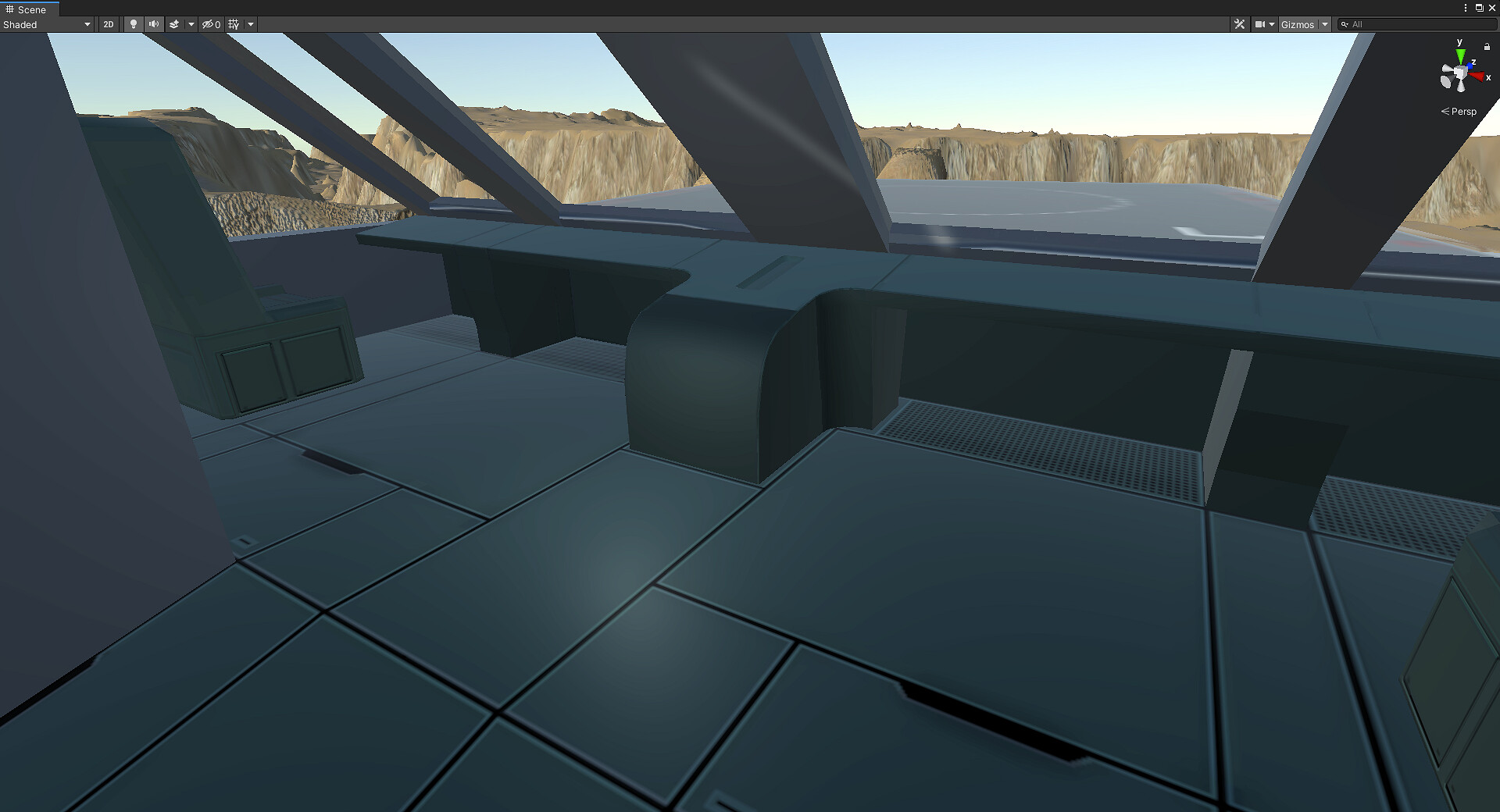
This week we’ve been busy pushing out a new release of [Landscape Builder]( Landscape Builder - Procedural Terrains, Advanced Prefab System, spline tool, and more page-20#post-7933189) and providing support to SSC and Sticky3D Controller asset owners.
However, we did manage to progress the interior of the drop ship. We’ve started to block out the cockpit area prior to detailed texturing.
Retractable landing gear and rear cargo door is now mostly complete.

We still have quite a lot of work to do on both the interior and rather plain-looking exterior of the ship.
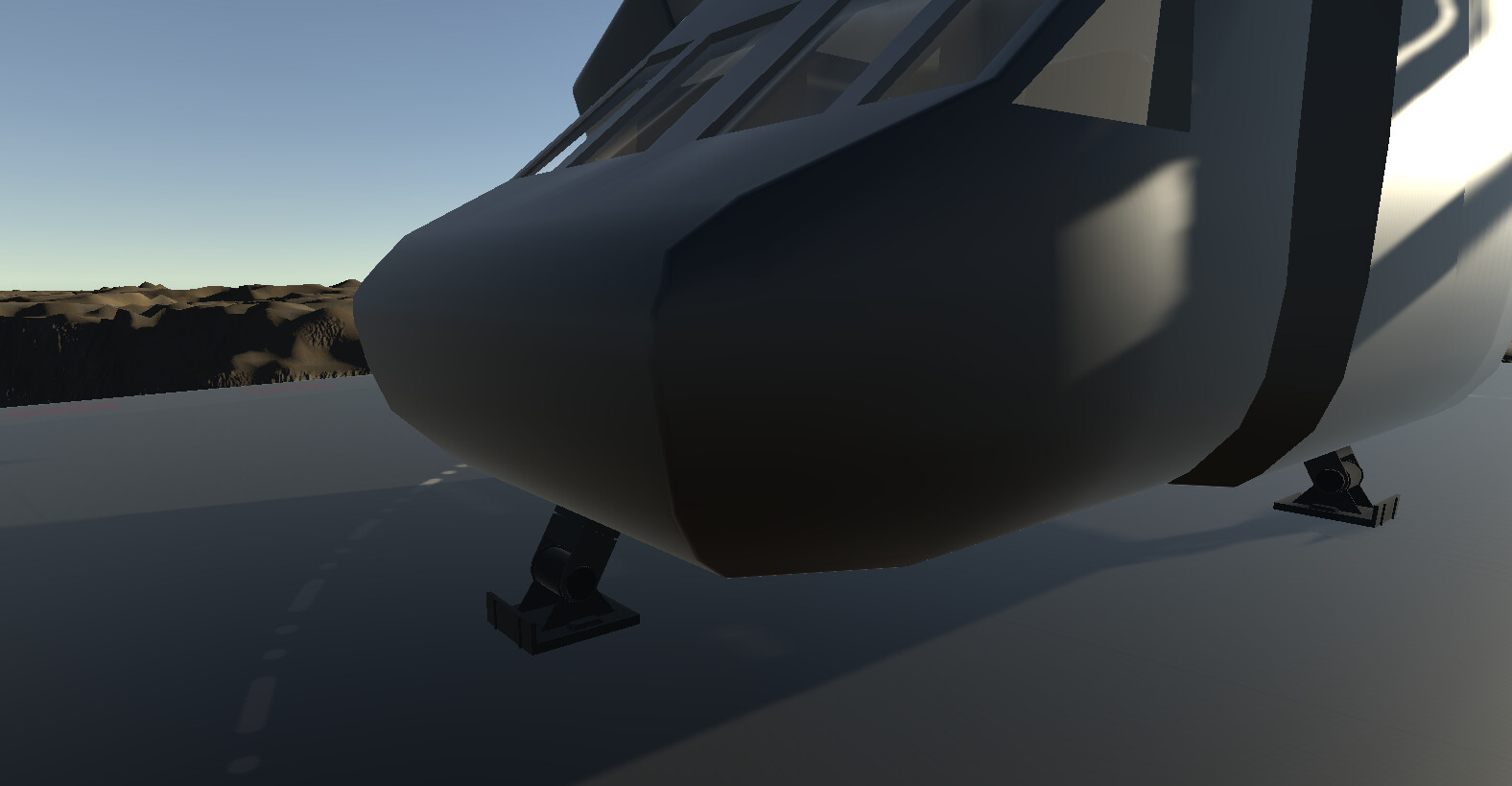
Thanks to work done by David during the week, the ship is now flyable in Physics-Model mode. Unlike Arcade mode, it takes more skill to manoeuvre and avoid crashing into the Martian terrain.
Tech Demo 4 catch-up