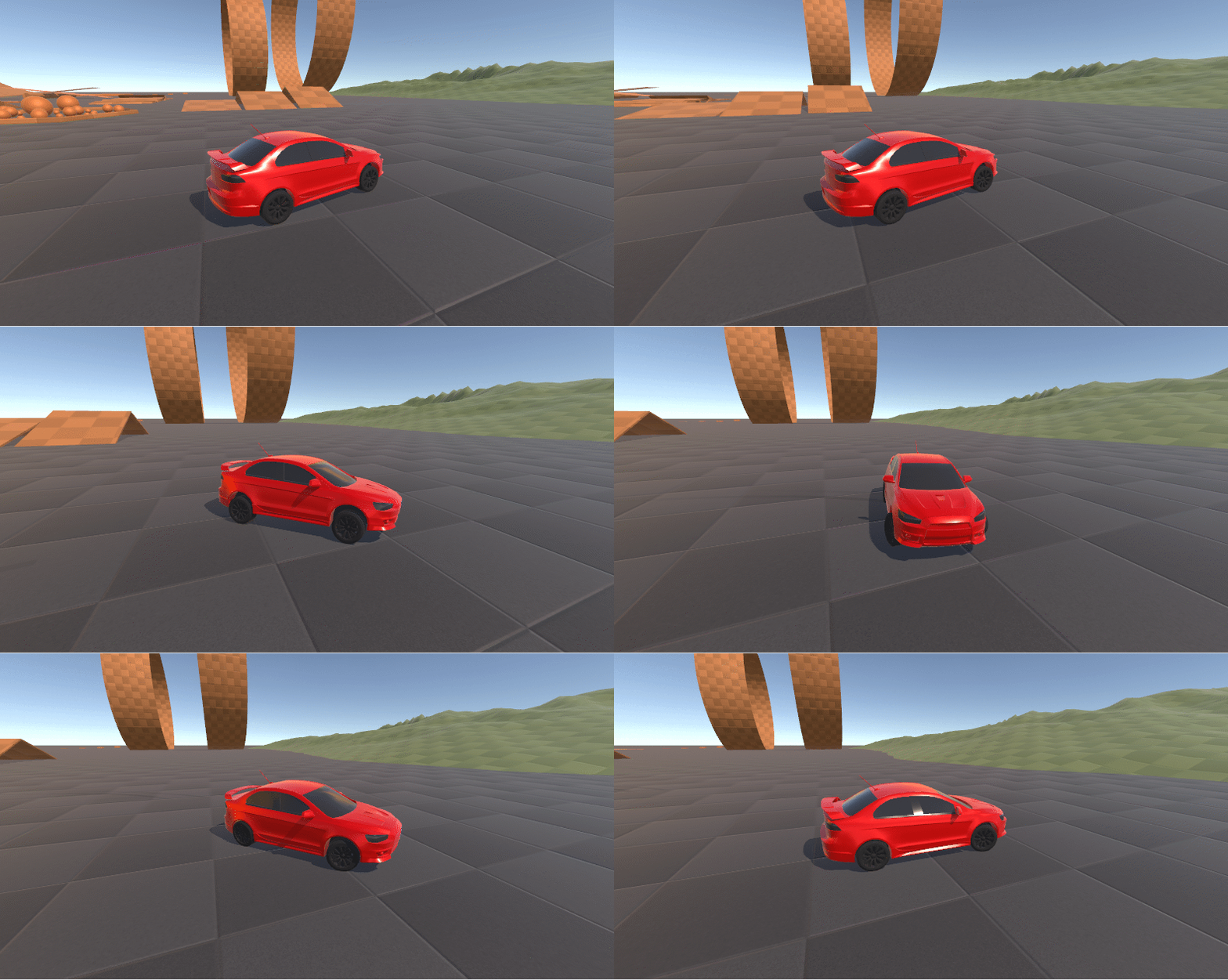
We are happy to release an experimental preview of the Unity Vehicles package today.
Unity Vehicles aims to be a universal vehicle controller for ECS that covers a wide range of vehicle types and configurations. The package targets a medium level of vehicle physics realism, striking a balance between performance and fidelity. It also supports any quantity of wheels on a vehicle, as well as runtime wheel adding/removing. It was architected in a way that makes it suitable for netcode and prediction.
We wish to thank NWH Coding, author of the excellent NWH Vehicle Physics 2, for their collaboration with us in creating this package.
Installation
To install the package:
open the Package Manager
click the “+” button in the top left
select “Install Package by Name”
enter com.unity.vehicles as the name. The version field can be left empty
Note that you will also need the com.unity.entities.graphics and com.unity.inputsystem packages installed in your project for the samples to work.
Getting Started
You may consult the package documentation here: Documentation
The easiest way to get started with this package is to download the samples that come with the package, via the “Samples” tab of the package’s page in the package manager:
Minimal Vehicle Sample: demonstrates a bare-bones vehicle setup. Best used for learning the basics of the package, and for using as a starting template for new vehicle prefabs.
Advanced Vehicle Sample: demonstrates various types of vehicles, with camera control, UI, obstacles, moving platforms, etc…
Feedback
We appreciate any feedback or bug reports regarding this package. Don’t hesitate to post in this thread or report a bug using the bug report tool
Thanks for figuring this out so quickly, we’ll be releasing a quick fix for this soon. I do see the floor in the sample is on layer 6 by default, so depending on the project settings this could make things not work
Assuming the tracks would be a visual-only thing, then yes. You’d have a row of wheels on each side, and write some code to make the tracks visually move along these wheels
You may also want to create your own system that controls wheel torques, rather than using the built-in VehicleControlAuthoring. See the note about VehicleControlAuthoring being an optional component here. This way you can implement tank controls rather than typical steering
Could that row of wheels be intersecting? I mean the next wheel centered on the circumference of another (or even closer) such that the track-like properties could be simulated with “just wheels”. I’m guessing this is just a matter of defining the collision matrix to avoid wheel-wheel collisions.
That’s right, the wheels can intersect. Wheel collider casts ignore hits with their own vehicle rigidbody, and the wheel colliders become part of the vehicle rigidbody when added to a vehicle, so the wheel casts will ignore hits with other wheels on the same vehicle
Just an FYI, I had to install the Entities Graphics package to see anything in Game view when running the samples. It took me a while to figure that out having never used ECS before.