[Update 4.1] Flexalon 3D & UI Layouts - arrange your objects in circles, grids, spirals, and more!

Hello Unity Devs!

For the last few months I’ve been working on a plugin to help Unity developers arrange objects with the power of layout in 3D. The end result is Flexalon 3D Layouts!

UPDATE 4.1 - October 2023

  • This update is compatible with Flexalon Copilot Early Access. Start building UI with the help of AI: Flexalon UI Copilot
  • Flexalon Object has new min and max properties that let you constrain how big or small it can get. These properties are supported by ALL Flexalon layouts and adapters.
  • Flexalon Object has a new “Skip Layout” field. If set, the gameObject will be skipped by the parent layout.

UPDATE 4.0 - July 2023

You can now use Flexalon to build UI under a Canvas, animate your layouts, and add click/drag interactions. Learn More.

I’ve released two new free packages, each containing a subset of Flexalon features:

UPDATE 3.2 - 4/26/2023

XR Update 3.2 is now available, bringing built-in interaction support for Oculus Interaction SDK and XR Interaction Toolkit! See the release notes and enjoy the new showreel.
UPDATE 3.0 - 2/20/2023

Version 3.0 includes customer requested features such as infinite curves, 3D grids, and more! See the release notes. Here’s a quick video:

FLEXALON TEMPLATE PACK (FREE!) - 12/12/2022

I made some fun little templates to demonstrate Flexalon’s layout and interaction features. This new template pack is meant to help Flexalon users get going more quickly, with 16 examples to study from and copy into their scenes. The pack is FREE for Flexalon users. Hope you like it! Get it at Flexalon Template Pack.

UPDATE 2.0 - 12/5/2022

Version 2.0 is published to the Asset Store and contains all new layouts like the Shape Layout, interactables, and more! See the release notes. Here’s a quick video:

FLEXALON 3D LAYOUTS

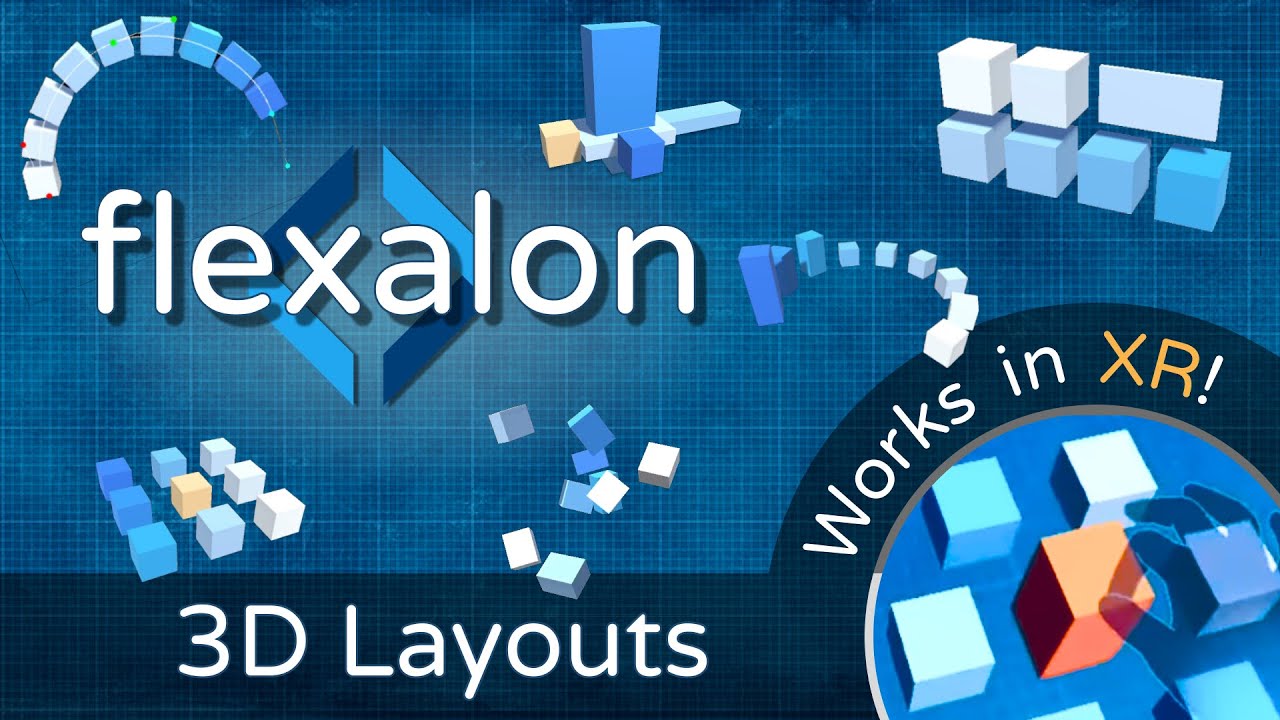
I believe layout is about more than making 2D UI - it’s a way of designing your content that is faster, more precise, and easy to update. Hopefully this video gives you some ideas on how 3D layout components can be used for world building, in-game effects, motion graphics, 3D user interfaces, and more.

KEY FEATURES:

  • 7 Layouts (Flexible, Grid, Circle/Spiral, Curve, Shape, Align, Random)

  • Constraints to attach objects together

  • 3 Animators (Curve, Lerp, Rigid Body)

  • Interactable Component lets users click+drag objects between layouts.

  • Cloner and Data Binding

  • Modular Design - Create custom layouts and adapters

  • See more details on the asset store page or website.

LINKS:

For questions, feedback, and bug reports please post on discord. Thanks!

3 Likes

hgzwqd

New demo work in progress combining:

  • FlexalonFlexibleLayout: to position balls in a row
  • FlexalonModifier to randomly offset their positions and sizes.
  • Unity physics colliders & rigid bodies
  • FlexalonRigidBodyAnimator to move “push” the balls back to their layout positions.
1 Like

he45dj

Another demo work in progress:

  • FlexalonFlexibleLayout to originally position the tiles
  • FlexalonGridLayouts to create a grid of tiles and pieces
  • FlexalonRigidBodyAnimator to animate everything between layout positions.
2 Likes

I’ve added a playground app on the Flexalon website to play with different layouts in the browser:

1 Like

Demo of adding effects to a character with circle layout and constraints.

5bclnj

Flexalon has been released on the Asset Store! There’s a new discussion thread on the Asset Store forum here .

I have just discovered this asset you have made and it seems to be really interesting and well done, I have been waiting a very long for someone to make something like this as others available are very limited and simple and does not offer much versatility and options like this one.

Congratulations and thanks very much for creating this and wish you all the best, I will buy it.

Thanks for your interest! I’ve wanted to a tools like Flexalon available for my projects in the past, so I thought others might too.

hey, asset looks super useful and well made, congrats!

2 questions:

  • can layout be nested, meaning parent game object has one layout and child object (in hierarchy) has different layout?
  • the docs say about tmp and sprite adapters, does this mean layouts can be used when building UI with „uGUI”?

Thanks! To answer your questions:

  • Yes, each layout has a size and can be nested in any other layout.

  • I haven’t actually tried using Flexalon layouts inside uGUI components, and I suspect the two systems will fight each other. When the docs mention TMP_Text, it’s the 3D version of that component, not the the uGUI version. Example of that in this video.

What IS tested is putting a uGUI canvas into world space (using these instructions) and then positioning/sizing that canvas using Flexalon layouts. Example of that in this video.

1 Like

I’ve been working on a new update for Flexalon which includes new layouts, new options, and templates to get you going quickly. Here’s an example of the new shape layout and some new circle layout options.

Update 2.0 is published to the Asset Store! It contains all new layouts like the Shape Layout, interactables, and more! See the release notes. I’ll post some clips to show the new features. First up, here’s some holiday spirit created with the new Spiral Layout’s Radius Step option:

Another new feature in update 2.0 is Interactables, which let users add, remove, and reorder objects in layouts.

A developer requested the new shape layout feature to help create a crowd running games. The characters can move together in a hexagonal pattern that grows from the center.

Any promos coming soon? :wink:

1 Like

I made some fun little templates to demonstrate Flexalon’s layout and interaction features. This new template pack is meant to help Flexalon users get going more quickly, with 16 examples to study from and copy into their scenes. The pack is FREE for Flexalon users. Hope you like it! Get it at Flexalon Template Pack.

2 Likes

For anyone interested, Flexalon 3D Layouts is part of Unity’s New Year Sale. You can get it it 50% off here.

1 Like

Here’s a “bulletin board” prototype I made for a customer who is trying to create an interactive AR experience.

How it works:

  1. A Flexalon Grid Component is placed on the board, The grid is filled with empty gameObjects.
  2. A Flexalon Interactable is added to each of the objects to make them draggable.
  3. A Flexalon Constraint is also added to each object so that it can be constrained to the empty gameObjects.
  4. A simple script registers for the OnDragEnd evetn on the Flexalon Interactable and then searches for the nearest empty gameObject that would place the object on the board without overlapping another object.
  5. The script assigns the constraint target of the object to the chosen empty gameObject.
  6. Flexalon Lerp Animators are used to make everything look smooth.

Hope this sparks some creative ideas!

1 Like

I want all the best for you awesome asset and want to give my Congratulations for the new 16 templates that are very good and useful and looks very good, BUT being picky and wanting to help I think that it would help even more IF you would use DIFFERENT shapes for the demo showing the examples as it seems that you can only use cubes and spheres, and as far as I see it and know you can use ANY kind of object with flexalon and one of the things better is that you can have Multiple different objects together, or am I wrong?

I mean that I wonder why

when showing these you only show that like they all clones of the same object and that it seems that you can not mix objects together and only use just one

So I would suggest that to really show the big potential and big power of Flexalon is to show that it can do much more and be able to use multiples different shapes and multiples different objects and not just only repeated or cloned cubes and spheres, because as I see it, it could be seen that Flexalon is only able to make CLONES of the first object and not be able to mix different objects between themselves


FOR Example, in this image shown all are exactly the same cube in different color shade of blue arranged automatically around a curve, but it seems that you only can use just one only shape and not use other objects mixed together.
I mean if it could be shown here also a cube, a rectangle, a cone, a sphere, a ellipse, a torus, and other possible geometric shape to show correctly that it can arrange different objects around the curve and just only cubes

The only demo shown with multiple objects is the chess board, so this is why I believe that it can do much more than what is shown and have much more power and potential.

As far as I see it is like having a big powerful sports car and use it to drive at 30 miles per hour on a small city road

I think it should be more clear that you can use multiple objects and that you can mix them together and that you can not only use clones or the same objects with different colors

Because other array assets can only make clones, instances or duplicate of a single object to make a grid, spiral, cube or whatever distribution but as far as I know Flexalon can do much more but is not being shown correctly from my point of view being used only with plain cubes and spheres

For example as I see it if you may have 30 different shapes like the chess pieces and that you could make a grid, wall or cube made of these different shapes mixed and arranged automatically together in the grid, circular, curve or whatever array arrangement

I understand that for the examples demos inside your asset you want to simplify and may want to only use simple cubes and spheres to save space, resource and size, but you could also use additional geometric shapes to show it and not only showing like clones of themselves

I just want to tell and show that Flexalon is above and better and stands out above any other similar assets and that is really the best one doing these kind of things, but regrettably from my point of view if the videos and examples only show clones of cubes or spheres it will not show the awesomeness and what is amazing about flexalon

I wish all the best for flexalon and that it can keep adding even more great things and that many more people may be interested in it, buy and use it, but for this to happen it should be easier to see the big potential and power of Flexalon against other assets

Happy New year 2023 and wish all the best and that next year can be even more popular for this asset

2 Likes

Thanks for your support and feedback!

You’re absolutely correct that Flexalon’s layouts can support objects of varied sizes and dimensions, and that you can even nest layouts into each other. The reason I tend to use basic shapes is because people find it easier to understand what is happening, and I’ve noticed better marketing reception to those types of posts. But I am no marketing genius, and there are probably better ways to demonstrate the product. I’ll keep your feedback in mind for future examples.

Happy new year!