That looks great!
+1 for having Flexalon more XR-friendly out of the box.
1 Like
Hello, I have seen that it has been released and available the version 3.0 with 3D grids and other cool and possible interesting features and I will test it myself and see how it works
Well done the video trailer of 3.0, I have to say that although in the video you only see cubes, they are not clones and as far as I know you can have any kind of objects
The interactables thing is surely something awesome that nobody else have done in any other 3D software at least that I know
I surely recommend it to buy it as it is very good and well done and even more if it is on sale as it is now.
Thanks really very much for the 3.0 update and I wish you all the best and that many people buy and use it
1 Like
Hello! I’ve been very excited to try out Flexalon!
But in my first test, using a Flexible Layout object, every time I try to change an aspect of the layout, the scales of my objects get changed. Is there a way to prevent that? I can’t find any mention of that in your docs.
I tried to change the Scale on the Flexalon Object component in the parent object containing all the children object I want to organize, and that works if all my objects are at the same scale, but:
- My objects are NOT all at the same scale/
- Every time I want to put an object into a layout, I have to resize it and set that size in the Flexalon Object component.
- My “gap” seems to scale with the Flexible Layout Object, which makes sense. But I don’t want to scale my gap when I change it; I just want to put in the actual gap value.
Is there a way I can just drop objects as they are into the Flexible Layout object, and have the layout … just do the layout?
Thanks!
(I’m using Unity 2020.3.43f1.)
Thanks for using Flexalon!
To maintain the scale of objects in a layout, add Flexalon Object components to those objects. Then you can either modify the scale value on those components or change the size type to Fixed and change the size of each object.
Flexalon Update 3.0 is here! Here’s a video show casing some of the new features, and some release notes below!

Examples in this video are available at: GitHub - afarchy/flexalon-examples: Open source examples using Flexalon 3D Assets plugin for Unity
Grid Layout
- Added a new ‘Layers’ property to create 3D grids.
- Added a new ‘FlexalonGridCell’ component to specify which cell an object should be placed.
- Added a new ‘Cell Size’ property to specify a fixed cell size instead of dividing the grid size.
- Added new helper functions to retrive children in a grid column/row/layer.
Curve Layout
- Added new ‘BeforeStart’ and ‘AfterEnd’ properties to create infinite curves:
- Ping Pong: Extend the curve by continuing in the opposite direction.
- Extend Line: Extend the curve in a straight line based on the tangent at the start/end of the curve.
- Repeat: Extend the curve by repeating the curve.
- Repeat Mirror: Extend the curve by mirroring the curve and repeating it.
Interactable
- Added a new ‘Collider’ property to specify a different collider object for click/drag.
- Added a new ‘Margin’ property to FlexalonDragTarget which increases the size of the target.
FlexalonRigidBodyAnimator
- Added support for RigidBody2D.
Scripting API docs are now available at flexalon.com/docs/api
Read the release notes to see all fixes and changes.
While you’re there, please consider writing a review to help spread the word on Flexalon. For those who have already done so, thank you very much. Your support is deeply appreciated!
I hope these updates help you in your projects. As always, let me know what you think and what else you’d like to see.
1 Like
@virtualmaker - Just want to say how amazing this asset is and thank you so much for putting in the effort. I have bought it but wondering if you have tried it with VR headsets and manipulating objects with the input system via vr controllers? I am looking to use it to move items around a virtual desk either with hands directly or controller rays Using oculus sdk, input system and opener backend.
Thanks for the support @TimGM . Several people have asked about VR, so I’ll think about focusing on it for a future update. For now, take a look at skidvis’ question and the replies here: https://forum.unity.com/posts/8693577
2 Likes
I’ve updated the examples repo with the examples in the Update 3.0 video: GitHub - afarchy/flexalon-examples: Open source examples using Flexalon 3D Assets plugin for Unity
1 Like
Hi everyone, I’m experimenting with using Discord for chat and support for Flexalon. This is a great place to post your questions, ask about new features, and share your wonderful creations.
I’ll still be posting and monitoring this forum, but come visit the discord if you want to chat!
Discord Invite: Virtual Maker
Hi everyone, I’m excited to announce that my newest asset Proxima Inspector was released today on the Unity asset store! Proxima lets you inspect and edit gameObjects in a built game from your web browser.
Here’s the forum post where you can check it out: Proxima Inspector: Remotely inspect and edit gameObjects!
Thank you for supporting me as an asset developer!
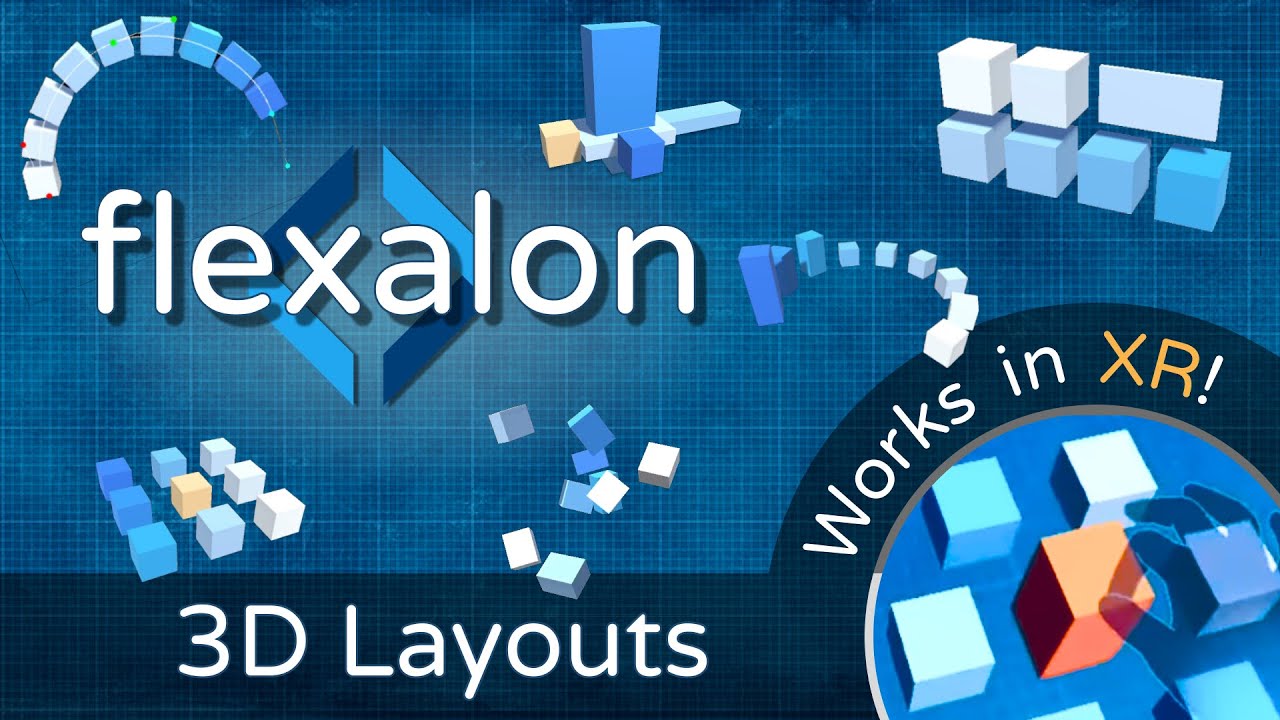
The XR Update 3.2 is now available, bringing built-in interaction support for Oculus Interaction SDK and XR Interaction Toolkit! Enjoy the new showreel.
1 Like
I was looking for a force directed graph solution rather than coding it myself and stumbled across this… You don’t have a force directed graph feature, do you?
No, but I believe you could implement one with a custom layout. Sounds like an interesting use case.
UPDATE 4.0 - July 2023
You can now use Flexalon to build UI under a Canvas, animate your layouts, and add click/drag interactions. Learn More.
I’ve released two new free packages, each containing a subset of Flexalon features:
-
Flexalon: UI Layouts - Use the flexible stack layout and grid layout as drop-in replacements for UGUI layout groups.
-
Flexalon: 3D Grid Layout - For those that only need the 3D grid layout.
Update 4.1 is released! Highlights:
- This update is compatible with Flexalon Copilot Early Access. Start building UI with the help of AI: Flexalon UI Copilot
- Flexalon Object has new min and max properties that let you constrain how big or small it can get. These properties are supported by ALL Flexalon layouts and adapters.
- Flexalon Object has new “Skip Layout” field. If set, the gameObject will be skipped by the parent layout.
- New Low Price: Flexalon Pro is now $49.
Release notes: https://assetstore.unity.com/packages/tools/utilities/flexalon-pro-3d-ui-layouts-230509#releases
Flexalon Update 4.2

Flexalon Update 4.2 is here! This quality of life update fixes several issues and adds the much requested feature: Skip Inactive Objects.
We also recently announced Buildalon: Automate Unity! - our comprehensive suite of automation tools to help Unity developers build, test, and deploy their projects faster.
Read on to learn how you can get started automating your whole process!

New Features:
-
New option
Flexalon.SkipInactiveObjectswill cause all inactive gameObjects in the scene to be skipped in layouts. This is the same as enabling FlexalonObject.SkipLayout on individual objects. This option is enabled by default. -
Adding max size to a FlexalonFlexibleLayout can now cause it to wrap.
Fixes:
-
Performance: Avoid third layout pass when possible when using Fill size type on children.
-
Performance: Make Directions struct immutable.
-
Performance: Improve how Flexalon checks for the existance of FlexalonObject.
-
Performance: Reduce garbage collection allocations by replacing foreach loops with for loops.
-
Interactable: Fix how overlaps are calculated for drag targets with a non-center RectTransform pivot.
-
Fix SkipLayout not working correctly for children in a FlexalonGridLayout.
-
Fix TextMeshPro adapters not loading in Unity 2022.3 and Unity 6.
-
Fix Flexalon adapters not working when a new gameObject is added to a layout in a script before another component is added like a mesh, image, or text.
-
Fix how FlexalonConstraint computes fill sizes when the target is scaled.
-
Fix max fill size not working on root layouts with RectTransform parents.
-
Fix Unity 6 deprecation warnings.
Buildalon: Automate Unity!

Early adopters of Buildalon are discovering how time (and money) they can save with automated builds.
For a limited time, we are working one-on-one with teams for free to integrate Buildalon into your codebase and automate your whole process.
-
Make a change
 A build appears in minutes!
 -
Run your unit tests on every change.
-
Deploy your game to your QA team and players.
Learn more about Buildalon on our new website.