[ Update ]
I was curious and did a performance test to see how far I could take sprite shapes before the fps took a hit.
In no way is this definitive, only an extreme test on my end to see what kind of performance is affected. Thought I’d share the results. In the end, despite the deceptively simple ease of use and results, sprite shape can be a bit taxing on the fps, if abused.
The original goal was to see if I could make the entire level with sprite shapes, because of sprite shapes nice curved profiles. (Foreground, middle ground, background and sky\clouds) In the end perhaps it’ll be a combination of planes and limited sprite shapes.
Obviously the editor loop will affect the performance too.
Also I’m not sure if dynamically disabling\ enabling out-of-camera sprite shapes would have improved performance. Didn’t see that type of option in the sprite shape settings.
[ Test scenario ]
Empty scene with camera and closed sprite shapes or planes.
Is there a way to dynamically occlude the sprite shapes when out of camera view? Kind of like how mesh renderers have the checkbox to dynamically occlude the mesh.
Is it possible to offset only the collider for a spriteshape, on a single edge?
For example if I want my collider offset to be zero, except for the bottom edge which should be 0.5f?
I’d also like this offset to be applied only to the collider, and not to the sprite for the bottom edge.
I know you can set an edge sprite’s pivot point which will adjust both the position of the sprite, and the position of the collider edge. But in this instance I would like to just modify the collider, and keep the sprite’s pivot at zero.
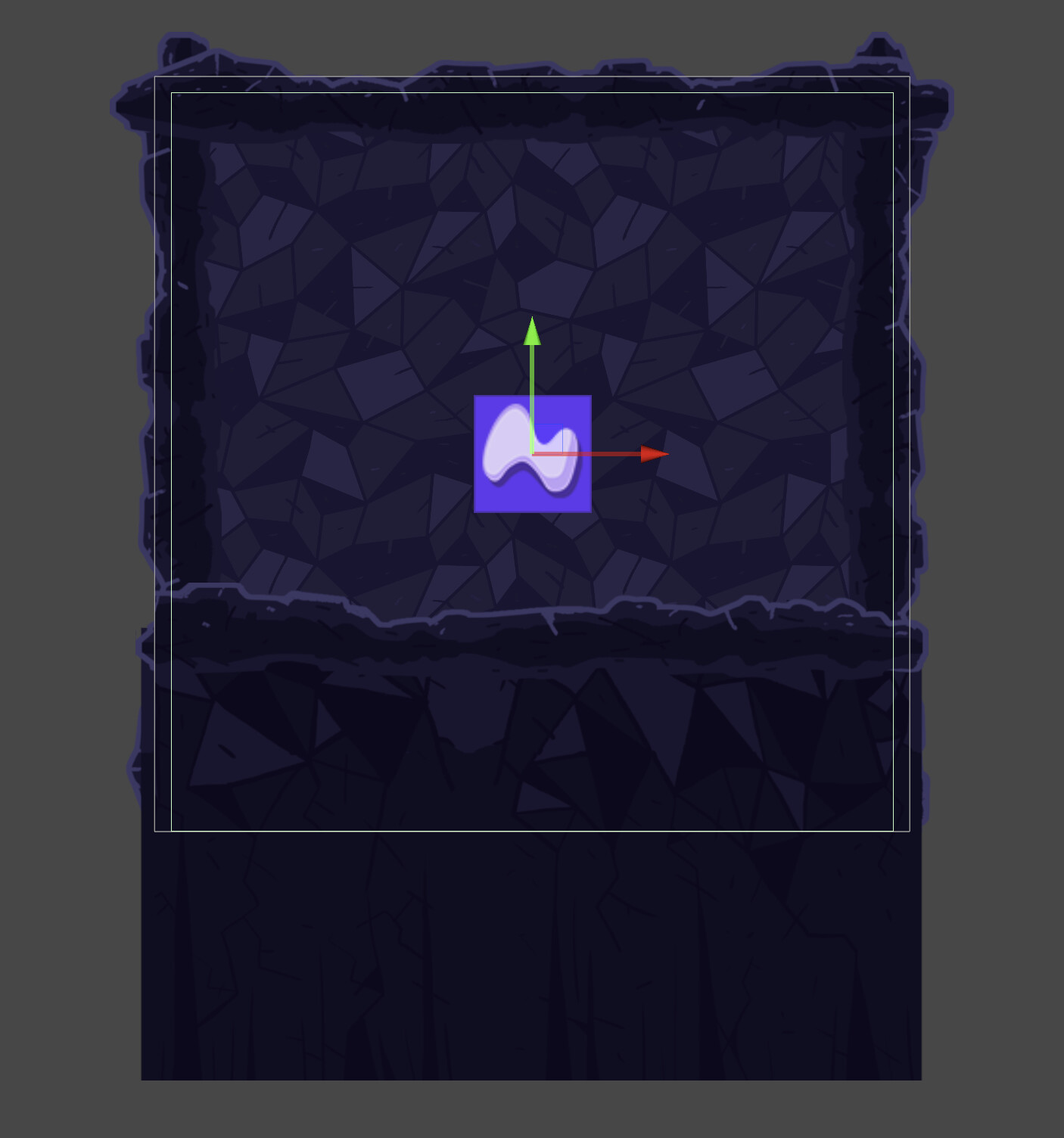
The attached image shows a spriteshape where I’d like the bottom edge to extend all the way to the bottom of the sprite, but keep the sprite itself for the bottom edge positioned where it is now.
It would be amazing if the SpriteShape mesh could be used with SpriteMask to define the shape of the mask rather than needing a custom sprite for every mask you want to have.
Title: Improving SpriteShape for Real-World 2D Game Workflows
Hey everyone
I’ve been using SpriteShape quite a bit recently and really appreciate its goal — allowing artists to draw flexible 2D terrain and paths without relying on tilemaps.
However, it still feels incomplete for real production use. I wanted to share some practical improvement ideas that could make it much more artist-friendly.
Key Pain Points
Corners sometimes behave unpredictably and lack manual override or offset control.
Edge segments can’t use alternate sprites or be flipped/mirrored individually (e.g., alternating rock/grass trims).
Grid snapping isn’t accurate for custom cell sizes (like 128×128); tighter integration with Unity’s grid system would help.
Colliders don’t always sync properly after spline edits, and offset controls are limited.
Interior holes / negative regions (for lakes or courtyards) aren’t supported.
Limited scripting access to control corner modes or trigger geometry rebuilds.
URP 2D lighting & batching could use better compatibility with SpriteShape materials.
Suggested Improvements
Per-segment edge overrides with flip/mirror support.
Manual corner selection and offset adjustment.
More precise grid snapping linked to Scene grid settings.
Smarter collider auto-update with padding/thickness options.
Support for interior holes in SpriteShape regions.
Expanded public API for corner/edge manipulation.
Improved batching and lighting integration under URP 2D.
Current Usage Observations
From community discussions and dev blogs, SpriteShape seems most common in:
Decorative background terrain, roads, vines, and clouds (non-collidable).
Stylized slopes and curved paths in side-scrollers and mobile games.
For complex, collider-heavy or procedural workflows, many devs still switch to Ferr2D, SplineMesh, or custom spline systems — often citing corner behavior, missing holes, and collider sync issues as blockers.
SpriteShape has a solid foundation; with a few usability and scripting improvements, it could easily become the go-to terrain system for both side-scroller and top-down 2D games.
I would love to hear if others have encountered the same limitations or found workarounds.



 Key Pain Points
 Suggested Improvements
 Current Usage Observations