I’ve spent several days experimenting, pretty much, this is the result.
Speaking of which, settings matter.
For example, test images I provided were made with DDIM and 64 iterations.
Switching to a different denoiser can alter image radically.
CFG defines how quickly/strongly it tries to reach the prompt, higher values can make it “converge” faster, but can also produce artifacts, or increase contrast.
Basically, many denoisers produce mostly the same result, some people prefer k_heun for photographs, and euler_a can produce a very different picture.
My workflow for Stable Diffusion to understand how it works is to copy/paste the prompts from the more impressive examples here: https://lexica.art/ Also copy the seed and guidance scale. I then tweak a few words and look at the results/changes until I ‘get’ how it’s working.
I found MJ seems to have a ‘style’ that is making the art it generates to look like ‘MJ’ art. I also could not for the life of me get it to stop centering one particular prompt, no matter what I tried. Dall*e could not replicate a charcoal drawing as well as Stable Diffusion did when trying to get it to match a piece of my own art. Here is my original:
And here is the best that Dall * e could do
What I don’t like about Dall-e is that there are no marks, it’s sort of charcoal-ey. There were better versions that looked photographic, but I really wanted a drawing.
Here’s a similar prompt using my drawing and SD:
In my post [here]( https://discussions.unity.com/t/890648 page-3#post-8400402) you can see the Stable Diffusion rabbits based on my image input from above. To me, it’s much nicer and was easier to achieve than either MJ or Dall*e. I’m quite impressed with SD and running it limitless locally seems like the way to really learn how to control it.
This is great stuff! I’m basically doing the same thing, just entering prompts to try to figure out how things are influenced by order of words, small changes, etc.
One thing I haven’t figured out yet is what the ‘scale’ value is doing exactly, which I assume is the same as ‘guidance scale’. I think I read that a higher value makes human faces better, but not sure exactly.
One thing I’ve tried is to take a beautiful figurative prompt from Lexica and change ‘girl’ to ‘toy fox terrier’ to try to get a rendering of the same look, but of a dog instead. It seems to completely break everything, either I get an empty image or a nonsensical dog-montage. I haven’t messed with changing the scale value to see if that is related to human faces or not. This is already wasting too much of my time, need to get back to work!
I’d need to see the prompt to have an idea of what’s wrong with it.
There’s a good chance that none of the artists drew dogs, or that some of them heavily gravitate to drawing women, for example.
character portrait of toy fox terrier in a forest. intricate, cinematic, highly detailed, digital painting, concept art, smooth, sharp focus, illustration, Greg Rutkowski, Sophie Anderson
I’m uncertain if t his is fox toy terrier, though.
Be aware that you can also keep rerolling until you get a good result. Certain things are hard to get on the first try, so you can just generate a hundred images and pick one that looks right. Stable diffusion also does not know some things well, for example, it does not quite know what exactly a pallas cat should look like, and you often get something resembling a normal cat or a racoon instead.
Generated:
Real:
Regarding scale. I assume you’re talking about “Classifier Free Guidance Scale”. Stable Diffusion works in following way: it starts with noise, and t hen keeps applying filters to it, where each filter tries to make the initial noise slightly more like what you asked it. How many times it applies the filter is specified by sampler steps, and how aggressive the filter is is specified by guidance scale.
Increasing CFG alters image, and in my experience increases its contrast. It can also destroy the picture and make it dissolve into noise. For example, some people suggest CFG of 15 while default is 7.5, but when I used it on stuff I generated, result had much sharper contrast, and some details were removed.
Which contains links to comparison of filters and CFG values. However, there’s some incorrect information in the document. For example, braces and exclamation marks do not have any effect.
If all else fails, there’s img2img, which is quite time consuming.
So, I have this weird question … can anyone come up with more examples that could be used in a game TODAY that isn’t a portrait of a character or prop? I like to see more of what @ClaudiaTheDev posted, those are getting close to being usable in a game.
I like what I’m seeing thus far, makes me think: concept artists are going to be soooo out of business.
But I just cannot see the application for games yet. The only applicable niche you could make use of those images would be backgrounds for 2d graphic adventures / novels or 2d parallax scrollers. And within the game dev process but not used in a game: generate concept art and get inspiration for modeling cool stuff.
So… Dalle2 has given us outpainting, which lets artists extend an image beyond it’s original border. There’s a tutorial about how to use it for infinite zoom animations, kindof like a mandelbrot zoom, zooming through neverending Dalle2 artworks.
It could be possible to use 2d side scrolling backgrounds. You’d need a way to automate some of the resizing and other tasks.
One day we can teach an AI about the contents of some AAA games once video processing becomes available using memristors.
Dalle 2 can definitely be useful for that. Here’s an animation that I did to extend an old painting.
The ability to extend works really well for an infinite 2D scrolling background. Not sure about game potential, but I asked Dalle to keep extending an AI botanical drawing. The edges always match up perfectly, this is stitched together in Photoshop, but what’s nice is Dalle exports as 1024 square, so for a game these could all be tiles.
For a game, I could see making tiles where the left and right edge are always the same, but allow Dalle to generate 20 variations of what’s in the middle. In the game, have it randomly pick a tile and it will be an infinite, always changing 2D background with no seams at all. Create an alpha channel for foreground/middle ground in the same way and you have a non-repeating environment that would be a true PITA to do by hand!
That was my guess too, I needed to use an artist who drew dogs for inspiration. That dog is sort of like a TFT, but maybe as seen with a wide-angle lens?
Your cat looks like it was painted by yet another artist I know, Braldt Bralds. He has done a ton of cats and totally looks like his style. Incredibly unsettling to see quality work generated based off working artists.
Oh, by the way, I’ve finally figured out how t o use img2img in more reasonable way.
I had some fun running it on anime characters:
Input (I had to fix it in editor and make it square):
Output:
Or. input:
output:
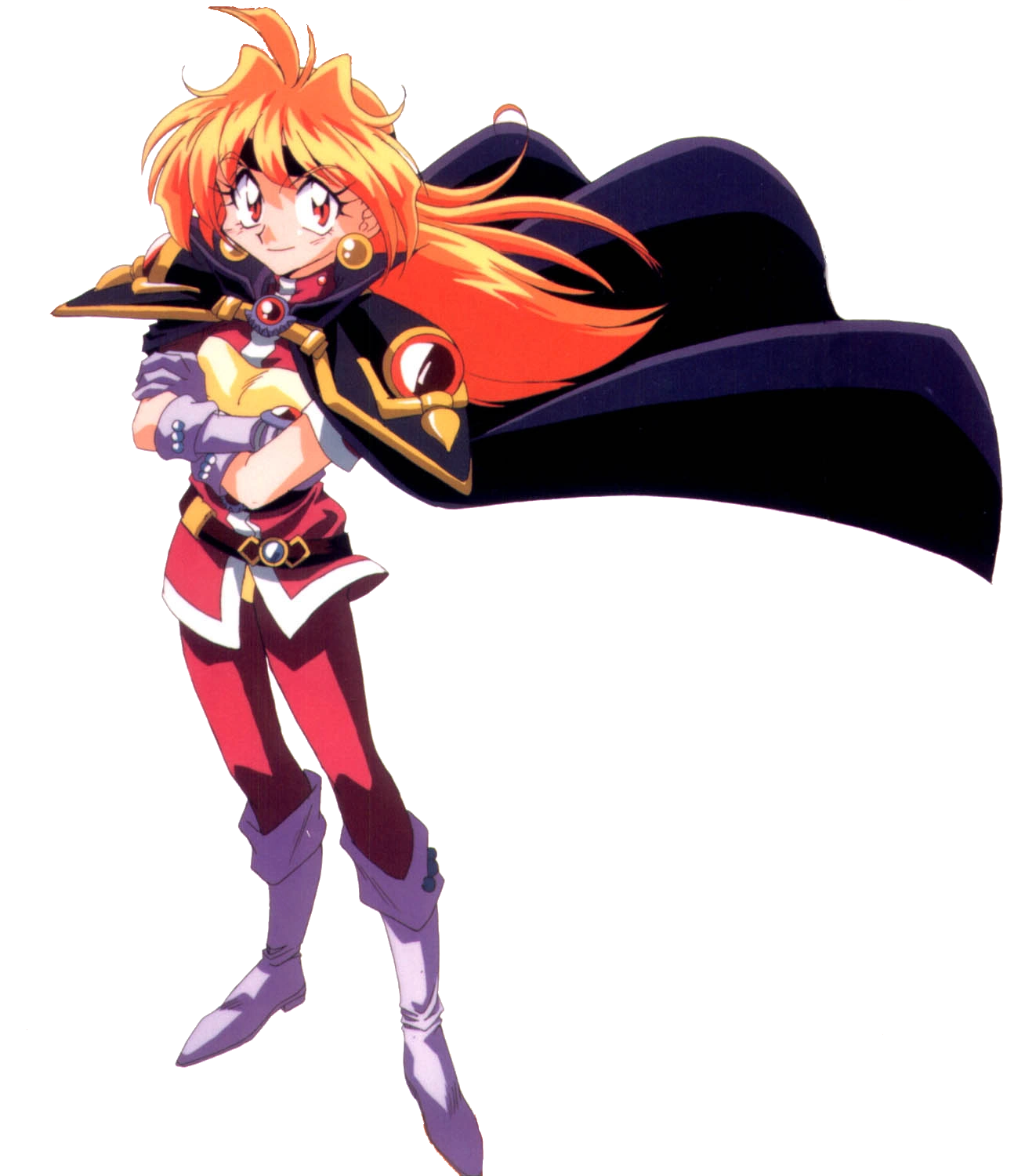
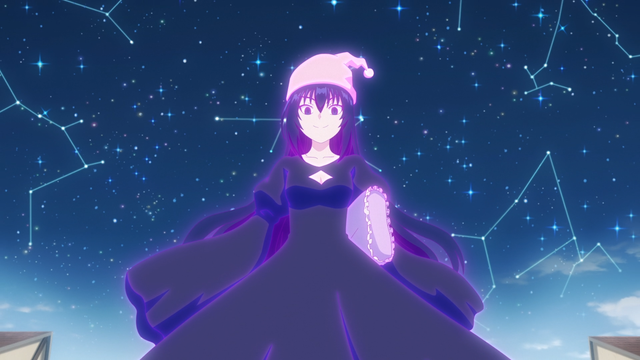
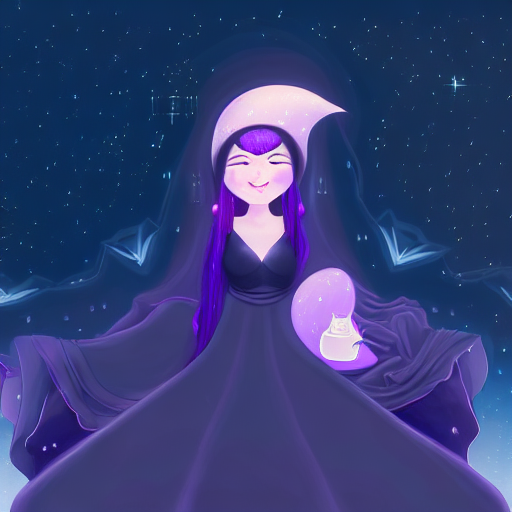
Also here’s NN’s attempt to generate lina inverse
Original:
Result:
I’m definitely going to use that and will probably start drawing again. It is funny, because my XPen artist display has been collecting dust till now. Now I also know a lot more artists than I did before.
So, how does that work.
(I’m using DDIM denoiser with 50 steps)
img2img has two important parameters: CFG Scale (classifier free guidance scale) and denoising strength. CFG Scale determines how strongly the image follows original text prompt. Set it too low and it will generate something wildly different, too high and… it might produce artifacts.
Denoising strength in context of img2img determines how much it deviates from the original input image. Set too low - and nothing will change. Set it too high - and result will be unlike input image.
Now the thing is, the default settings in hlky fork use CFGS of 5 and Denoising of 0.75, and that’s not very usable if you want to retouch the input. Those settings will generate detailed images comparable to txt2img, but they will barely resemble the input. For example, if there was human on the right it will be probably there, but its pose and expression can change wildly.
One thing people do is that they also try to repeatedly feed the image back into img2img by “looping” it. However, there’s a problem - if you do that, over time the image will become dark and achieve high contrast. The effect becomes noticeable at 24 iterations, and results are likely to be barely usable at 36. It depends on what you’re generating too.
After experimenting I found out that when you have detailed input and want to follow it closely → i.e. you have a picture and want to retouch it instead of drawing a somewhat similar thing, you’d want to set denoising strength to low, and cfg scale high. At least in case of paintings.
low denoise means that the NN will closely follow original shape, and high CFG scale means it will agressively pursue prompt.
Usable values I found were:
CFG Scale of 15 and denoising of 0.55, when you want to give it more freedom.
CFG Scale of 20 and denoising of 0.4, when you want lighter retouching.
This will pretty much achieve in a single iteration what could take 10 steps using img2img loop.
In practice, with the knight picture from above it went like this.
denoising >0.6 meant the girl would alter pose(switch to 3/4 instead of looking into camera) or move into different place.
15/0.55 meant she’ll stay in the same place, but likely will alter head position, and the head will no longer be tilted.
20/0.4 will keep head tilt intact, but NN will add small detail on armor, for example rivets, reflections, etc. (may or may not attempt to add a circlet on her forehead).
But at the same time, higher denoiser values meant higher quality of output.
You can go even lower – some people online speak about using 0.3 to slightly fix their images, but due to accumulation of darkness, you’ll need to do it several times, and then you’ll need to fix colors in image editor.
Note that weakly altering input is likely to produce messier result (see the mess in the sky with the knight) compared to what you get with higher denoise values.
Also, it is not a single click operation. You will need to generate something like 36 candidates and only some of those will be usable. You need to pick.
Additionally, overloading prompt with keywords can produce subpar result.
For example, if you say “young woman” the NN sometimes can figure out by itself that it is looking at “young black-haired muscular with bangs wearing black tank top”. You don’t have to say it.
But if you have a complex scene, you can end up in a mess. For example, I tried to process this:
And got this:
Because there are too many things, it has hard time resolving them all at the same time, and something like that would require a lot of finetuning.
Aaand the war around new technology begins.
A medium sized art community site just straight up banned users from posting AI art due to “lack of artistic merit”.
I know the site you’re talking of (should be obvious considering my icon) and I’m completely behind their decision. The site’s already inundated as it is and it doesn’t need more people farting out images by typing words into a text box.
This reminds me of “video games are not art” or (less common)“photography is not art”. I think that comparing AI art with photography is appropriate, at least in case of pure txt to image.
Anyway, none of this really matters. The genie is out of the bottle.
For the record, one amusing side effect of using things like stable diffusion and midjourney is that it raises the bar for human-produced artwork you see.
I used to read some korean comic for fun. Now I can’t, because after seeing thousands of high quality images that comics looks like garbage to me.
This will probbaly also have an impact on human artists.
I suspect that a part of the impact it’ll have on human artists is having more of them adopt the tools to speed up their own workflows.
But there’ll inevitably be a bunch of resistance along the way. And I understand that, because I don’t necessarily like this or (perhaps more importantly) some of the side effects it’s likely to have. Nonetheless, as you say, the genie is out of the bottle.
Ultimately, though, people make stuff to fulfill particular purposes, and this will allow some purposes to be fulfilled more quickly and with less effort or resource usage. And judging by the fact that an almost entirely AI created image recently won an art competition, the quality can’t really be argued.
It reminds me of a while ago a studio showed me some critique they’d got from a client. The client had asked a consultant to review some work, and one of the “negative” items they came back with was “the textures are made in Substance, not properly by hand”. There was no reason given as to why this was bad. The issue wasn’t that they looked poor, or looked out of place, or were too samey, or anything else about their impact on the product. From the few words which made it to me the complaint boiled down to “they didn’t do these bits the hard way”. AI generated or assisted art will have the same kinds of complaints leveled against it.
It’ll also have a bunch of legitimate complaints. One that comes to mind for me is that I’ve only ever seen it make derivative stuff, by re-mixing characteristics of previous work. It can’t come up with anything truly creative of its own, and the possibility space for creativity is only in the words used to direct it. AI may be able to paint crazy new things but, as far as I can tell, it can only paint them in styles which have been well established in the past - because until they can study it in volume they can’t create it for themselves.
It is likely that in the end this will be used in tandem.
The artist sets composition, AI fills in detail. In a loop.
The artist needs a stock photo, ai generates it. The artist cuts it up and combines with existent picture, ai refines and retouches it. So in the end we get an artistic cyborg, of sorts.
With stable diffusion, for example, I can also remove people from photos, change their clothings, add things that weren’t there. But for the best result, my input is required. I have to paint something resembling what I want, and t hen the NN can fill that in. There are also errors (stable diffusion hates fingers)
I’m sure a proper painter will be far more efficient at painting that “something resembling what I want”, thus an established artist will be much more useful with NN tool like this.
Another approach is where AI actually generates ideas. You ask it for something strange, it produces a bizarre screwed up broken image, but the image has an element you really like, so you borrow the idea or element and make it yours. Then you make your own artwork based on all the good things you collected.
For example, see clockwork spiders from earlier I posted. Here’s one:
This is absolutely not something I could normally envision (without getting intoxicated, maybe?). But now that I’ve SEEN it, and learned the IDEA of this thing, I can easily imagine a whole world where such thing exists. And with sufficient funding it could be easily spawned into series of books, video game and movie franchise.
“Truly creative” sort of resembles you substance painter texture example. It is something that has no metric and has no explanation of what “TRULY creative” means.
And on top of that, nothing is truly ever new, people have been remixing stuff since ancient times. Some of t he story elements we use today, for example, probably originate from aesop, and even aesop likely simply retold things he heard from other storytellers.
There’s also a saying: “good artists borrow, great artists steal.”. Attributed to Picasso.