Bug Ticket Number: IN-42810
Unity version: 2022.3.0f1
URP version: 14.0.7
Reproduction steps:
- Create a new project using the 3D URP template.
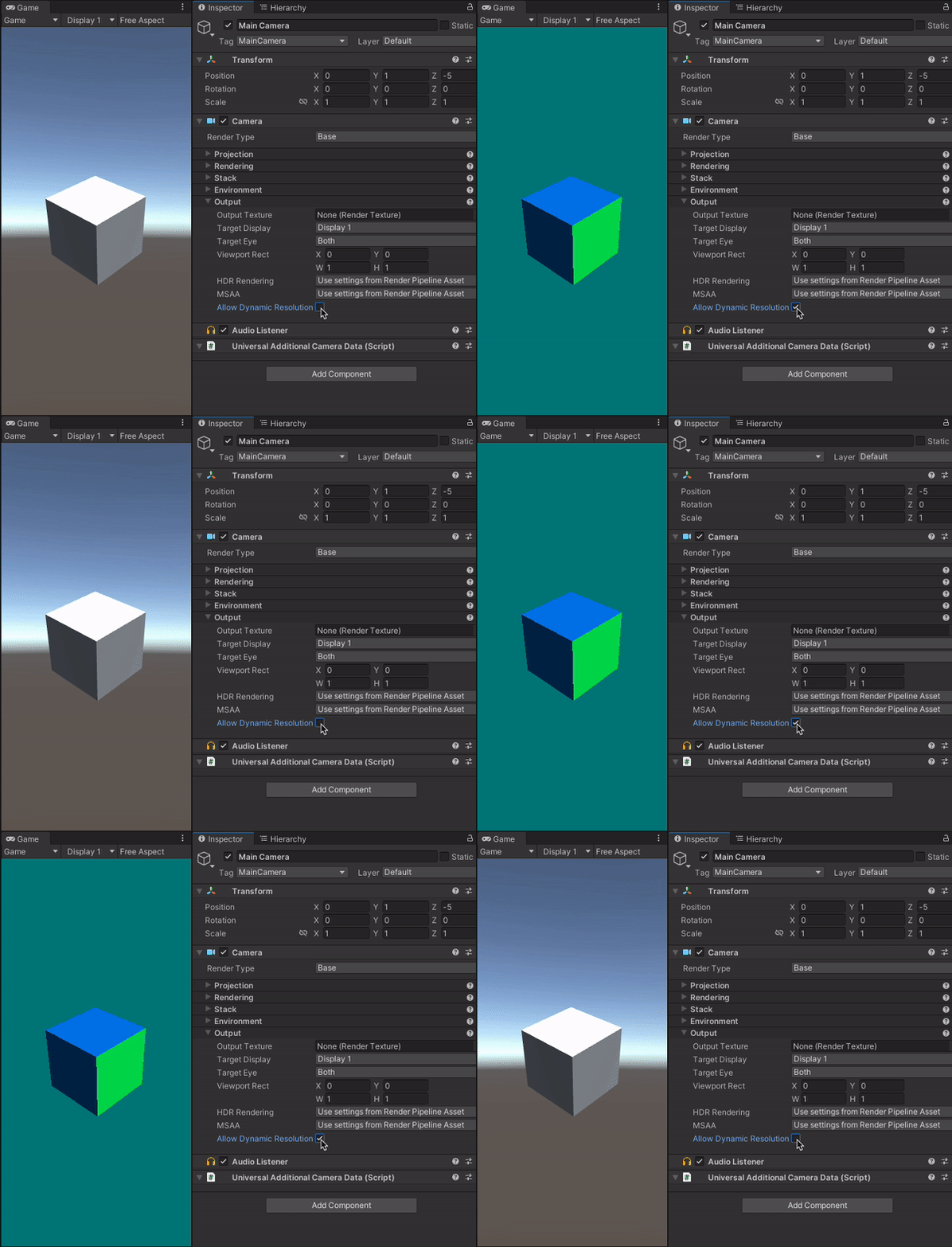
- Toggle “Allow dynamic resolution” on for the main camera.
(Optional: add a simple 3D object in the scene that is visible to the camera)
Result:
Game view does not show skybox or default unity mesh material. Instead, the background and surfaces of any game objects are a green/blue colour. The preview for the camera in the Scene view shows the correct image however.
Same problem occurs in the player when building the project on an iOS device.