I had similar problems when I was programming Pong with C++ but as it is, my character move is to move in four directions. Up, down, right, and left whilst facing the direction that he’s moving in. The character faces the correct angle while moving left or right but also ends up facing left or right whilst moving up or down. The code was adapted from this video:
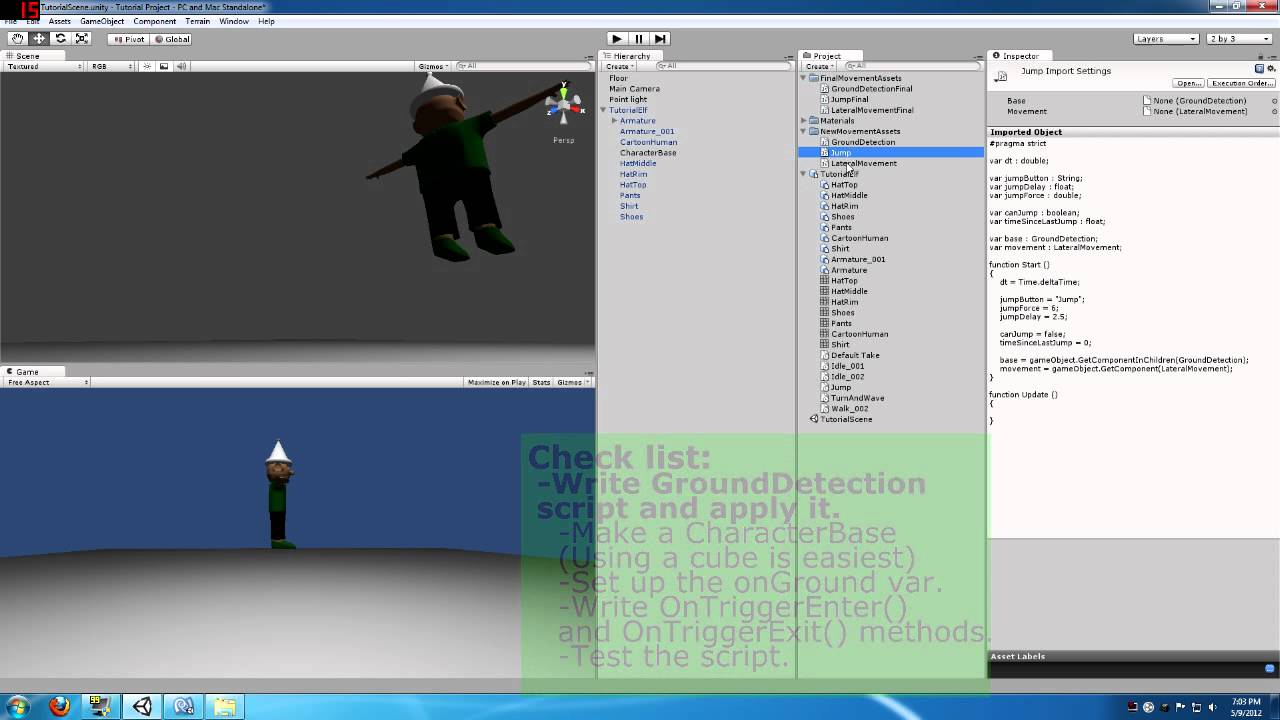
#pragma strict

var forward : Vector3;
var right : Vector3;
var dt : double;

var leftRotation : float;
var rightRotation : float;
var upRotation : float;
var downRotation : float;

var suspended : boolean;
var moveSpeed : double;

function Start ()
{

    forward = new Vector3(0, 0, 1);
    right = new Vector3(1, 0, 0);
    dt = Time.deltaTime;

    leftRotation = -0.7071069;
    rightRotation = 0.7071069;
    upRotation = -0.7071069;
    downRotation = 0.7071069;

    suspended = false;
    moveSpeed = 3.0;
}

function Update ()
{
       if (suspended)
       {
          return;
       }

       if (Input.GetKey(KeyCode.LeftArrow))
       {
         transform.rotation.y = leftRotation;
         transform.Translate (forward * moveSpeed * dt);
         animation.Play("run");
       }

       else if (Input.GetKey(KeyCode.RightArrow))
       {
         transform.rotation.y = rightRotation;
         transform.Translate (forward * moveSpeed * dt);
         animation.Play("run");
       }

       if (Input.GetKey(KeyCode.UpArrow))
       {
         transform.rotation.y = upRotation;
         transform.Translate (right * moveSpeed * dt);
         animation.Play("run");
       }

       else if (Input.GetKey(KeyCode.DownArrow))
       {
         transform.rotation.y = downRotation;
         transform.Translate (right * moveSpeed * dt);
         animation.Play("run");
       }

}

function SetSuspension (setting : boolean)
{
   suspended = true;
}
Perhaps I didn't really make clear what I'm trying to do. I'm trying to get the character on a flat plane to move forward, backward, left, or right and face the direction that he's moving. If I used the 'x' axis he'd run upward into the air and defy physics. As it is though he moves in all of the correct directions with the code I pasted but only faces the correct direction for the leftkey and rightkey movements. Ever see the way the charaters move in games like FFVIII? That's basicly what I'm trying to do.
– LenientStar13