Float is way faster probably, but what if I have very small values multiplied with high values .g. Would it be better to use double? All the Unity API classes are for floats only. Is it more precise to use Vector3.x, Vector3.y, Vector3.z instead of Vector3? Or is it internally all at maximum float precision?
1 Like
I think it really depends on I what your are working with. What do these number relate to? What are they being used for?
They are used for a sort of planetary simulation using attraction and rejection.
I didn’t find any explanation about the true precision of Vector3. If I print the values out they have only two point precise. but how are they handled when using them, full float precision?
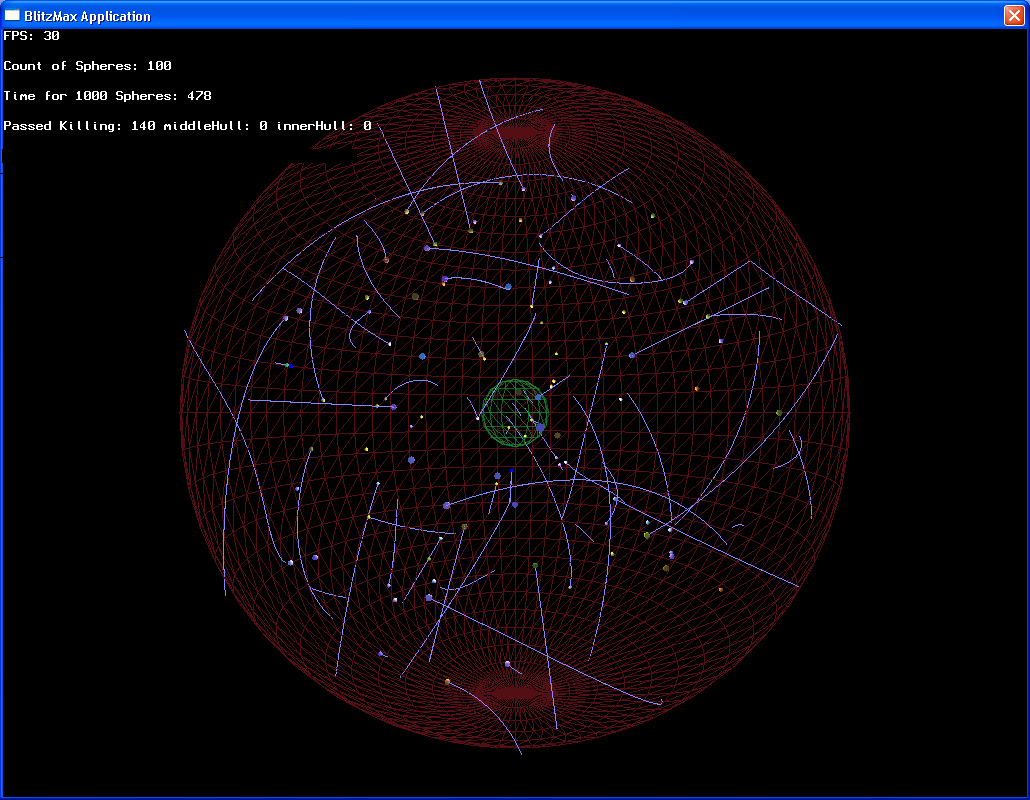
I made a few tests with Vector3 and floats.
function Start () {
	var v1 : Vector3 = Vector3(0.12,0.19,0.37)*1000/3;
	var v2 : Vector3 = Vector3(0.62,0.29,0.17)*1000/9;
	var res : Vector3 = v1-v2;
	Debug.Log (res+ " : " +res.x);
}
The result is (-28,9, 31,1, 104,4) : -28,88889
What I don’t understand is why res.x gets truncated, even though I scaled it before?
New Test with doubles:
import System;

function Start () {
	var v1pX : Double = 0.12 /3;
	var v2pX : Double = 0.62 /9;

	Debug.Log (v1pX + " - " + v2pX + " = " + (v1pX - v2pX));
}
Result:
0,0399999991059303 - 0,068888889418708 = -0,0288888903127776
The true result should be -2,88888888888889E-02
So, what to do? If even scaling doesn’t prevent truncating precision and doubles are not precise neither… Should I scale the complete system and only downscale when it comes to rendering?
ReEdit 
function Start () {
	var v1pX : float = 0.12 *1000/3;
	var v2pX : float = 0.62 *1000/9;
	var respX : float = (v1pX - v2pX) /1000;

	Debug.Log (v1pX + " - " + v2pX + " = " + respX);
}
Ok, this is the best possible result:
40 - 68,88889 = -0,02888889 (imagine v1 and v2 /1000 )
So, the moment I use Vector3 I have problems?
If i change the topmost example…
	var res : Vector3 = (v1-v2) / 1000;
	Debug.Log (res+ " : " +res.x);
I get a only seemingly correct result:
(0,0, 0,0, 0,1) : -0,02888888
The question is a bit unclear, as the real answer to your question (“because the amount of pixels on the screen is limited”) is probably not what you want to know :P.
What your question probably comes down to, is what is the trunctation based on? The answer is: on the implemention of ToString() for the specific data type you use. Vector3.ToString() truncates its x,y,z members to 1 decimal digit, float.ToString() to 5 decimal digits. If you want to control the truncation used for printing yourself, use res.x.ToString(“F4”) where you can replace the ‘4’ to specify the amount of decimal digits to use.
The values for Vector3.x, y and z are all floats and have as much precision as floats can offer. The truncation you see is purely printing preference. Keeping track of significance and truncating accordingly, is something you will have to do yourself.
And about the precision issue, I suggest reading:
But using
Debug.Log (res+ " : " +res.x.ToString(“F10”));
in the topmost example still doesn’t give me the expected result:
(-28,9, 31,1, 104,4) : -28,8888900000
I would have expected -28,8888888889
as 0.12 * 1000 / 3 = 40.0
0.62 * 1000 / 9 = 68,8888888888889
= -28.8888888888889
You see, I stay in the 1000xScale. It seems as if Unity first divides and then multiplies.
Edit: I don’t understand this!!
function Start () {
	var v1 : Vector3 = Vector3(0.12,0.19,0.37)*1000;
	var v2 : Vector3 = Vector3(0.62,0.29,0.17)*1000;
	var v1P : float = v1.x / 3;
	var v2P : float = v2.x / 9;
	var res : float = (v1P-v2P);
	Debug.Log (res);
The result is: -28,88889
Why???
If I let Unity calculate 620.0/9.0 I have 68,88889.
Floating point precision is higher than this or am I wrong?
I think you expect too much accuracy from floating points. Did you read the wikipedia article I linked?
I tried your test with floats and doubles in c#:
Debug.Log("result float: " + ((0.12f * 1000.0f / 3f) - (0.62f * 1000.0f / 9.0f)).ToString("F10"));
Debug.Log("result double: " + ((0.12 * 1000.0 / 3.0) - (0.62 * 1000.0 / 9.0)).ToString("F10"));
The float version gives the same result as your unexpected (-28,8888900000), the double version gives better precision and matches your expectation at least until the 10th digit. However, I can assure you that at some decimal place, the double will also divert from your expected result.
This is all a consequence of the nature of floats and doubles: they are approximations and can’t usually represent the number you expect (if you read the wikipedia article, you’ll see that even a number as simple as 0.1 cannot be represented without error).
If you need extreme precision, your best hope are doubles, but keep in mind that the GPU will eventually deal with floats, so you will loose precision in the end (but using doubles in all calculations before that will obviously help precision).
Note that this is not a Unity issue. Unity floating points are no different from floats in other languages/platforms.
No, it’s not. What you see is the expected result. Around 7 significant digits.
Rune
Yes, yes, you are all right and I am an idiot 
Maybe I got spoiled from using python 
I guess it all clouded up my brain because of this Thread I can’t come to any solution. Sorry…