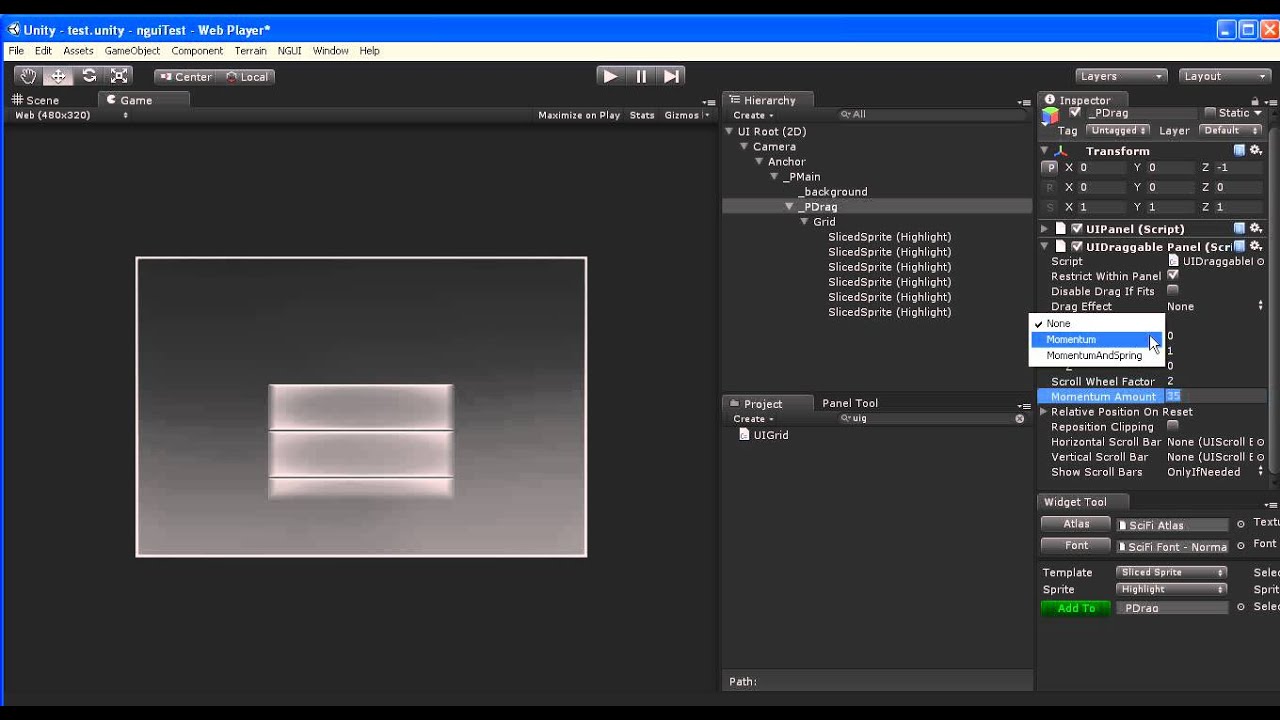
I am trying to make a GUI element which contains a list of inventory items, it is basically just like a big table. Now looking at the NGUI scrollbar tutorial they use a clipping area and have another panel with a scrollbar, but I cannot see how they link the scrollbar from one panel to the other panel? Is this some magic step which isn’t documented too well or do you have to manually just adjust the scrollbar values based on the amount of elements within the list yourself?
Forgetting the scrollbar problem for a moment I am also a bit unsure as to how I should add each row in the list. I made a prefab which contains a dummy GameObject which then contains 4 labels which are displayed in-line. Now assuming the list container element is a panel with the UIGrid script applied (the tutorial said to include this), then I have a c# script applied which takes the list of items and tries to instantiate the (lets call it) ItemRowPrefab for each item in the list. So 10 items in the inventory should create 10 ItemRowPrefabs and then add them to the panel acting as the list container. The problem here is that to call the instantiate method for ItemRowPrefab it requires me to have an existing object to copy from, so should this just be a call to var dummyItemRowPrefab = AddComponent then pass that in as the instantiate argument for existing object? If that is the case, how do I then add the instantiated object to the panel? I can get hold of the panel but there doesn’t seem to be any simple methods to AddObject(object).
Sorry for all the waffle but wanted to give as much context as possible as to what the problems are that I am facing.