I followed a simple tutorial to make an FPS character. The character is just a capsule and it all works fine. Then I added another capsule and made it very long and skinny, for a spear for my character. Now, I can look around a little, then it goes crazy. The rigidbody on my character is set to only rotate in the Y axis, but that doesn’t stop it. Here’s a video of the behavior:
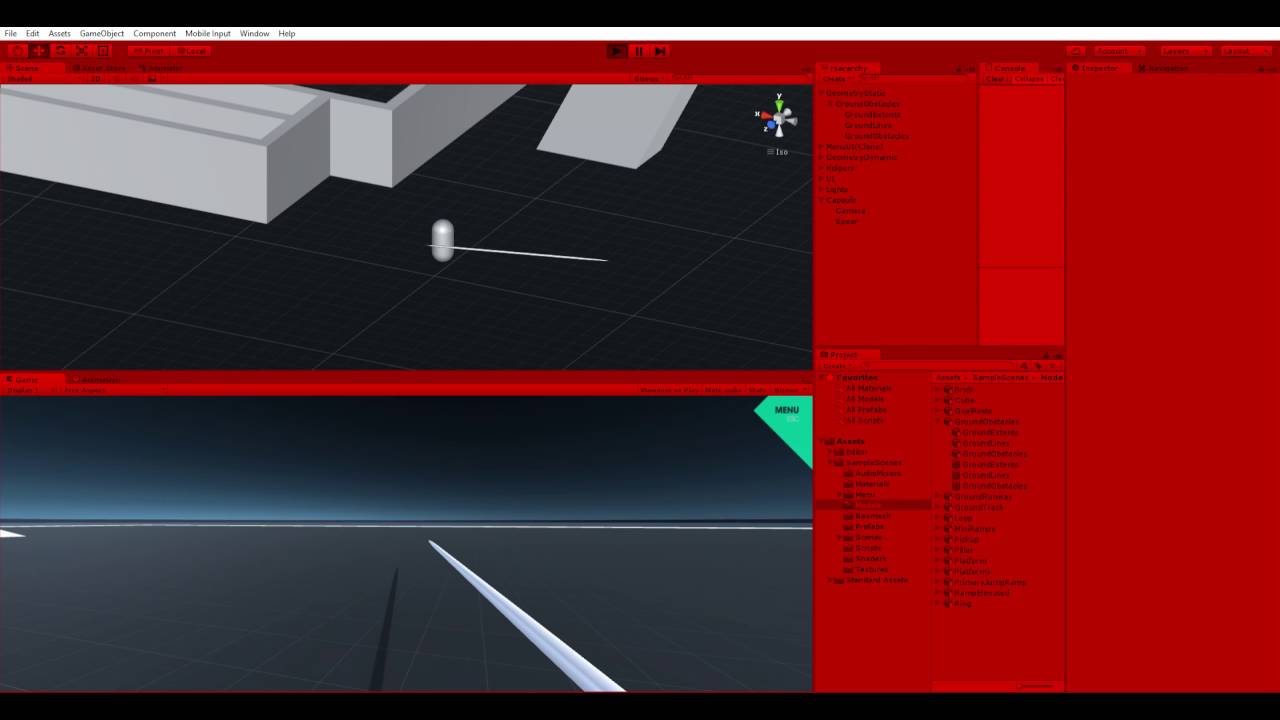
If I comment the very last line of code out, then the character doesn’t do that…of course he doesn’t rotate to the sides like he should either. This is the code for the mouse look.
using UnityEngine;
using System.Collections;

public class camMouseLook : MonoBehaviour
{

    Vector2 mouseLook;
    Vector2 smoothV;
    public float sensitivity = 5.0f;
    public float smoothing = 2.0f;
    GameObject charachter;

    // Use this for initialization
    void Start ()
    {
        charachter = this.transform.parent.gameObject;
    }

    // Update is called once per frame
    void Update ()
    {
        var md = new Vector2(Input.GetAxisRaw("Mouse X"), Input.GetAxisRaw("Mouse Y"));

        md = Vector2.Scale(md, new Vector2(sensitivity * smoothing, sensitivity * smoothing));
        smoothV.x = Mathf.Lerp(smoothV.x, md.x, 1f / smoothing);
        smoothV.y = Mathf.Lerp(smoothV.y, md.y, 1f / smoothing);
        mouseLook += smoothV;

        transform.localRotation = Quaternion.AngleAxis(-mouseLook.y, Vector3.right);
        charachter.transform.localRotation = Quaternion.AngleAxis(mouseLook.x, charachter.transform.up);

    }
}
Any ideas? THANKS!