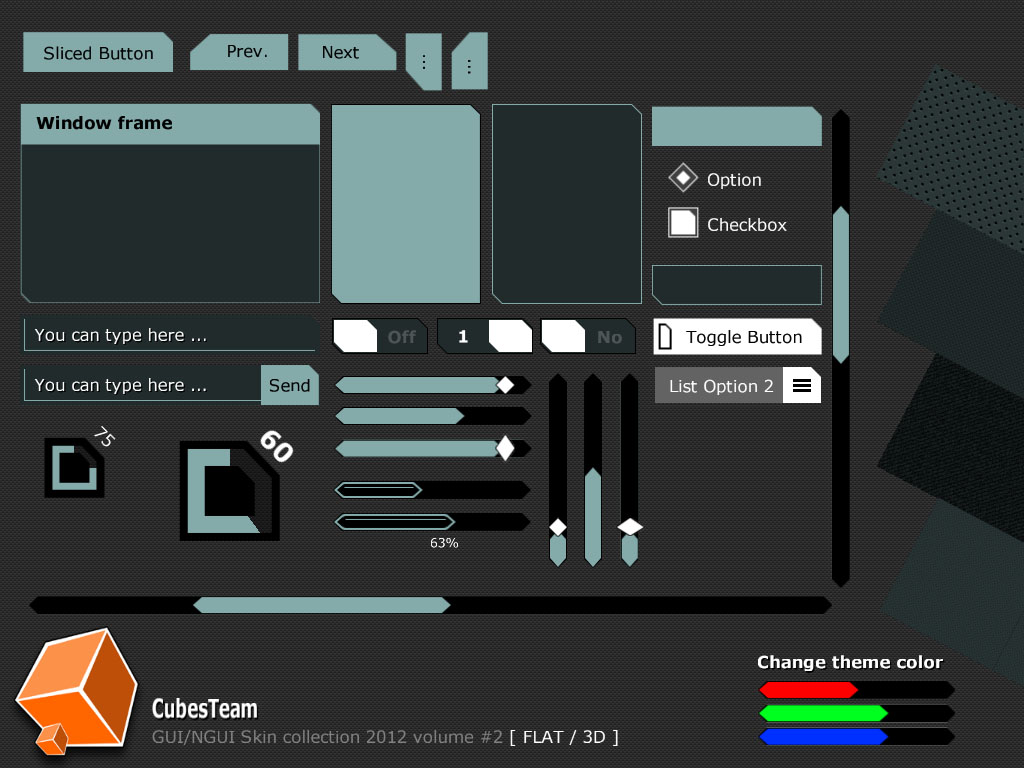
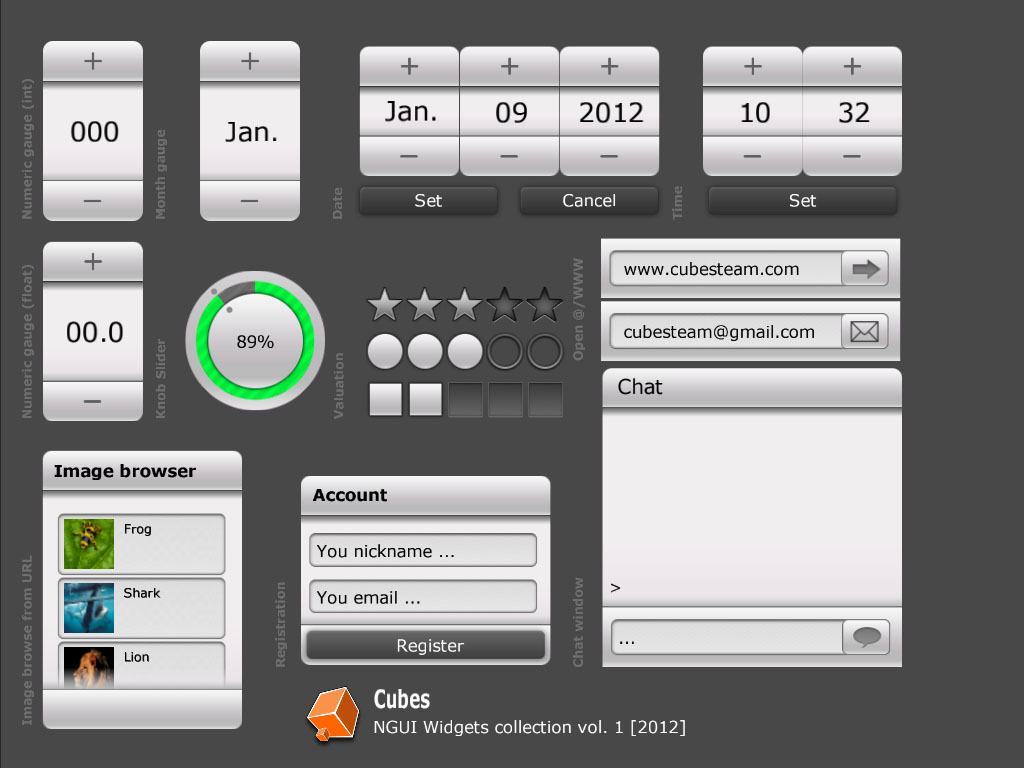
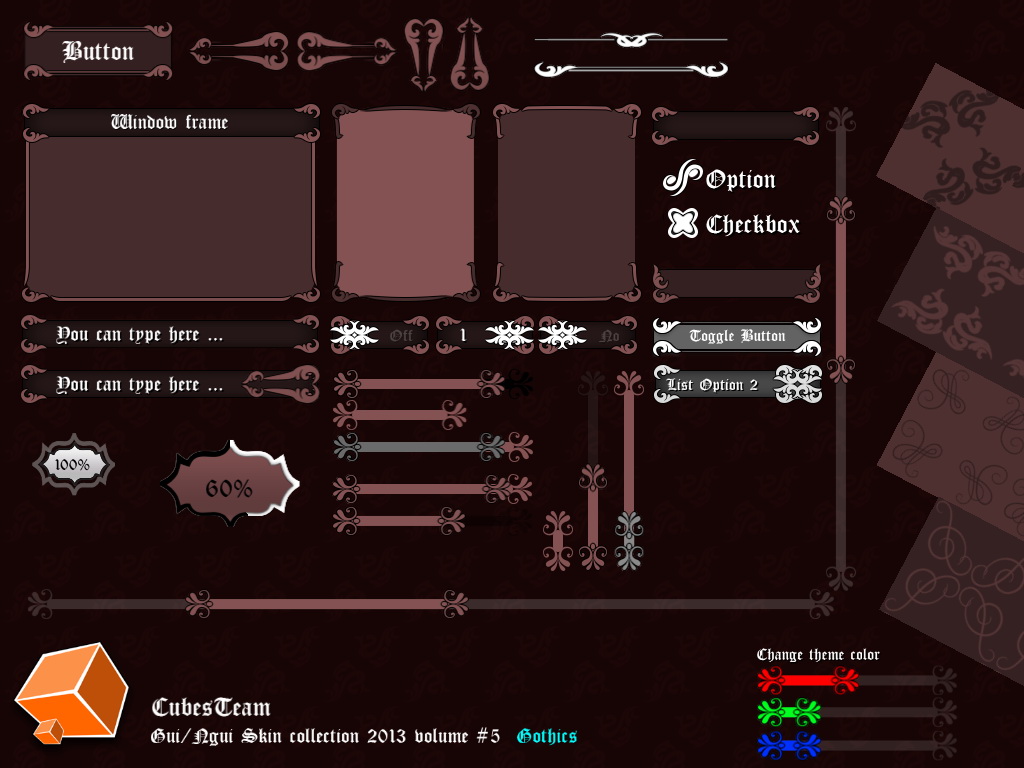
This looks awesome and I’m almost definitely going to buy this … IF you have thought of providing a Retina resolution version of the graphics
With that, I’ll probably also buy any future themes you make.
Another question - but not as important for me ATM (for obvious reasons ): Are you planning to make these compatible with the new Unity GUI once it is available? Of course, assuming it’s possible
PSD is layered and sliced and every sliced box has same name like sprite. This is my best trick for quick export, becasue when you press [Save for Web …] from File menu with preset PNG-24, you can export all images at once
Here is help how-to use generated atlas prefab from collection in your project without generating new one atlas prefab.
Prepare ATLAS SKIN:
Create folder [SkinAtlas]
copy folder “DarkSkin” from Assets\NGUI_Skin_volume_1\Assets into “SkinAtlas”
copy Verdana_32.prefab and Verdana_32B.prefab too
Prepare material GUI_skin_master_vol_1.mat:
4) select material GUI_skin_master_vol_1.mat in Project Browser
5) click on empty texture in Inspector and select new: GUI_skin_master_vol_1.png
Prepare prefab GUI_skin_master_vol_1.prefab:
6) Select prefab in Project browser
7) drag and drop GUI_skin_master_vol_1.mat into Inspector and set material field
I’ve asked before but maybe you’ve missed it: Do you also provide double resolution graphics as they are needed to support high density displays, like the Retina displays of modern iOS devices?
sorry I forgot on you. When you help it, all items in PSD are layered and created as path. You can resize PSD file to double size without quality losing and then export all sprites again with “Save for Web …”, but then you need fix padding and slice values on sprites again, maybe (this part I have never tried)
Thank you for the info. Items in PSD being layered and created as path sounds really good. So except for the Sci-Fi collection, it should work with a little bit of work; I’ll give that a try!
Hi,
I encounter a small issue with the widget collection and the latest NGUI.
When I scroll the list, the thumbs are not hid with the rest of the item and I got this error :
Can you help figuring this out ?
Thank you in advance
Anthony
Sorry, Problem is that I forgot set correct shader for ALL images.
You need set shader on UITexture to: Unlit/Transparent Colored (SoftClip), then are all images clipped correctly.