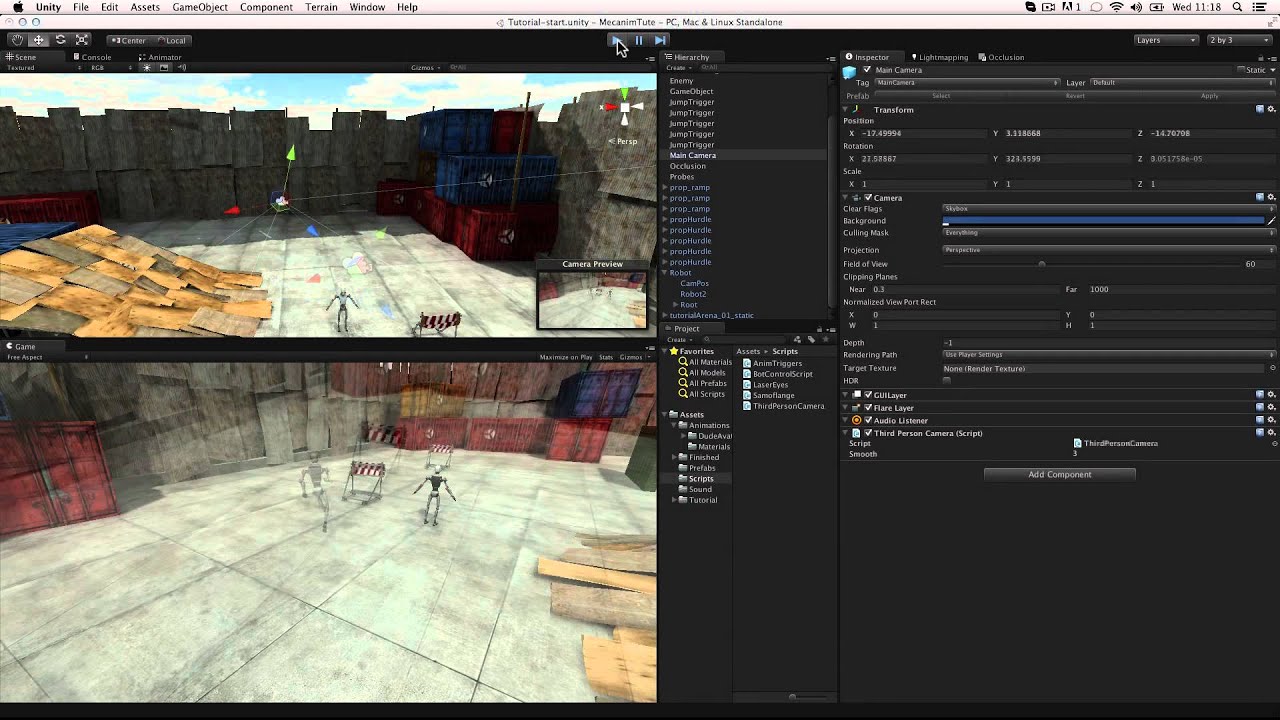
I currently have a Walking animation, 2 strafing animations, and the walk animation in reverse, but I am unsure how to make the game notice what direction I’m moving so that it can play the correct animation…
Walking = forward relative to the character
Strafe Left = when I move to the left
ETC.
I thought about just doing something like
If(Input.GetButtonDown(“w”))
{
animation.CrossFade"Default Walk"
}
If(Input.GetButtonDown("a"))
{
     animation.CrossFade"Left Strafe"
}

If(Input.GetButtonDown("d"))
{
     animation.CrossFade"Right Strafe"
}

If(Input.GetButtonDown("s"))
{
     animation["Default Walk"].speed = -1;
     animation["walk"].time = animation["walk"].length;
     animation.CrossFade("Default Walk",0.2);
}

But I was wondering is there a way to do something similar using the

If(Input.GetAxis("Horizontal")
{
    Controller.Move((horizontal * (walkSpeed * Input.GetAxis("Horizontal"))) * Time.deltaTime);
}

If(Input.GetAxis("Vertical")
{
    Controller.Move((vertical * (walkSpeed * Input.GetAxis("Vertical"))) * Time.deltaTime);
}